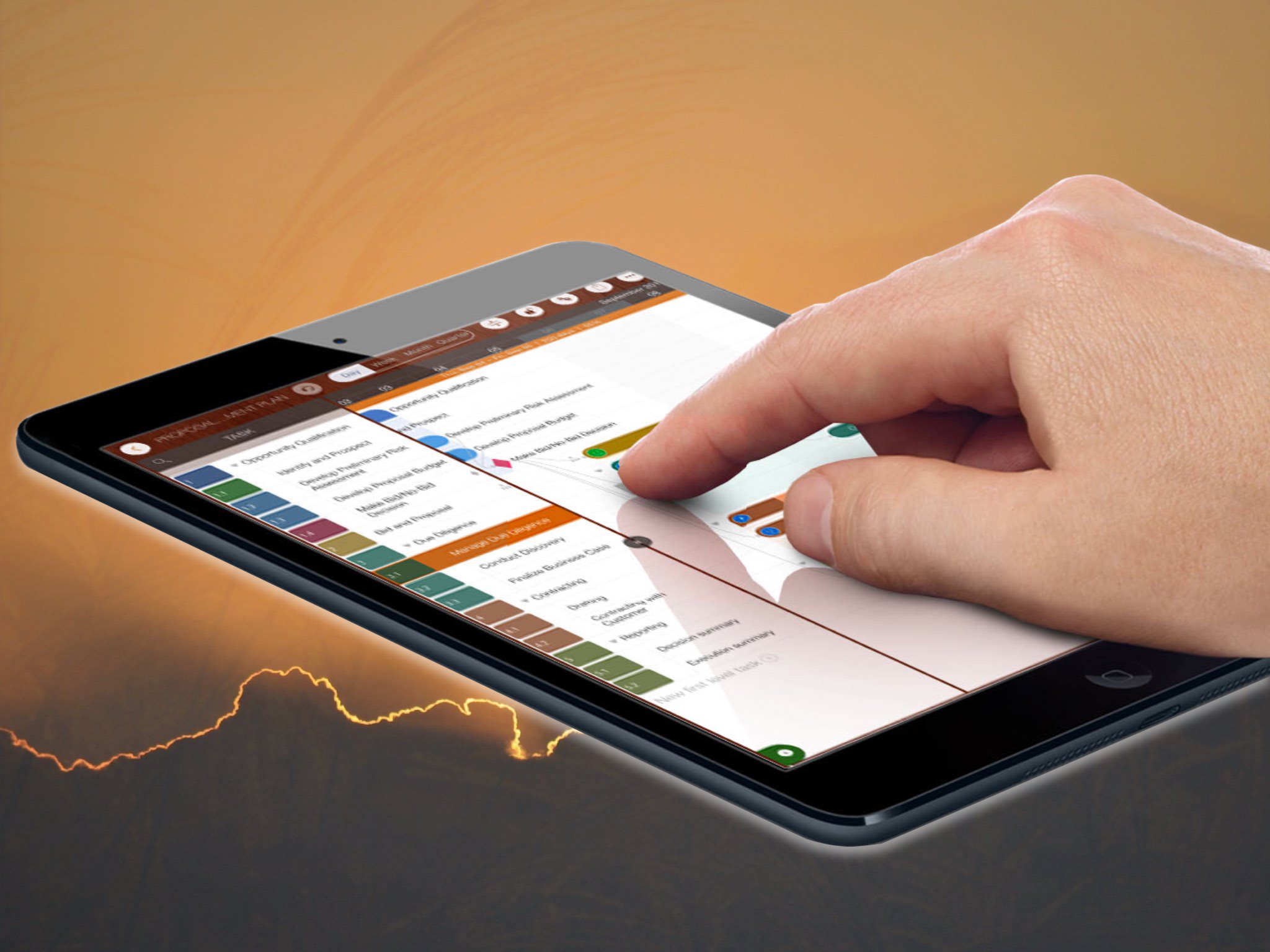
Gesture | QuickPlan
QuickPlan's primary design goal is to enable users to focus on business and project planning while minimizing the effort and learning curve. We aim to make QuickPlan more efficient than other Gantt apps—a significant challenge, especially when designing for iOS devices.
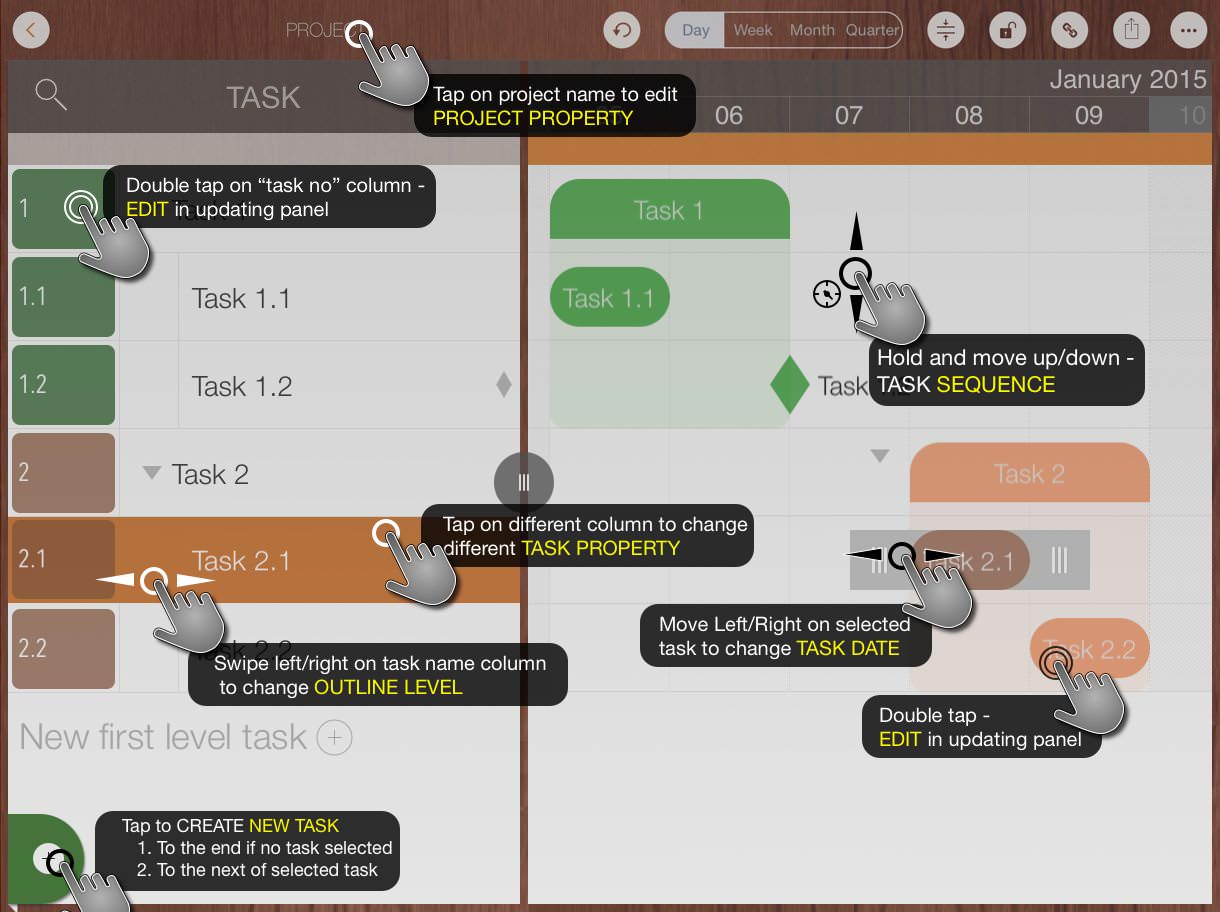
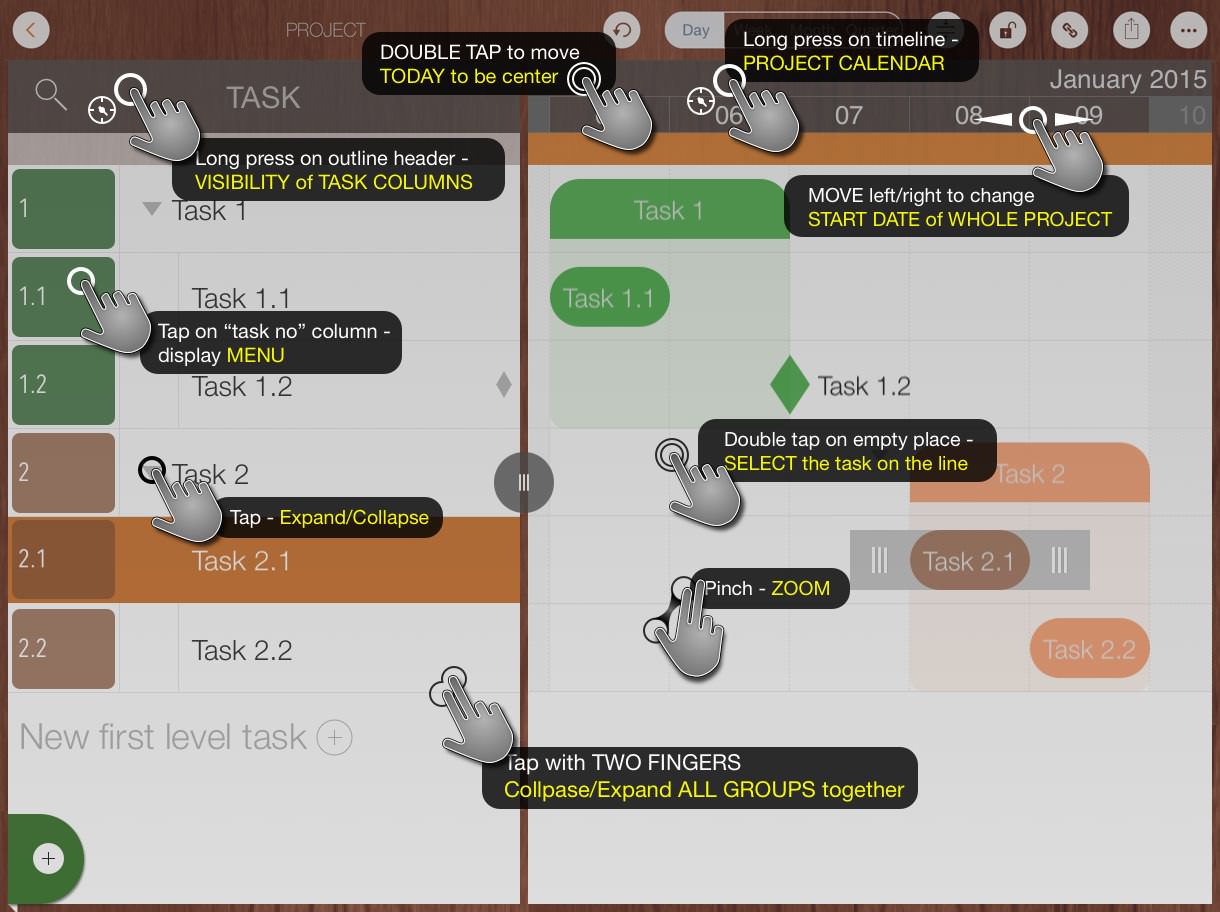
"Natural Gestures" and "Keyboard Shortcuts" are key QuickPlan features that enable convenient, fast, and efficient project planning. Natural Gestures allow users to perform common actions like adding, editing, and moving tasks with simple touch interactions, facilitating easy navigation and manipulation. Keyboard Shortcuts provide a quick, efficient way to perform actions without lifting fingers from the keyboard, ensuring a seamless workflow. Together, they enhance the user experience and streamline planning, making QuickPlan a powerful tool for professionals.
Similarly, QuickPlan for macOS incorporates comparable mouse gestures and keyboard shortcuts to enhance the user experience and improve efficiency.
These Quick Start videos provide detailed, step-by-step instructions on using QuickPlan, including natural gestures and keyboard shortcuts on both iOS and macOS devices.
© 2013 ~ 2026 COPYRIGHT QUICKPLAN | All Rights Reserved
Swift Apps