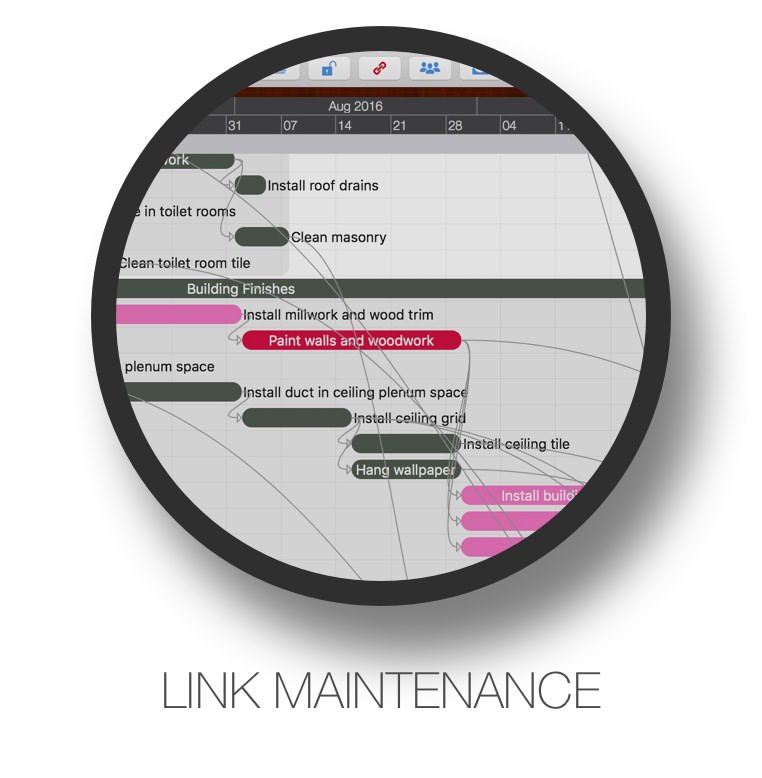
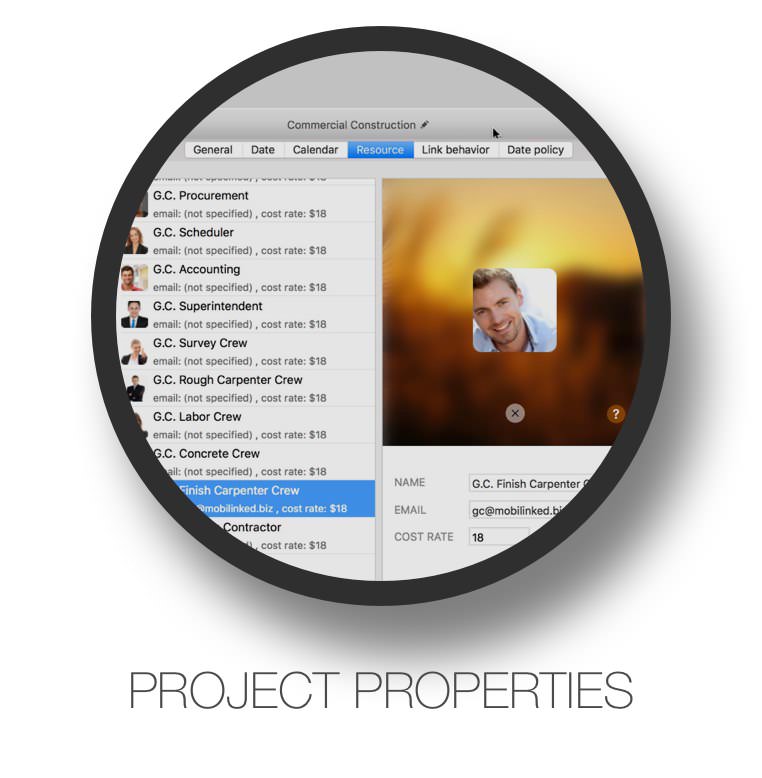
QuickPlan prioritizes EASE and EFFICIENCY in organizing your professional projects, plans, efforts, goals, and personal life on Apple devices, delivering the most effective planning experience with minimal effort and a gentle learning curve.
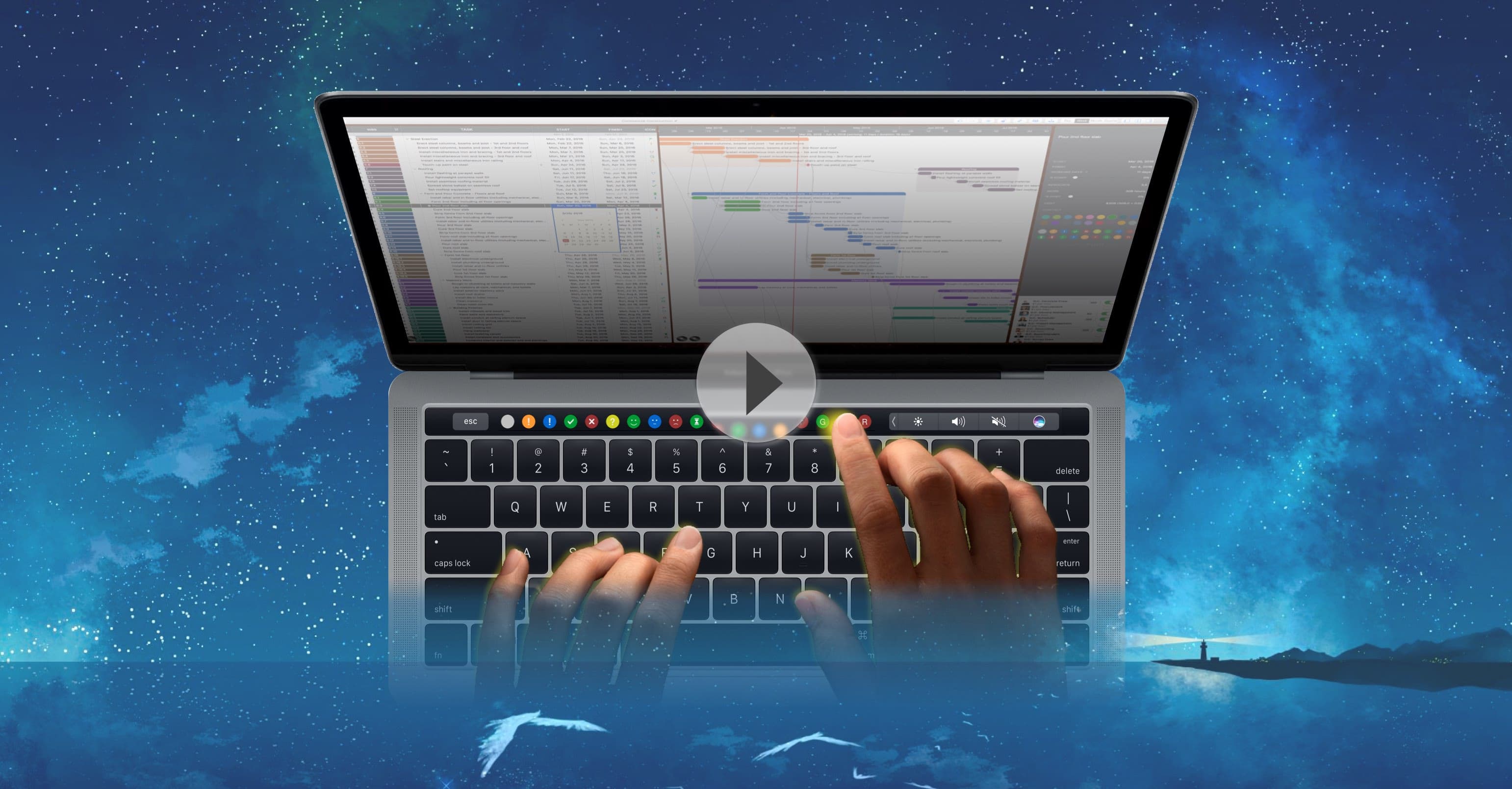
Touch Bar support for quick access to frequently used functions.
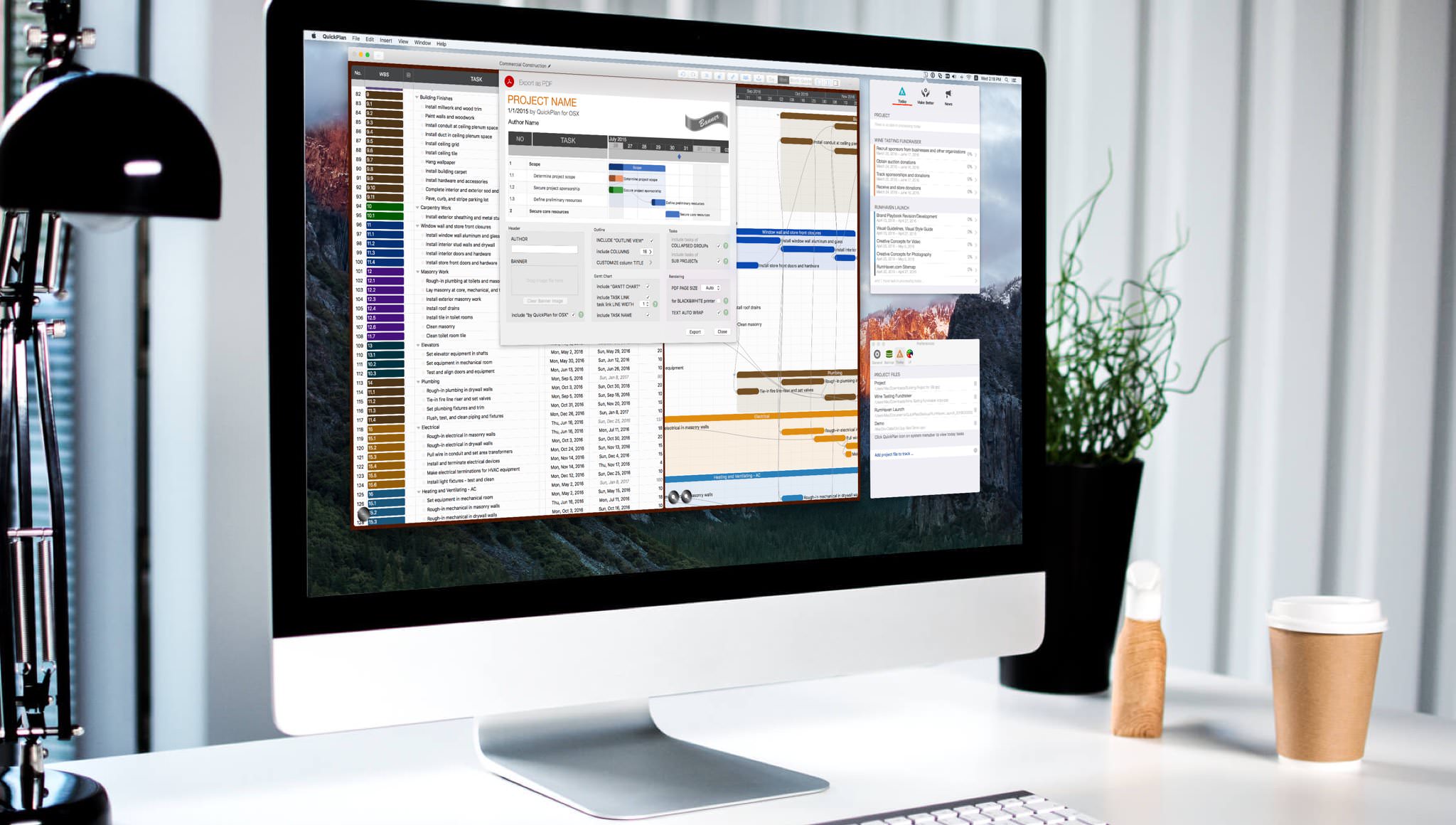
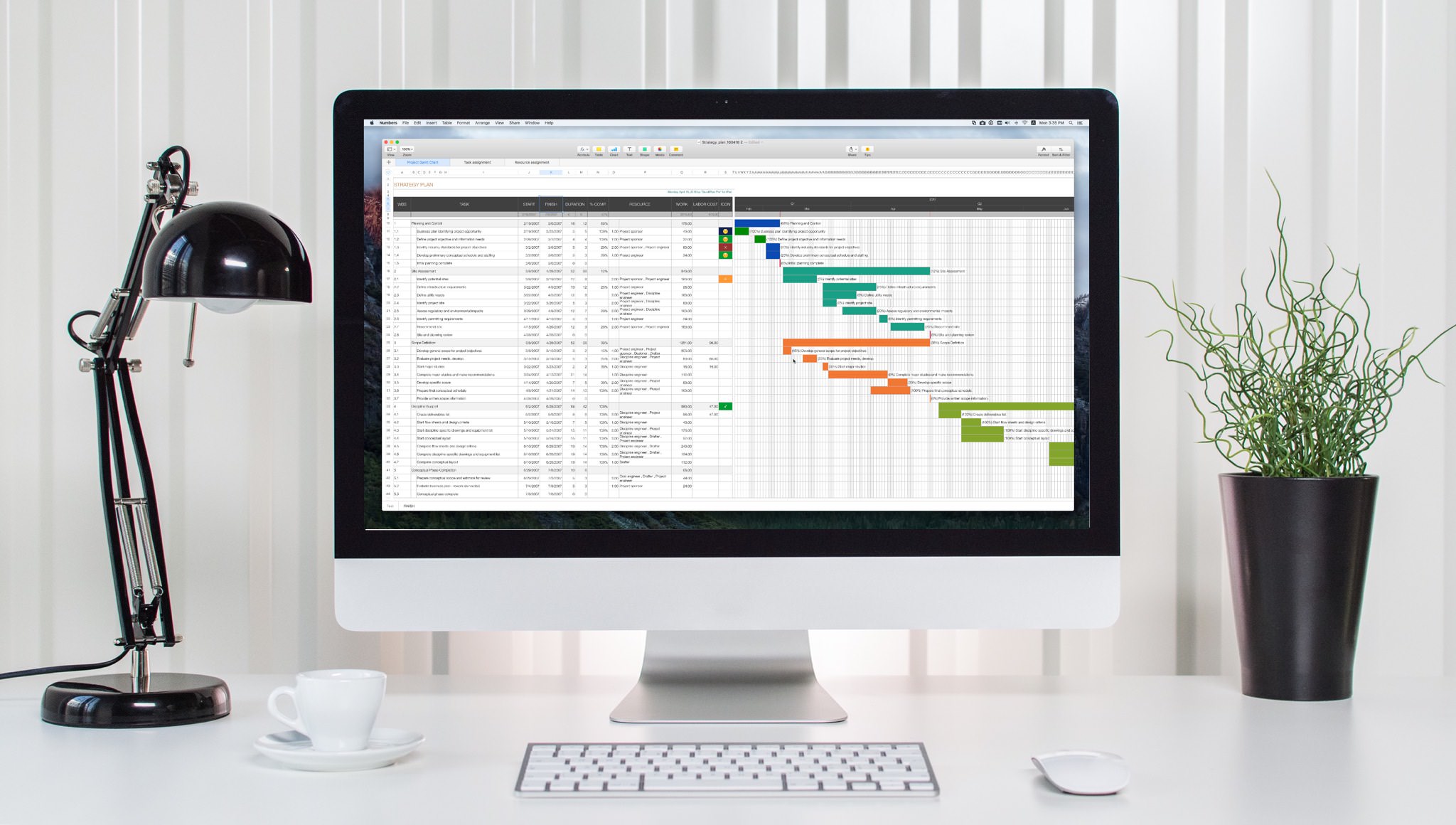
Exporting to PDF, CSV, and Image files with customization options
Sync across iOS and Mac devices via iCloud Drive.
MS Project, Mind-Map, WBS, Excel, iCal, and Contact integrations.
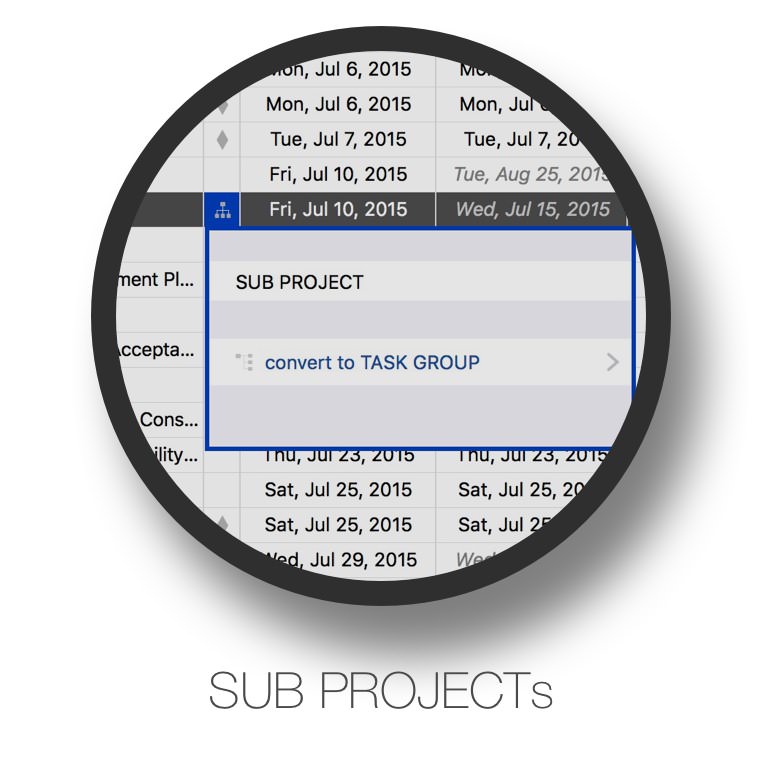
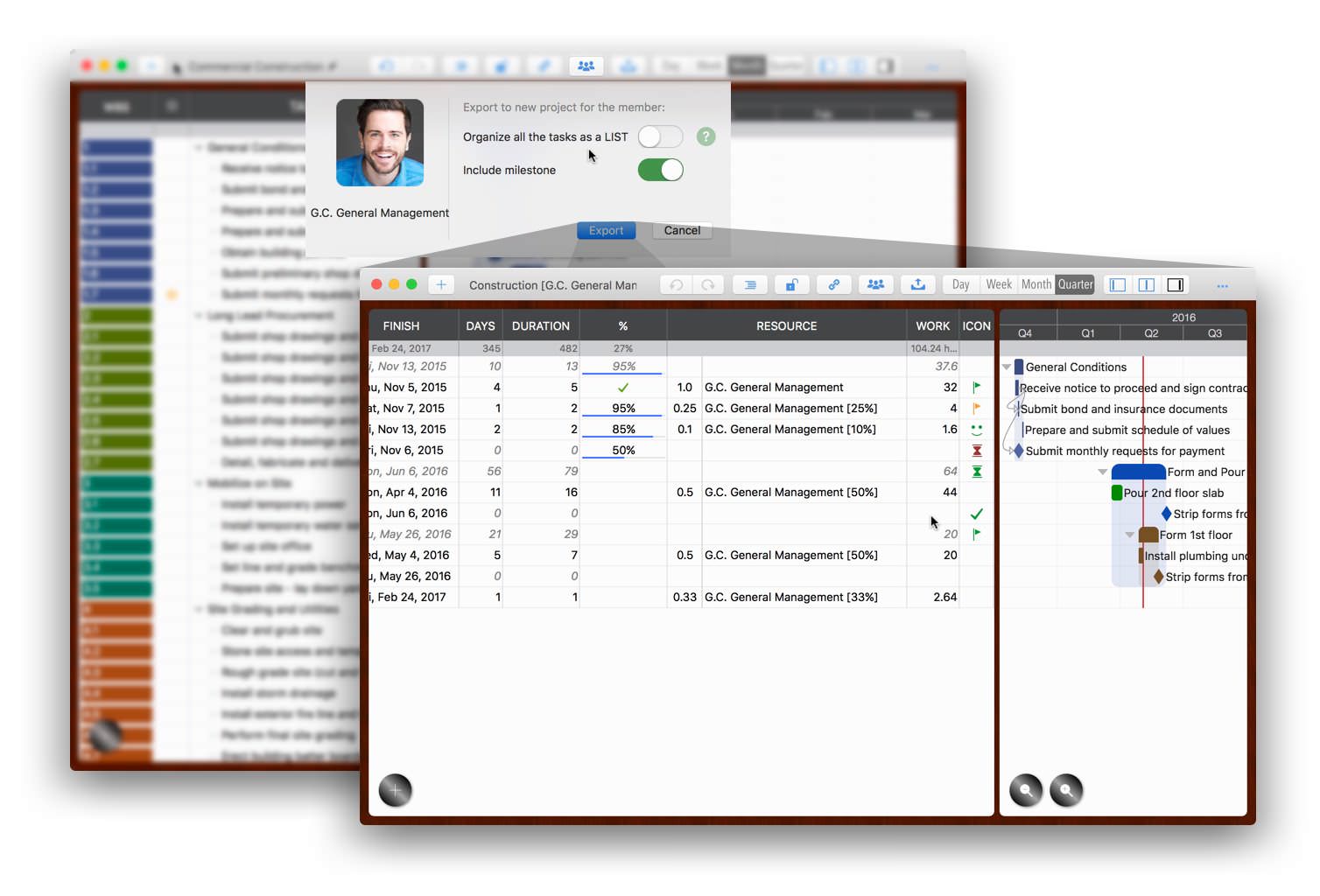
Create partial projects for specific project members or from a task group.
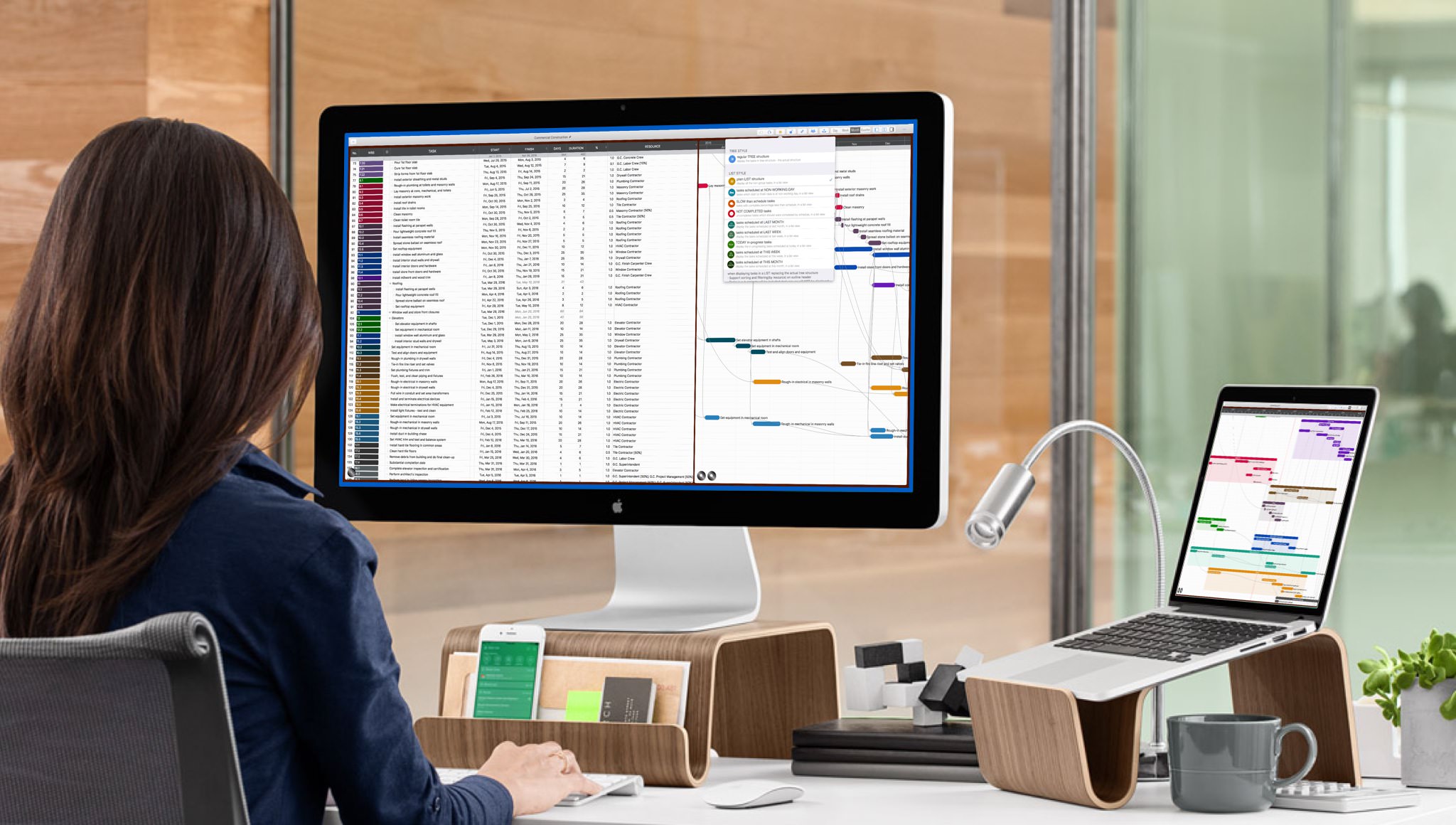
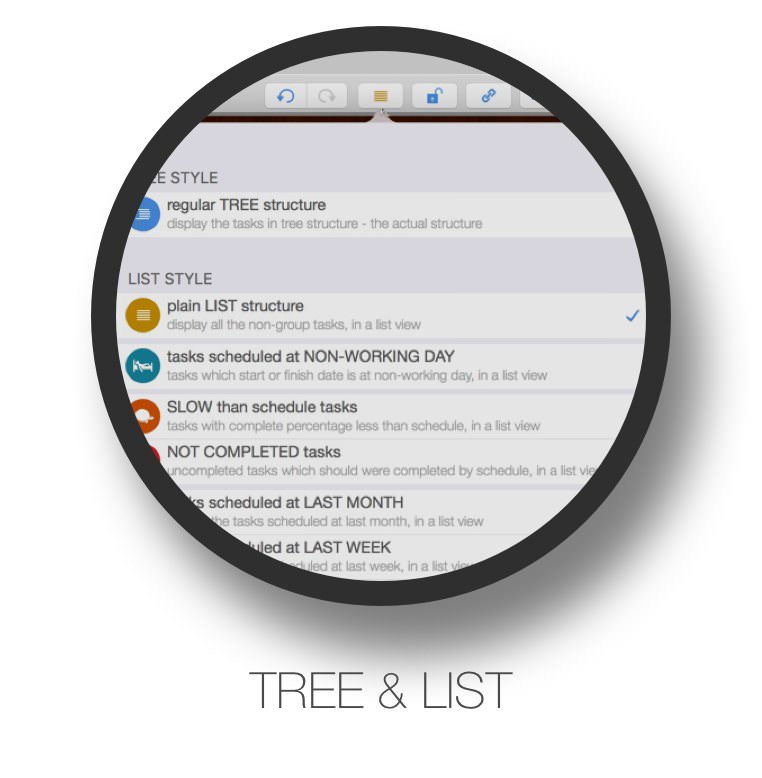
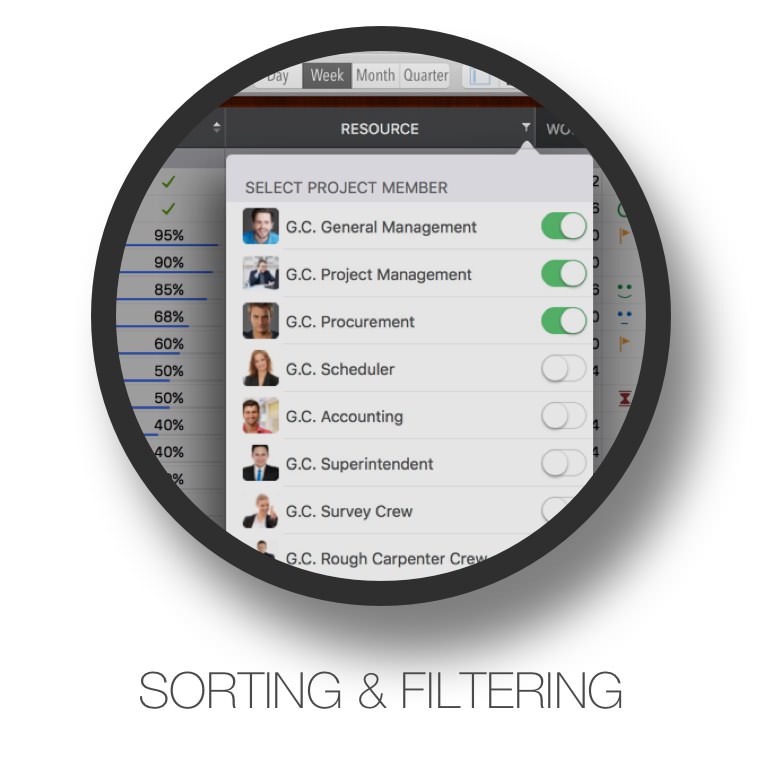
Display in Tree and List style with support for sorting and filtering.
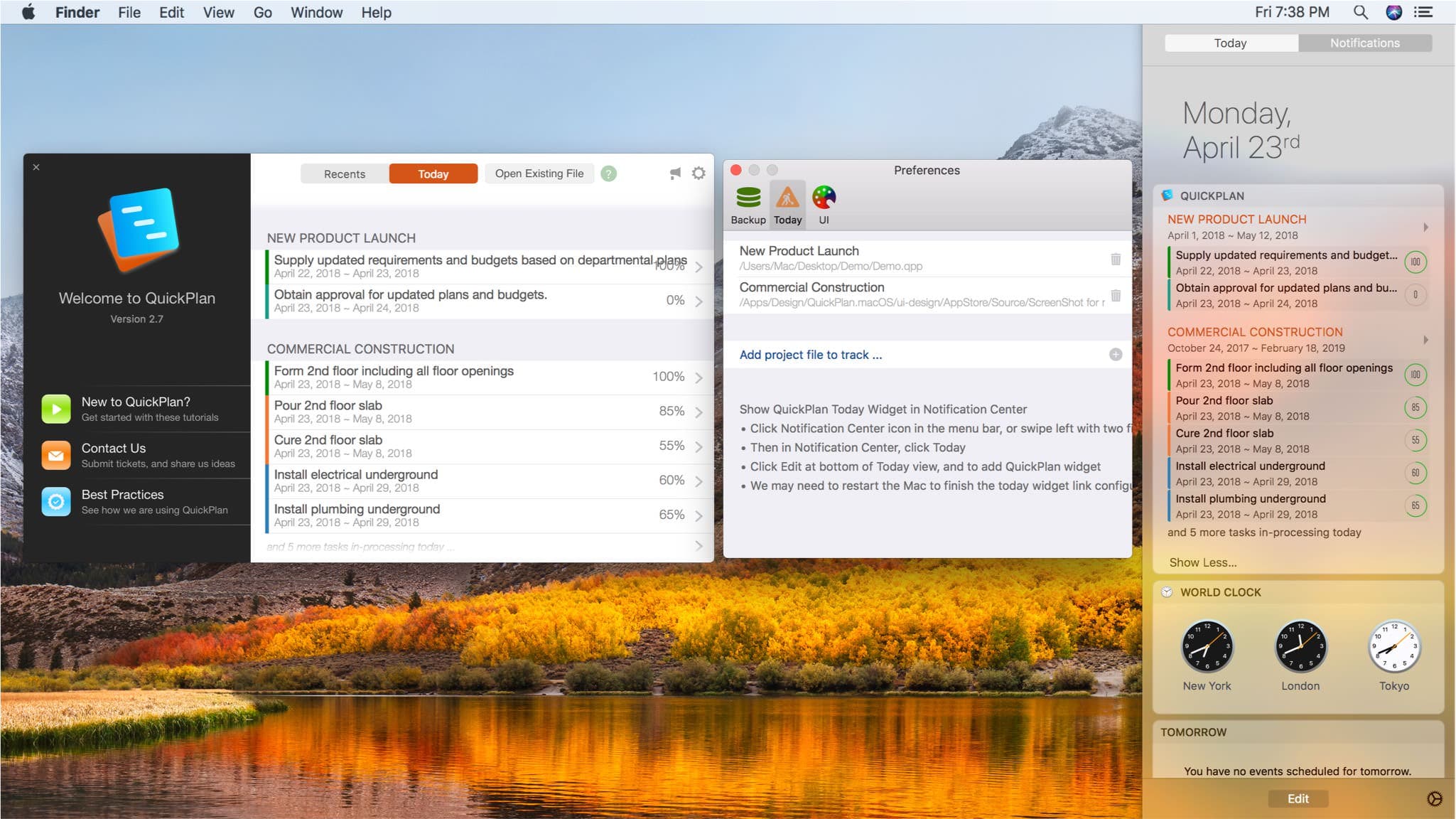
Today widget, and in-app today task list for up to 10 projects.
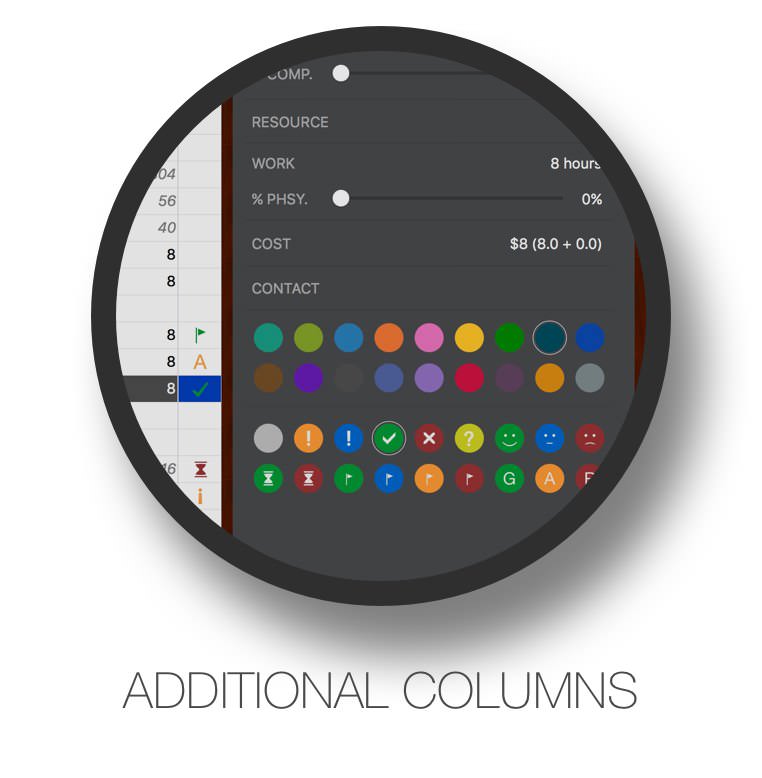
Format, title, and visibility options for task columns, task links, timeline, etc.
LIGHT and DARK modes with auto-switching based on system settings.
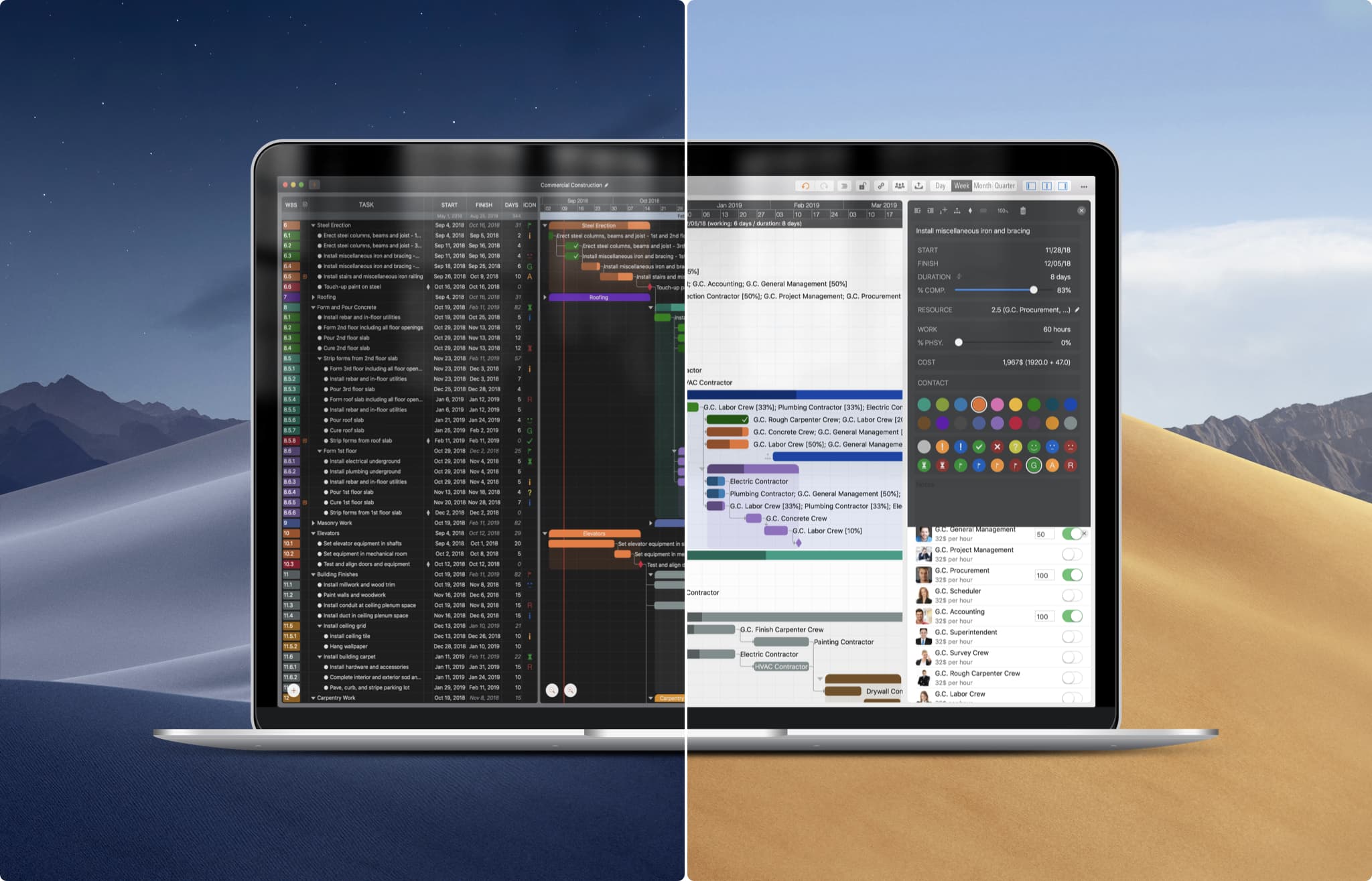
Flexible task maintenance on the outline list, Gantt chart, and inspectors, with natural (mouse) gestures and well-designed keyboard shortcuts – makes planning more comfortable, faster, and more efficient.
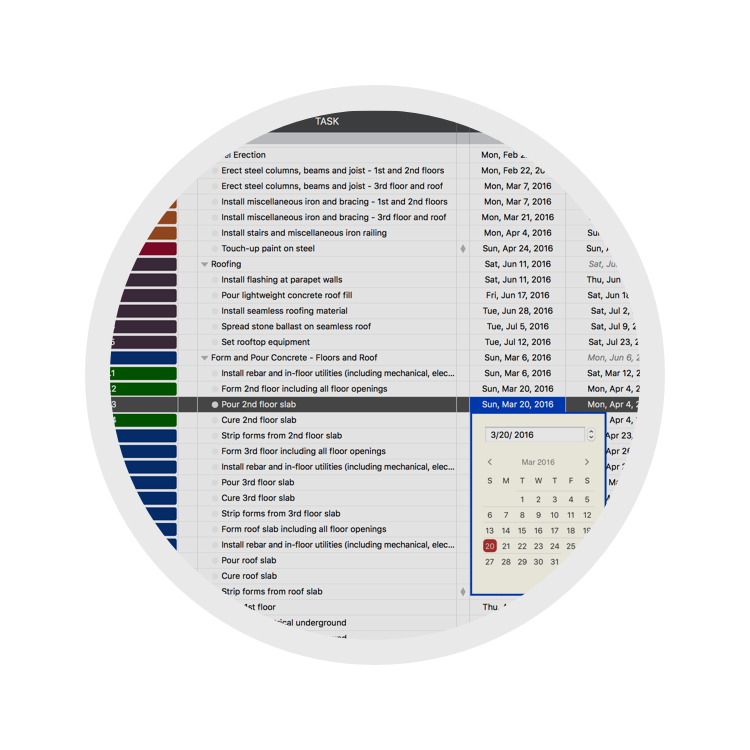
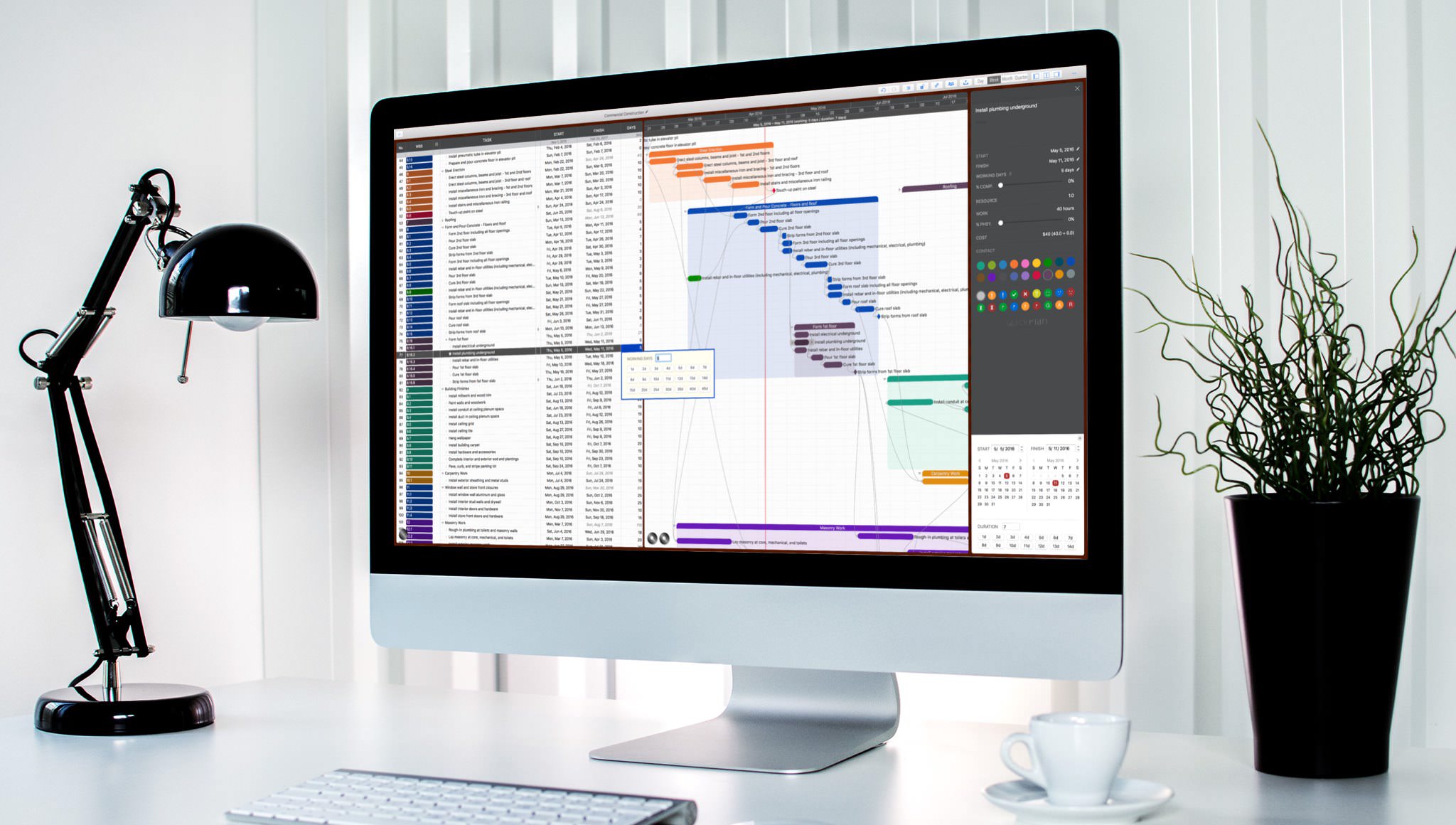
The Outline panel maintains task properties in a grid format with well-designed keyboard shortcuts.
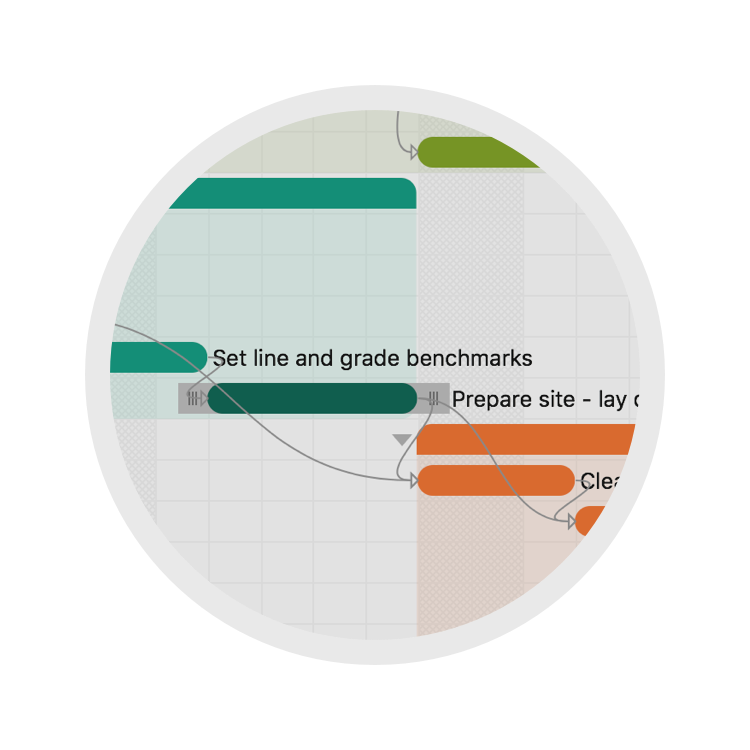
The Gantt chart provides intuitive task management with natural gestures and keyboard shortcuts.
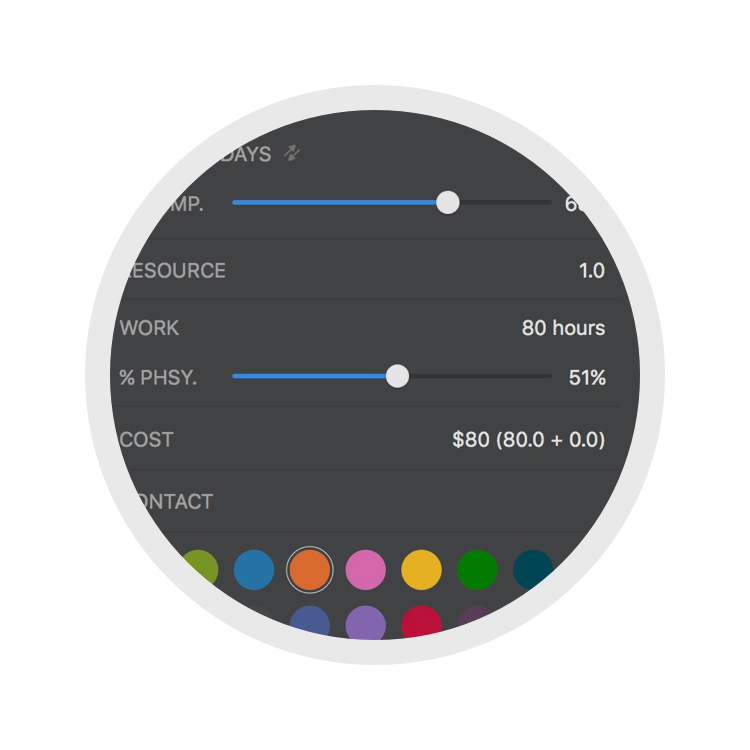
Inspectors help maintain task properties efficiently with attractive customization options.
Context-sensitive Touch Bar Menu helps to make project maintenance more efficient.
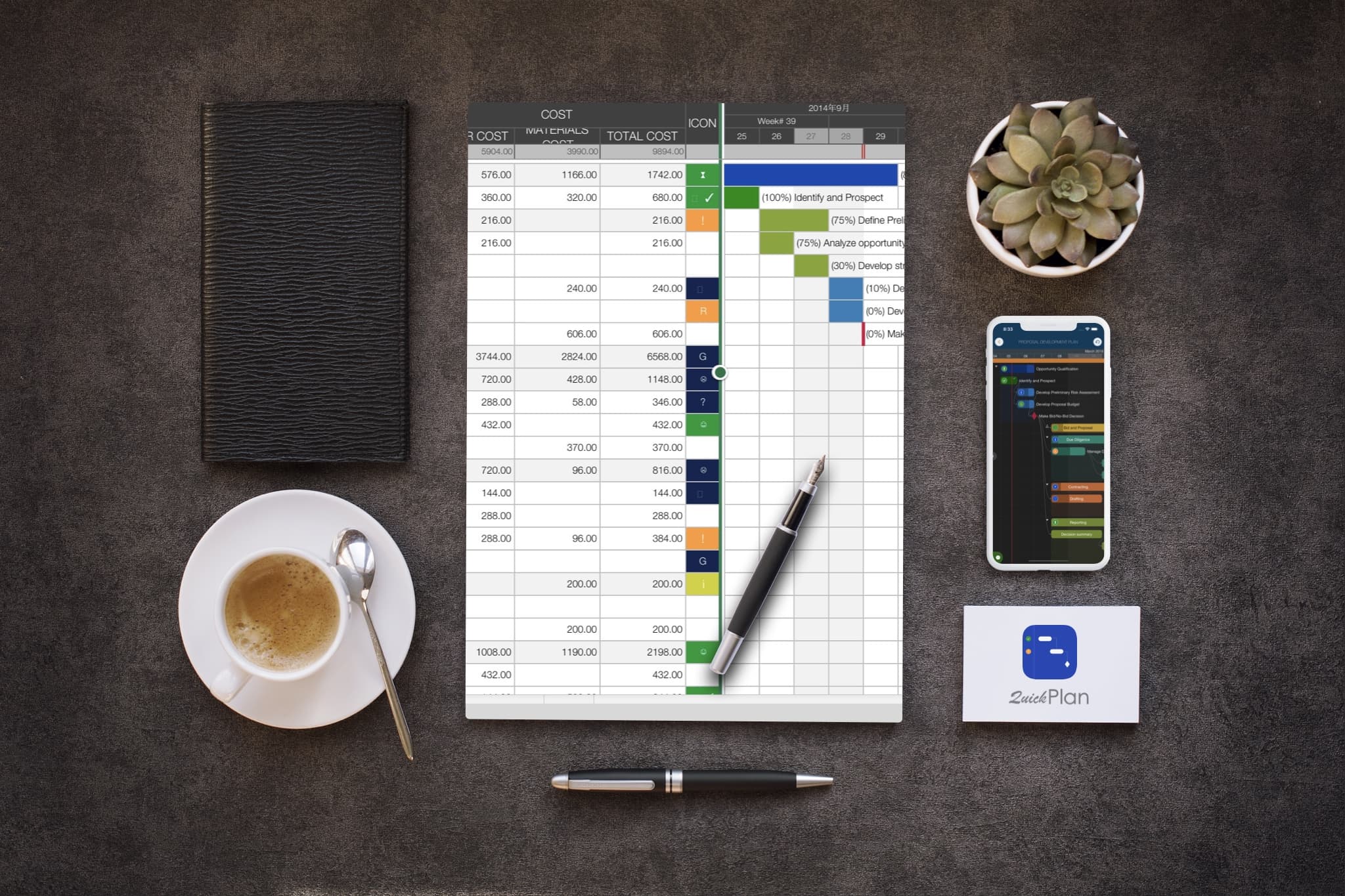
Export projects to PDF, CSV, and image files with powerful customization options for content and layout. View Details
Export to Microsoft Project files (.XML format) and import from Microsoft Project files (.xml format).View Details

Import from Mind Map (.opml) files, and export to OPML format (QuickPlan for Mac).View Details
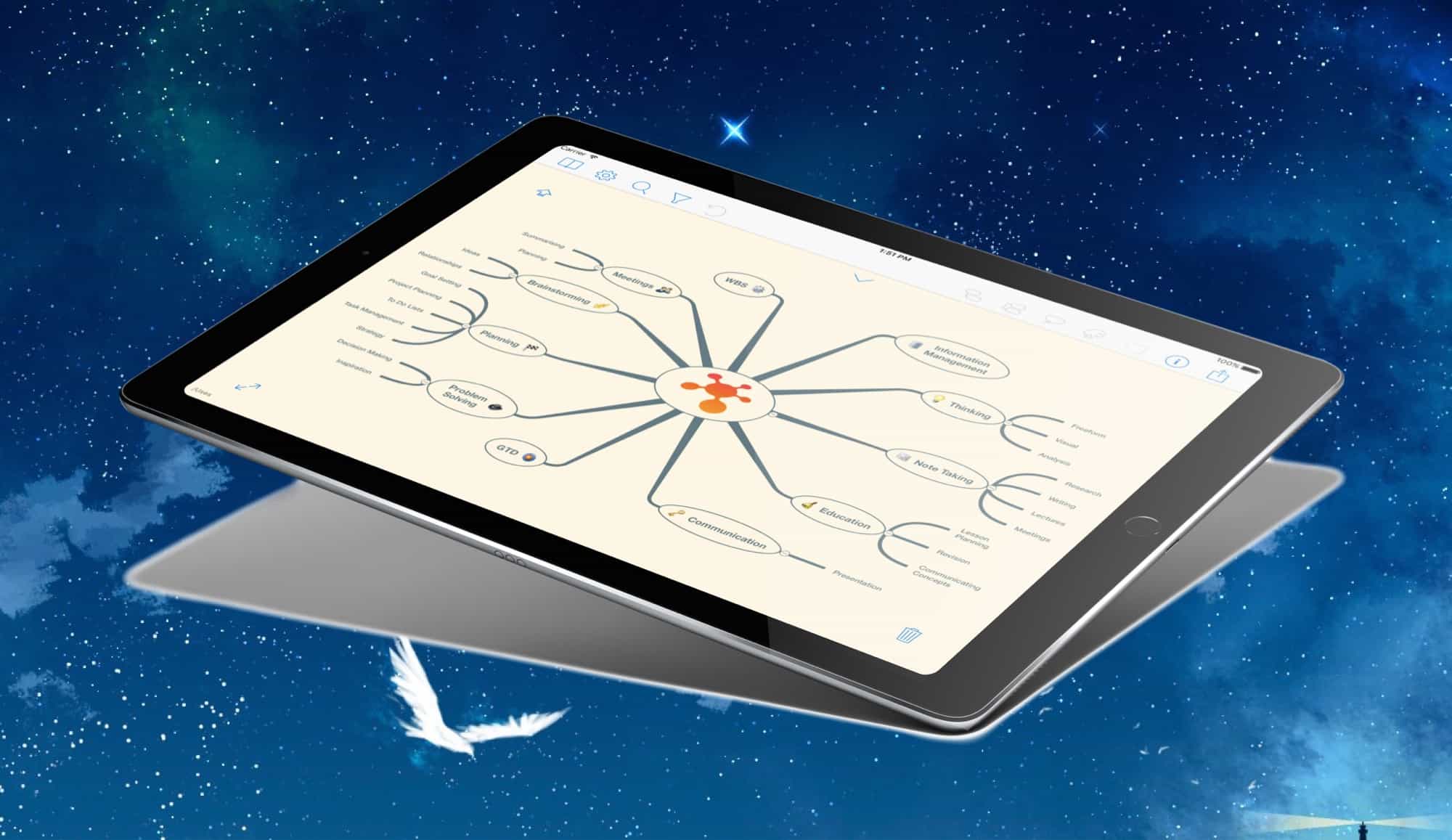
Saving As / Opening (Swift Apps) WBS file, simplify the input/output in the project management process. View Details
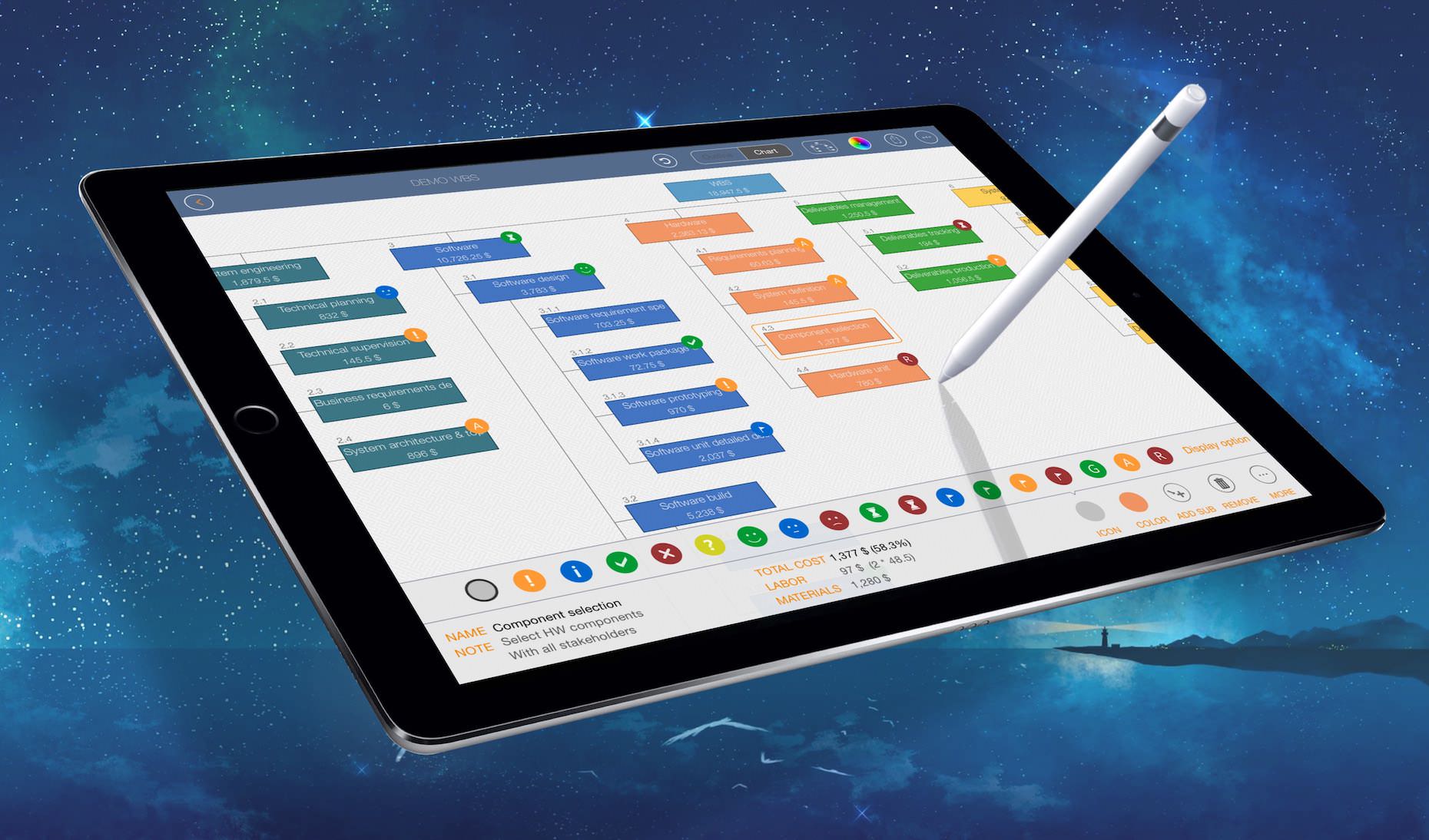
Sync project files across iOS and Mac devices via iCloud Drive. View Details

Create a partial project for the particular project member(s) to only include related tasks, for better the team sharing and tracking. View Details
Today Widget, Inner App Today Task List, Multiple Projects Selection
© 2013 ~ 2026 COPYRIGHT QUICKPLAN | All Rights Reserved
Swift Apps