
Printing
Most of the time, we are accustomed to printing a document on a sheet of paper and often take it for granted. However, we do not expect to print an entire book on a single sheet, as the content volume far exceeds what a standard page can accommodate, and even if scaled down, the result would be illegible.
A project plan created with QuickPlan may contain numerous tasks, or span a long duration. In such cases, the project output requires significantly more space than a single sheet of paper allows. Theoretically, output can be scaled down, but due to printer resolution limits (DPI), unlimited scaling is not feasible. When the natural size is large, computers cannot render it clearly on a small sheet - making it illegible to the human eye.
The app cannot overcome hardware limitations, or force large content onto small paper with clarity. For printing large projects, we recommend exporting the project to a one-page PDF by selecting the "Automatic" PDF page size option.
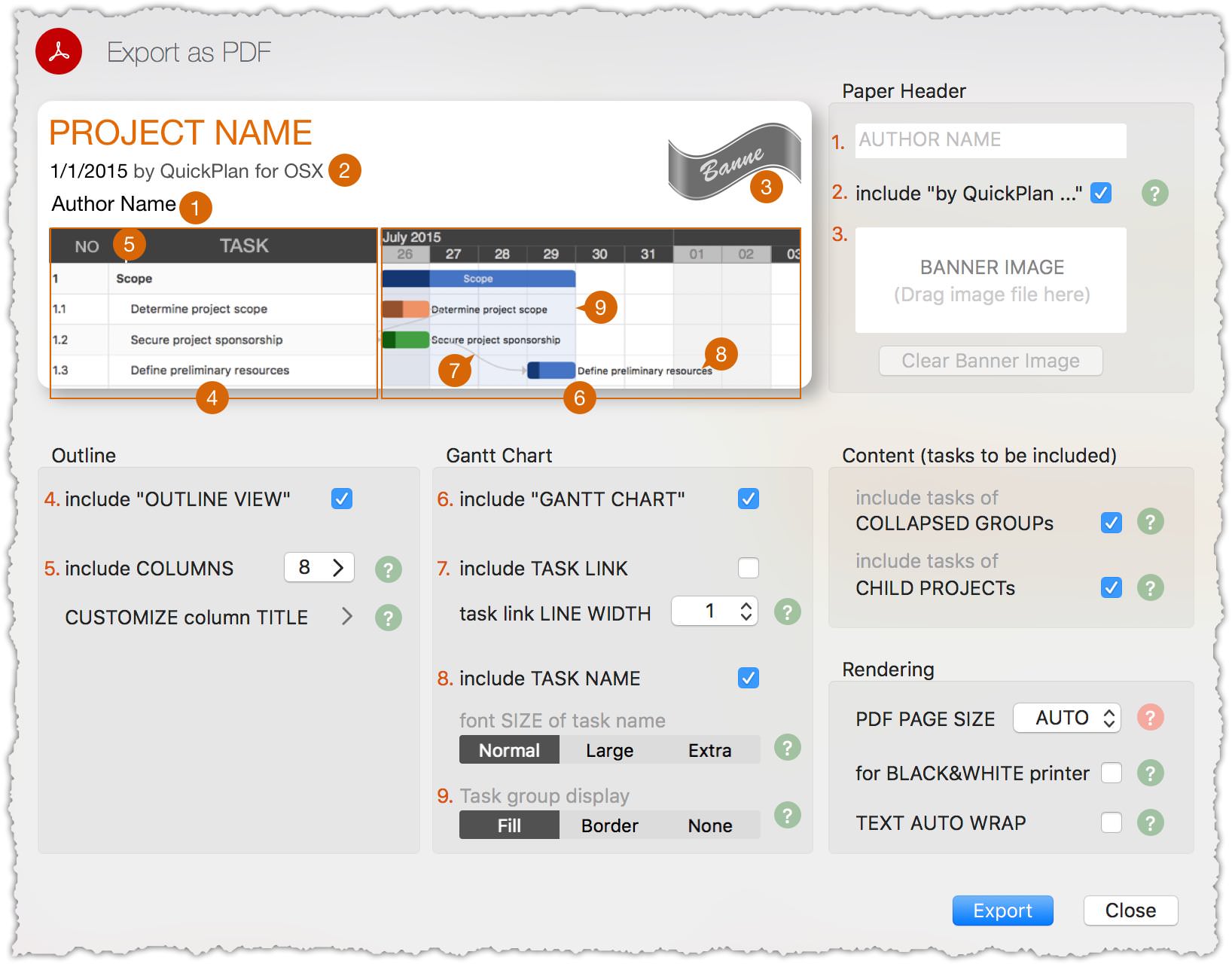
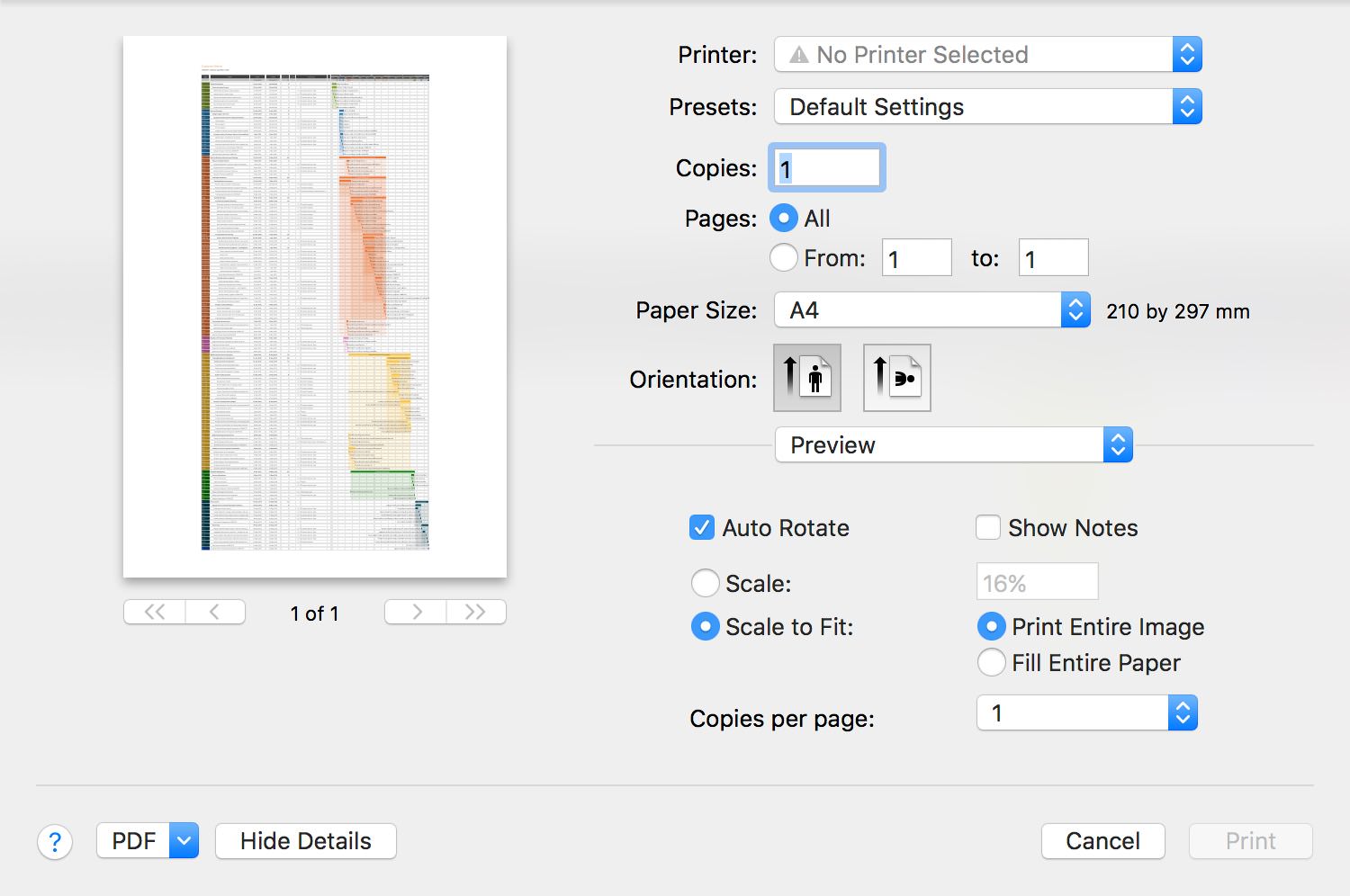
Then:
© 2013 ~ 2026 COPYRIGHT QUICKPLAN | All Rights Reserved
Swift Apps