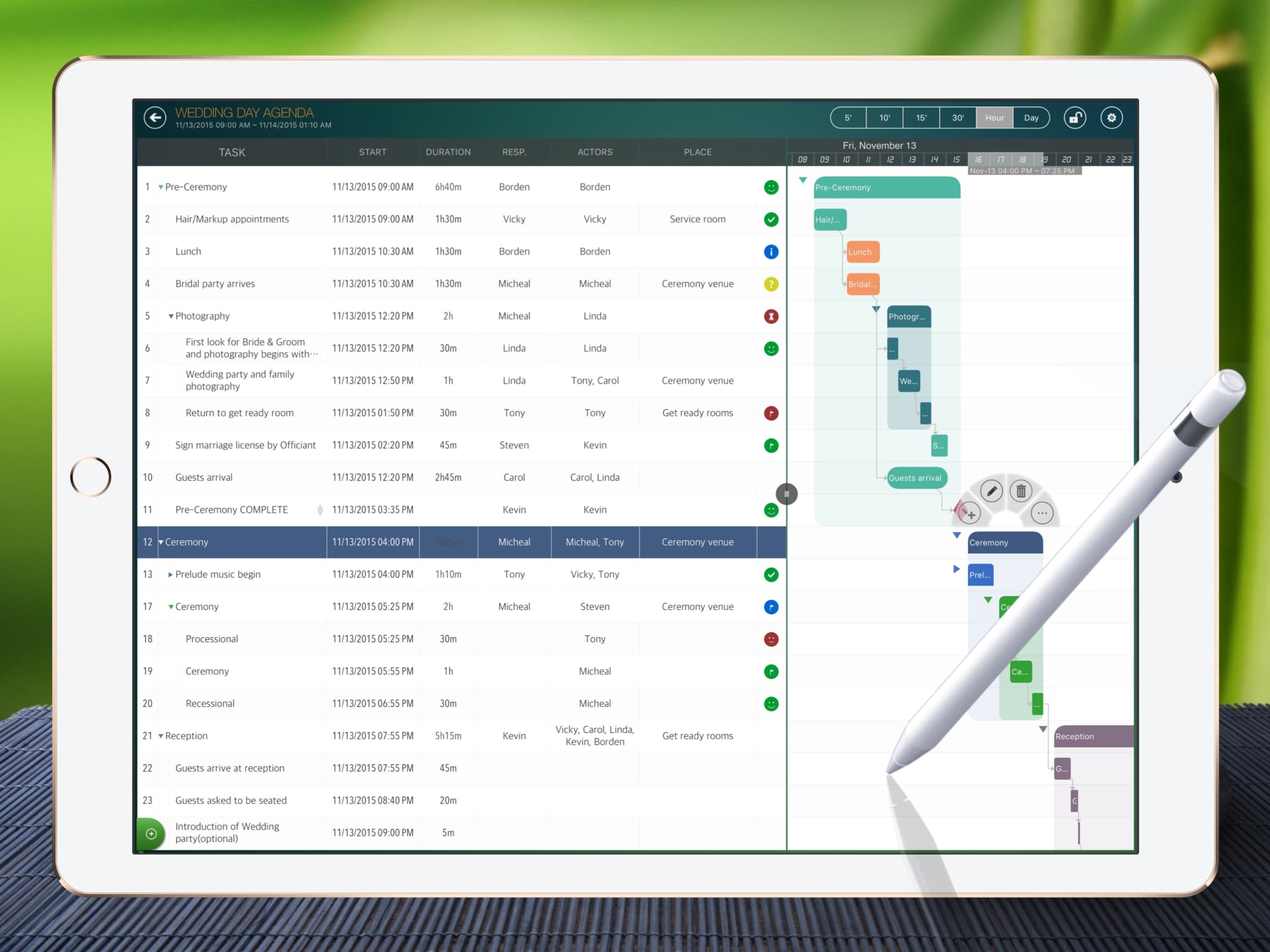
A primary design goal of QuickPlan is to help users work RIGHTLY and EFFICIENTLY, facilitating smooth and efficient project schedule maintenance. Compared to merely providing bulk functionality, QuickPlan ensures proper project management.
Scheduling tasks with short durations can sometimes be cost-inefficient for project management activities.
For example, if a project schedule includes tasks with specific time slots like 9:00 ~ 10:00.
- The team may need to change the schedule too frequently due to changes in short-duration tasks.
– Some team members suddenly need to attend a rescheduled meeting at 9:00.
– Some project members take a vacation.
– Some earlier tasks are postponed.
– Or unexpected interruptions occur (e.g., power outages, urgent calls).
- Rescheduling can involve a lot more work than expected. And what's worse, the cost of administration may exceed the execution cost, especially with numerous short-duration tasks.
The project plan tells the team how to work, and a project plan should reflect reality and be updated as things change. To re-plan after a task change, the team typically needs to:.
– Meet with the project team to review progress.
– Assign the appropriate team member(s) to discuss and reassess the task.
– Update, review, and finalize the project plan with the project team.
– Communicate with stakeholders (including clients, supervisors, related groups, etc.).
– Documentation and reporting.
Different task types require different management tools.
Project management involves handling various task types. Tracking all tasks within a single project plan is often unsuitable, and the project planning tool should NOT be the sole method for managing every project task.
The term "project tasks" often encompasses distinct concepts that differ significantly.
- Tasks in a project schedule: The team relies on this to understand daily requirements - when to start, when to finish, what's next, who needs to do it, the planned cost, etc.
- TODO tasks (or under another name like "action registration", "team actions", "customer action registration", etc.).
- Risk mitigation actions.
- Tasks managed via Kanban or Agile Boards using swimlanes.
- Tasks identified in project goal and objective documentation.
- Tasks identified in meeting minutes.
- Unmanaged tasks.

The project plan should define tasks that:
- Guide team execution: defining start times, end times, who should do it, and how much effort is required.
- Reflect project reality: The team should actively review the project status and reschedule tasks to reflect the actual situation. Consider an unmaintained project facing a changed reality. Can the schedule guide the team?
Principles for project scheduling:
- Schedule tasks before execution, so the team knows what to do.
- Update (reschedule) during execution if the existing schedule cannot be met.
- Continuously track task execution progress.
Learn more about choosing a project scheduling app..
A project plan need not include every single management task. If a task is merely a personal reminder rather than for team management, a simple task app is likely sufficient. Managing tasks in a project plan requires significantly more effort than using a to-do app.
Comparison: TODO Tasks vs. Project Plan Tasks
- For TODO tasks, the focus is typically on the deadline, owner, and status. less so on start times, executors, the cost, and the task's relationship to other tasks.
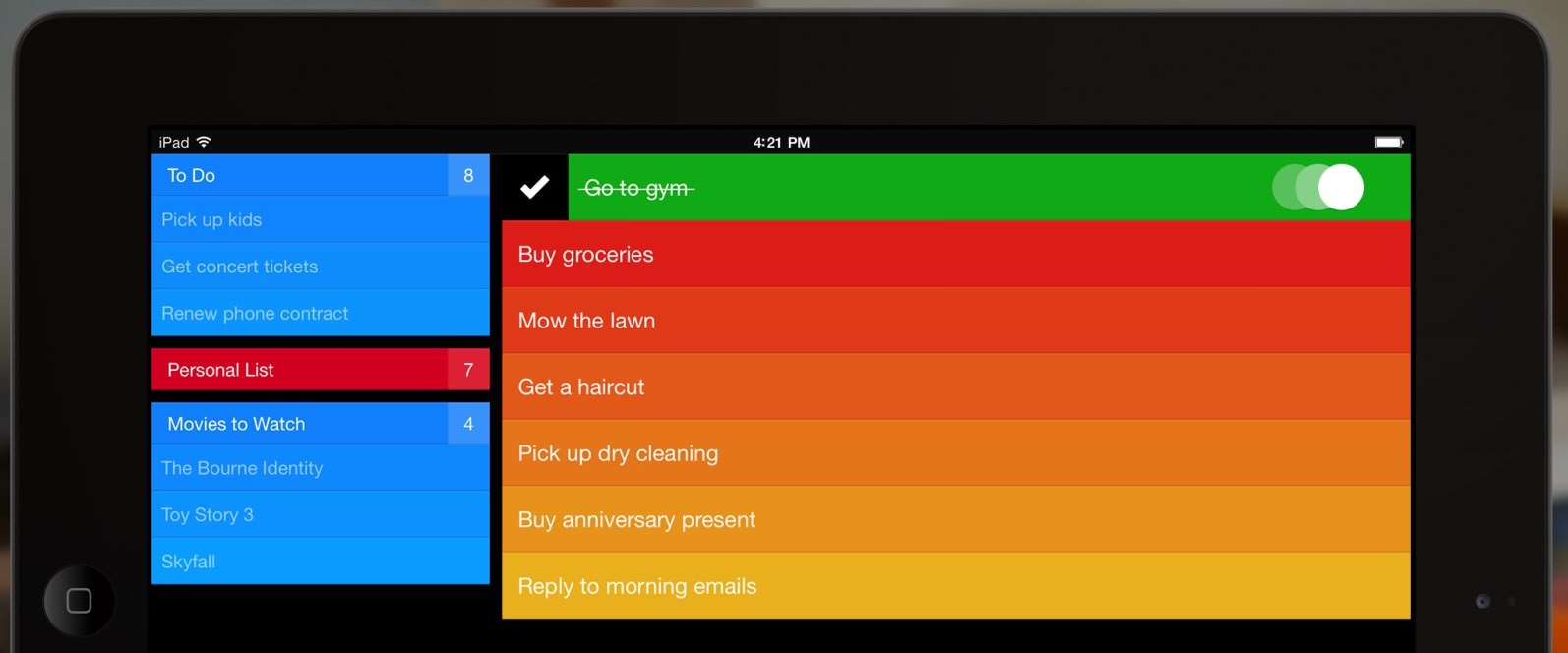
- Project scheduling typically incurs higher administrative costs than the cost of managing TODO tasks.
In some cases, scheduling tasks with hourly (or minute-level) durations makes sense (or in minutes). However, consider if better options exist, as a heavy management process means high cost and long duration. Balancing processes and tools is essential.
- Task "duration" need not equate to task "work". If we only need one hour of work, the task duration may be different - we can complete the task in one day with one hour of effort.
- Can short-duration activities in a stable workflow be covered by a defined PROCESS?
- Is managing tasks via an agile board a better choice?
- Is a TODO app sufficient for task management?
- Should tasks be managed within documents (e.g., the "weekly team review meeting" task)?
The project plan is NOT the only tool to manage project tasks
Based on the project process and the actual situation, different tools are used to manage project tasks
- Project Schedule
- Action Registration
- Kanban, Agile Board, Whiteboard, etc.
- FEMA
- Tools and apps to manage identified meeting minutes, target actions, etc.
For short term activities
- Define an appropriate process for the workflow of short and interrelated activities.
- Use tools such as Agile Board or KanBan for a short time frame.
Not all tasks should or can be written down in a project plan. The project team must weigh the use of the tools.
We have some suggestions.
We disagree that task durations cannot be short. As a rule, it is not ideal for organizing tasks in too short periods. QuickPlan fine-tunes the best valuable features and focuses on helping users understand RIGHT.
- Schedule the task into a day, and set the effort (work) to the expected hours. Allow team members to flexibly manage time in a day - a better solution to balance schedule flexibility and administrative costs.
- Use the project schedule app for project planning.
- Balance management costs with data accuracy - try to be accurate, but let the project member control the details.
- For example, a "call a customer" task. Let's assume the "call" doesn't impact other tasks in the project plan. In this case, the "call" is a TODO task or an undocumented task, depending on its importance.

© 2013 ~ 2026 COPYRIGHT QUICKPLAN | All Rights Reserved
Swift Apps