
What's New
- Task input has been improved to facilitate subtask creation.
Subtask Input
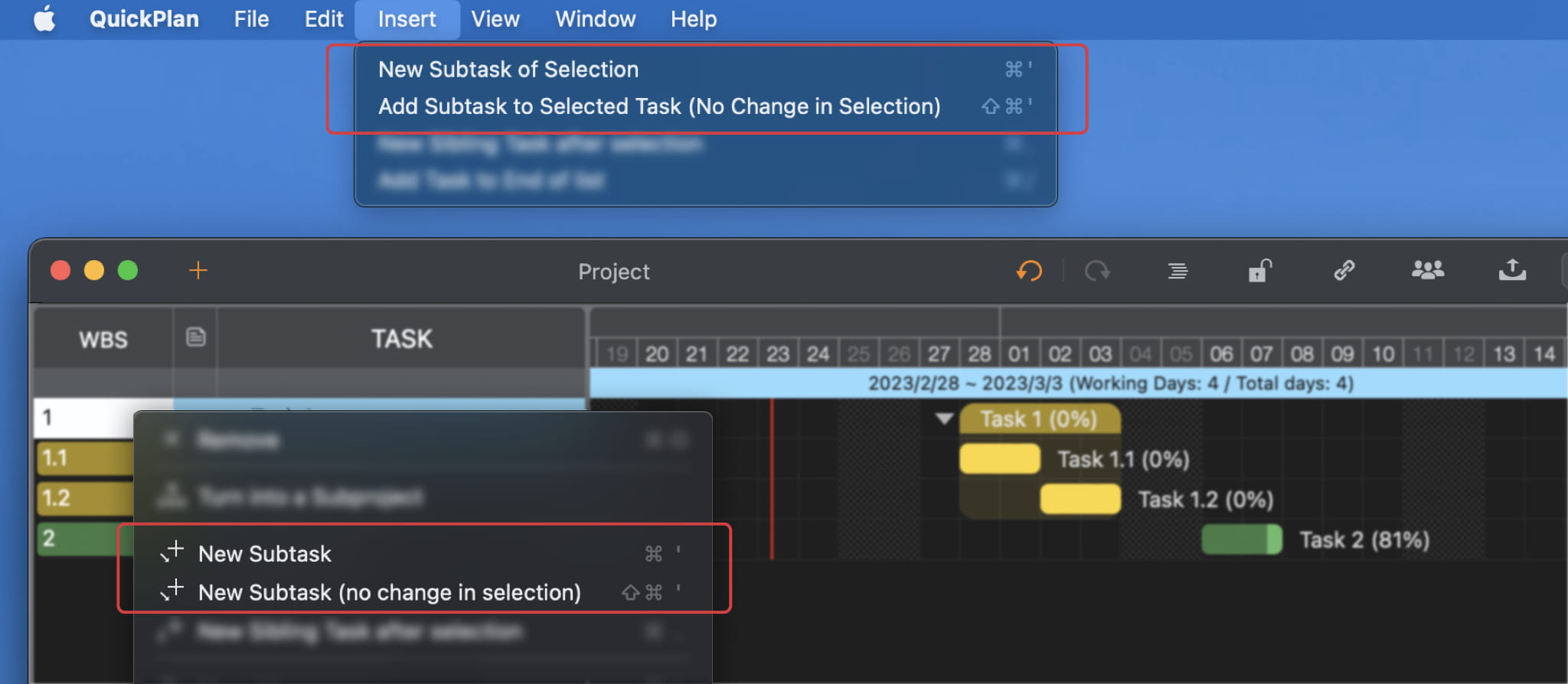
You can quickly and conveniently create subtasks for selected tasks via the application menu, context menu, or keyboard shortcuts. Additionally, you can choose whether to select the newly added subtask or maintain the current selection after creation.
Keyboard shortcuts
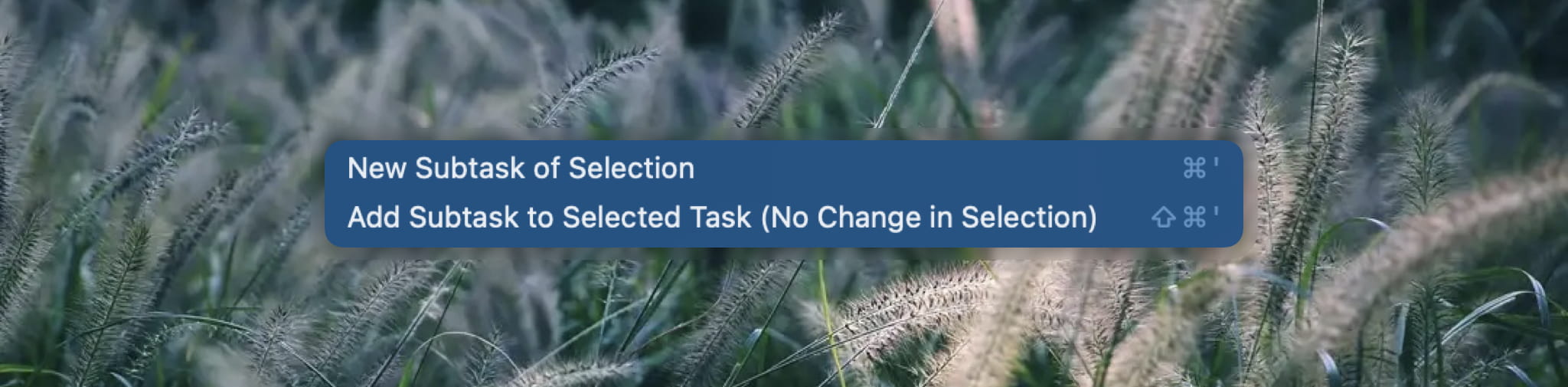
- To create a subtask of the selected task and select the new subtask, press ⌘'
- To create a subtask of the selected task without changing the selection, press ⇧⌘'
Add subtask to a single task
When you add a subtask to a task that has no children, the basic properties of the selected single task will be copied to the first subtask created. This can save you effort if you want to break down a single task, and it can also help enclose a single task in a task group by creating a subtask with the same properties as the parent task.