What's New
- Dark Mode on Mojave.
- "Simple Linked List" task type supports multiple successors and predecessors
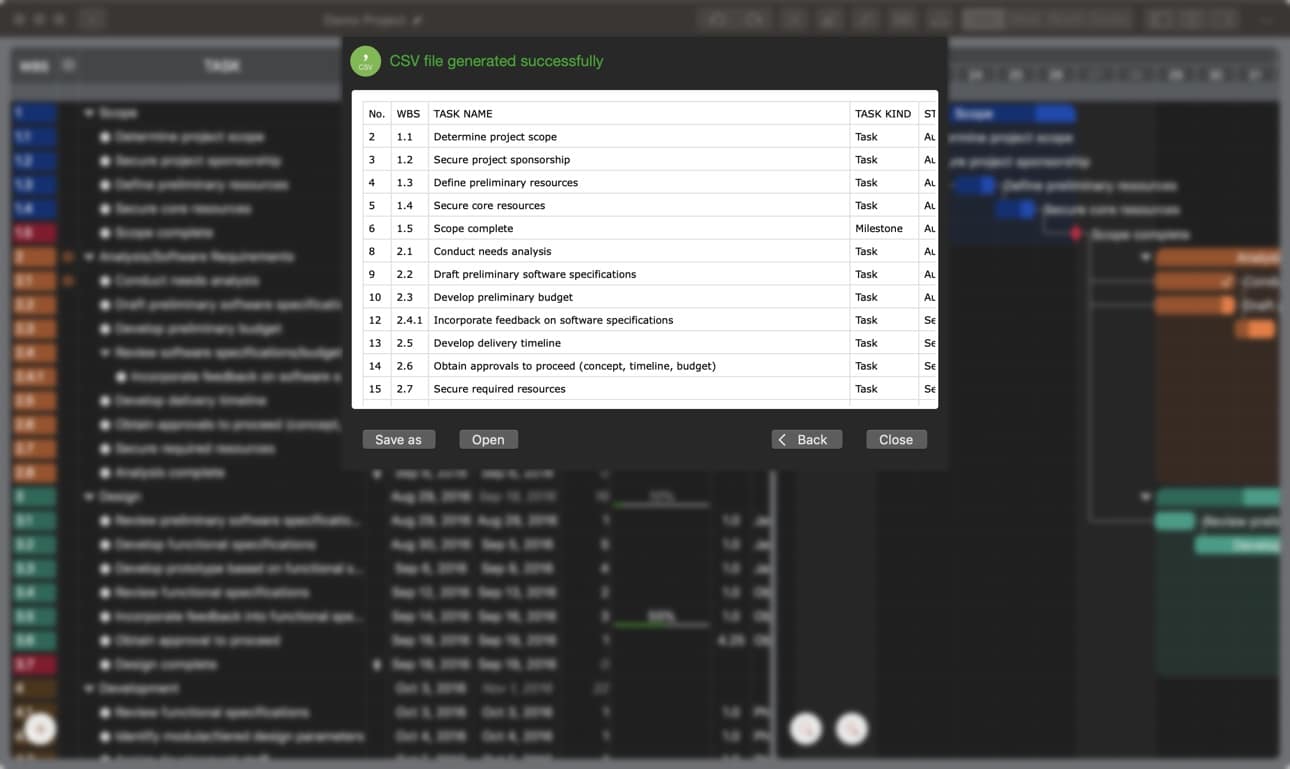
- Preview exported Image and CSV file
- Enhancements for Inserting Tasks
- Text Editing Enhancements in the Outline Panel
- New Keyboard Shortcuts for Task Maintenance
- Reveal Project File in Finder
- Option to Hide Welcome Window
Dark Mode on macOS 10.14

You can configure the app's appearance independently or match system settings. Future updates will allow independent content display settings for greater flexibility. (Configure in App Preferences).
Following two examples to set the appearances be in different modes:
System appearance is dark mode, QuickPlan is in light mode.

System is in light mode, QuickPlan appearance is dark mode, Project Content is in light mode.

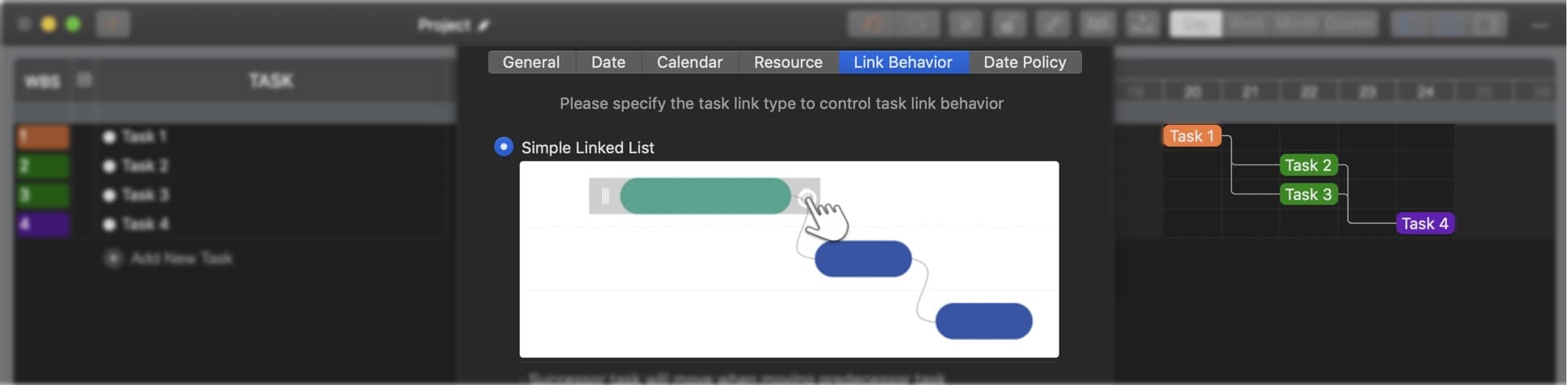
Simple Linked List
Like the FS task link type, the "Simple Linked List" now supports multiple predecessors and successors. This enhancement bridges the gap between "Finish to Start" and "Simple Linked List" types.
Preview
Preview Image and CSV files after export.
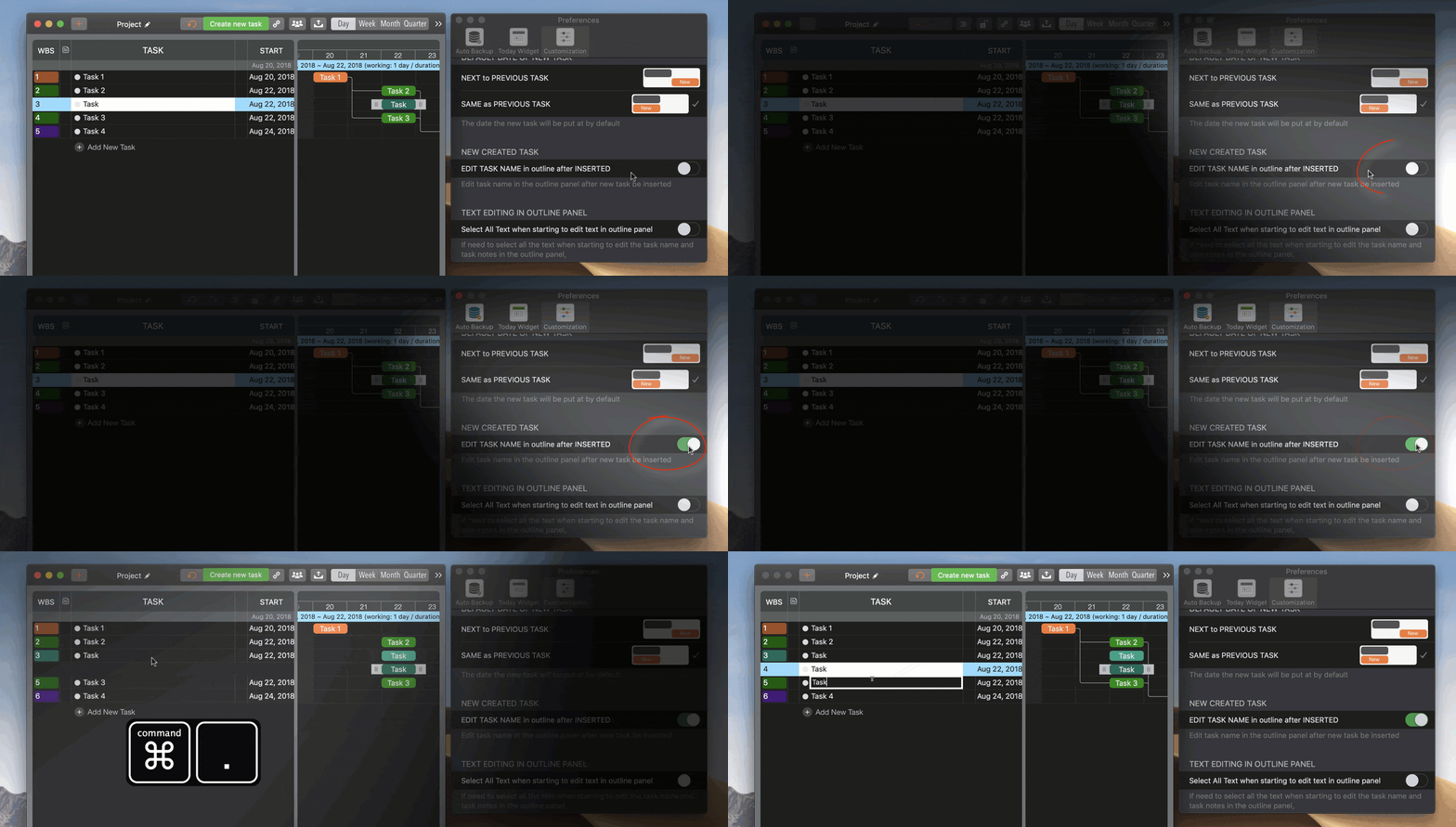
Enhancements for Inserting Tasks in outline panel
-
QuickPlan adds two new keyboard shortcuts to the existing one (⌥+) for improved ease of use.
- ⇧↩(Shift + Return)
- ⌘.(Command + Dot)
- A new option controls whether to edit the task name immediately after insertion.
Text Editing enhancements in the outline panel
-
A new option controls whether to select all text when editing task names or notes.

- ⌘A(Command + A) to select all text during editing
New Keyboard Shortcuts
- ⇧^ →(Shift + Ctrl + Right Arrow)Increase Task Duration by one day (if possible)
- ⇧^ ←(Shift + Ctrl + Left Arrow)Decrease Task Duration by one day (if possible)
- ⇧ ↑(Shift + Up Arrow)Move the selected task up in the same task group (same effect as ⌘↑)
- ⇧ ↓(Shift + Down Arrow)Move the selected task down in the same task group (same effect as ⌘↓)
- ⌘ .(Command + /)Add new task to the bottom (same effect as +)
- ⇧ ↩(Shift + Return)Insert new task after the selected task (same effect as ⌥+)
- ⌘ .(Command + Dot)Insert new task after the selected task (same effect as ⌥+)
Reveal Project File in Finder

Option to hide Welcome window
Prior to version 3.0, the Welcome window closed automatically upon opening a project. Version 3.0 adds an option to control this behavior.