What's New
- Task Linking Maintenance Enhancements
- PDF exporting enhancements
- Other Minor Enhancements
Maintain Task Links Directly
Previously, task links were maintained by switching to "Task Link State" via the toolbar's "Link" button.
Version 3.3 introduces direct task linking, eliminating the need for "Task Link State." This feature is disabled by default; please enable it in App Preferences.

When enabled, you can maintain task links directly.
- Select a task (Task 1) as usual.
-
Pressing the "fn" key and clicking on another task (task2)
- If Task 1 and Task 2 are already linked, the link is removed.
- If not linked, a new link is created. Holding the "⌘" key automatically adjusts the successor's (Task 2) date.
PDF Exporting Enhancements
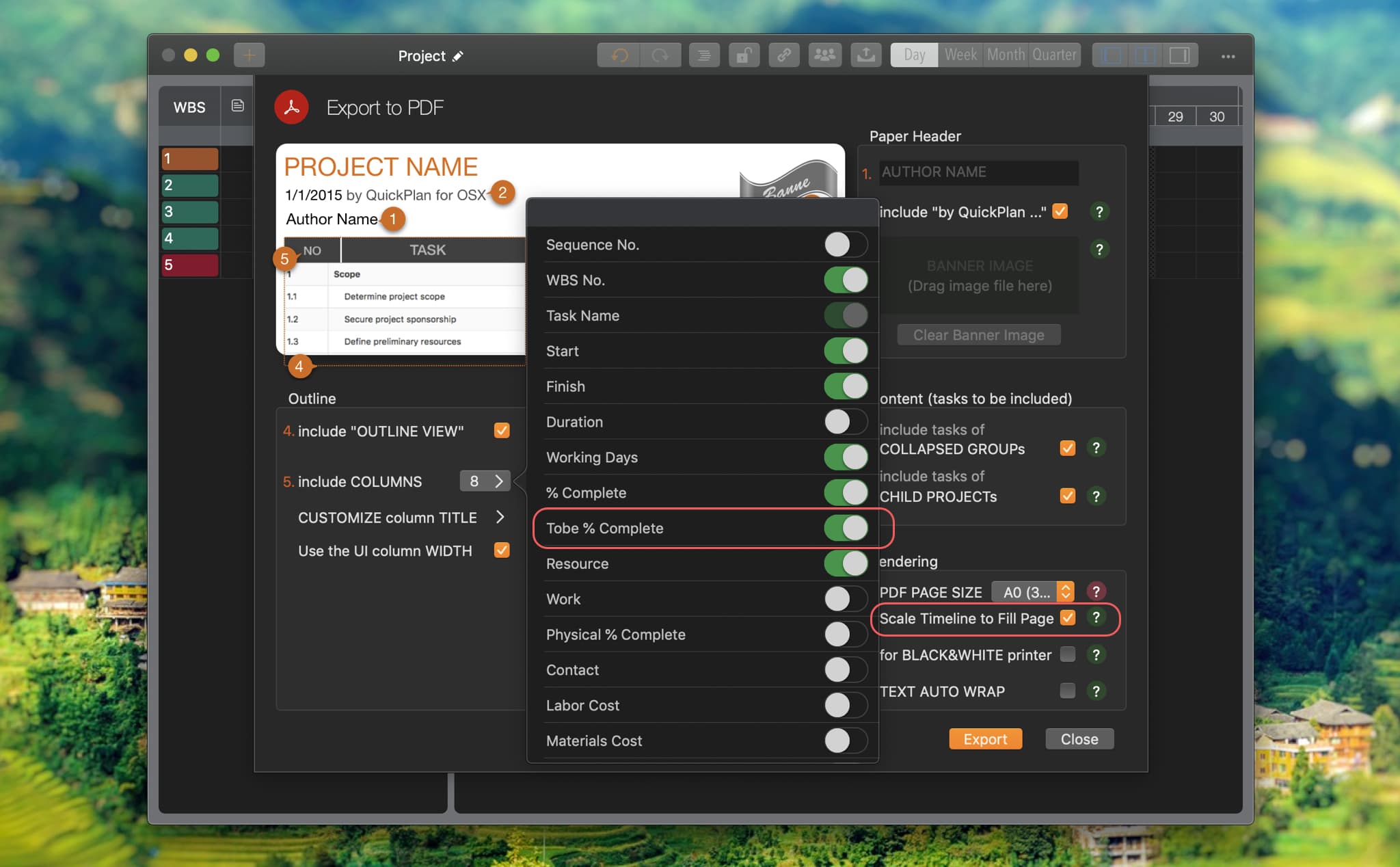
- "To Be % Complete" Column Added
-
Scale Timeline to Fill Page
By default, the app scales the timeline to fit fixed page widths. Disable this option to prevent automatic scaling.
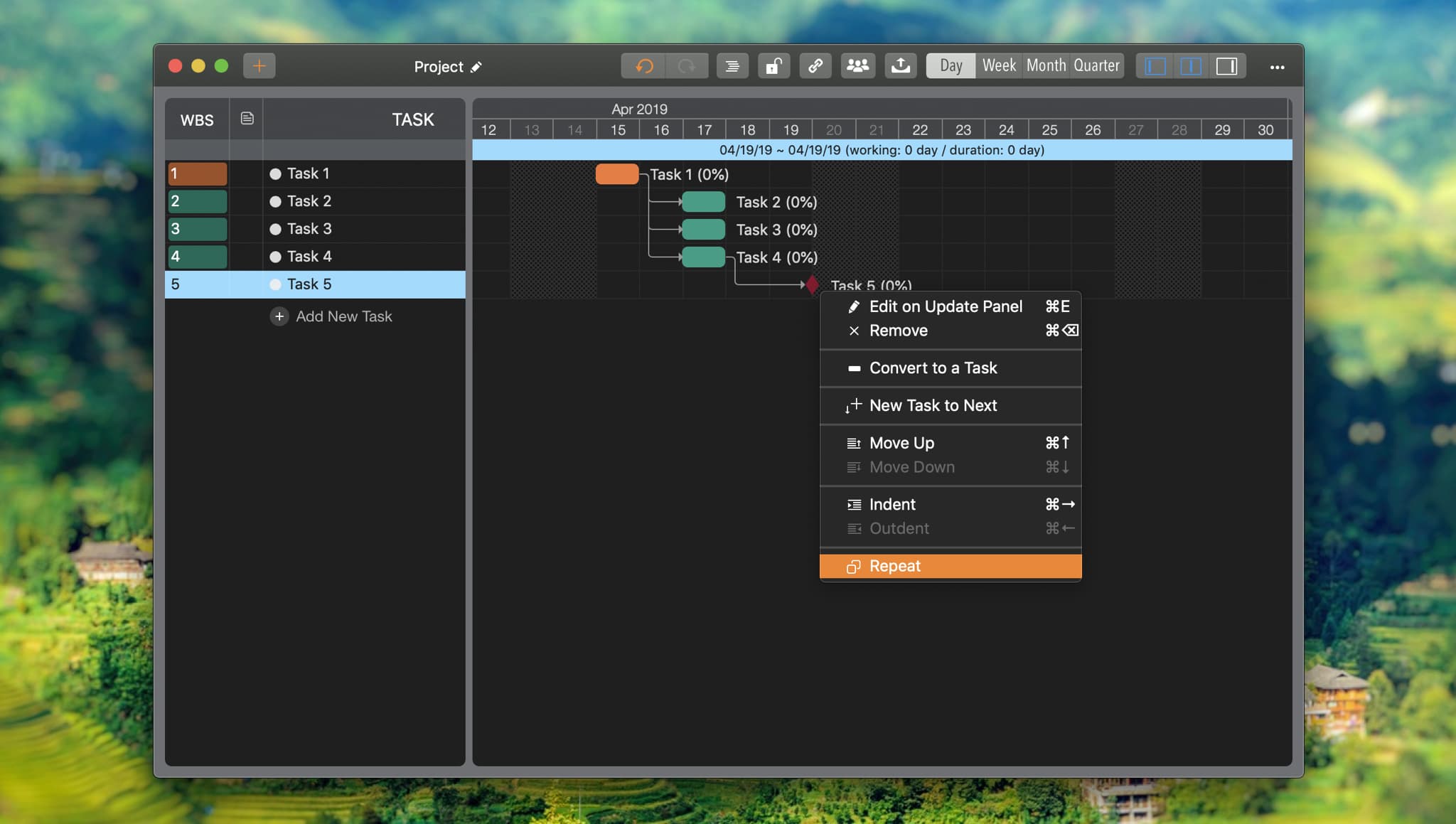
Milestone Repeating
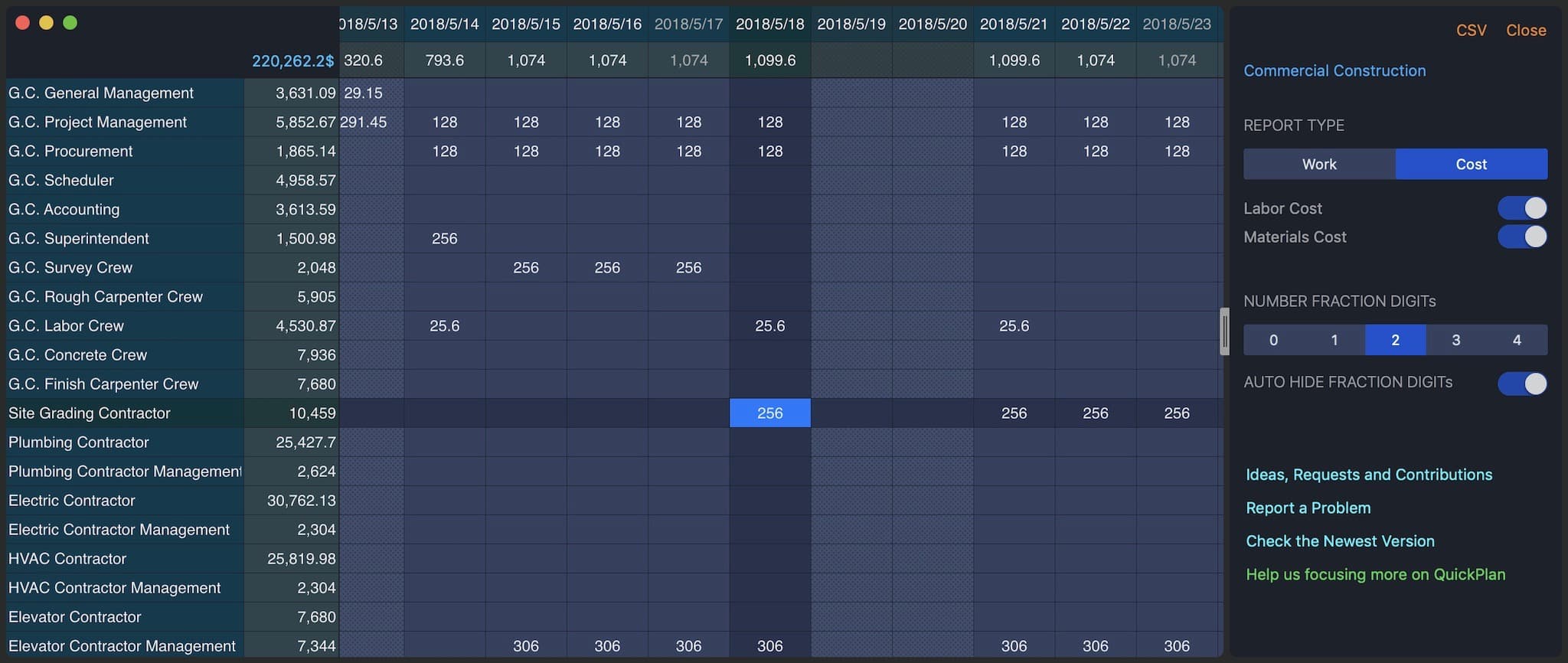
And we released a new QuickPlan tool as a singleton app:
QuickPlan Resource Report
(macOS 10.14 or later required)