What's New
- Gesture to Split Task - A New, Efficient Planning Method.
- Option to Animate Editing Boxes in the Outline List.
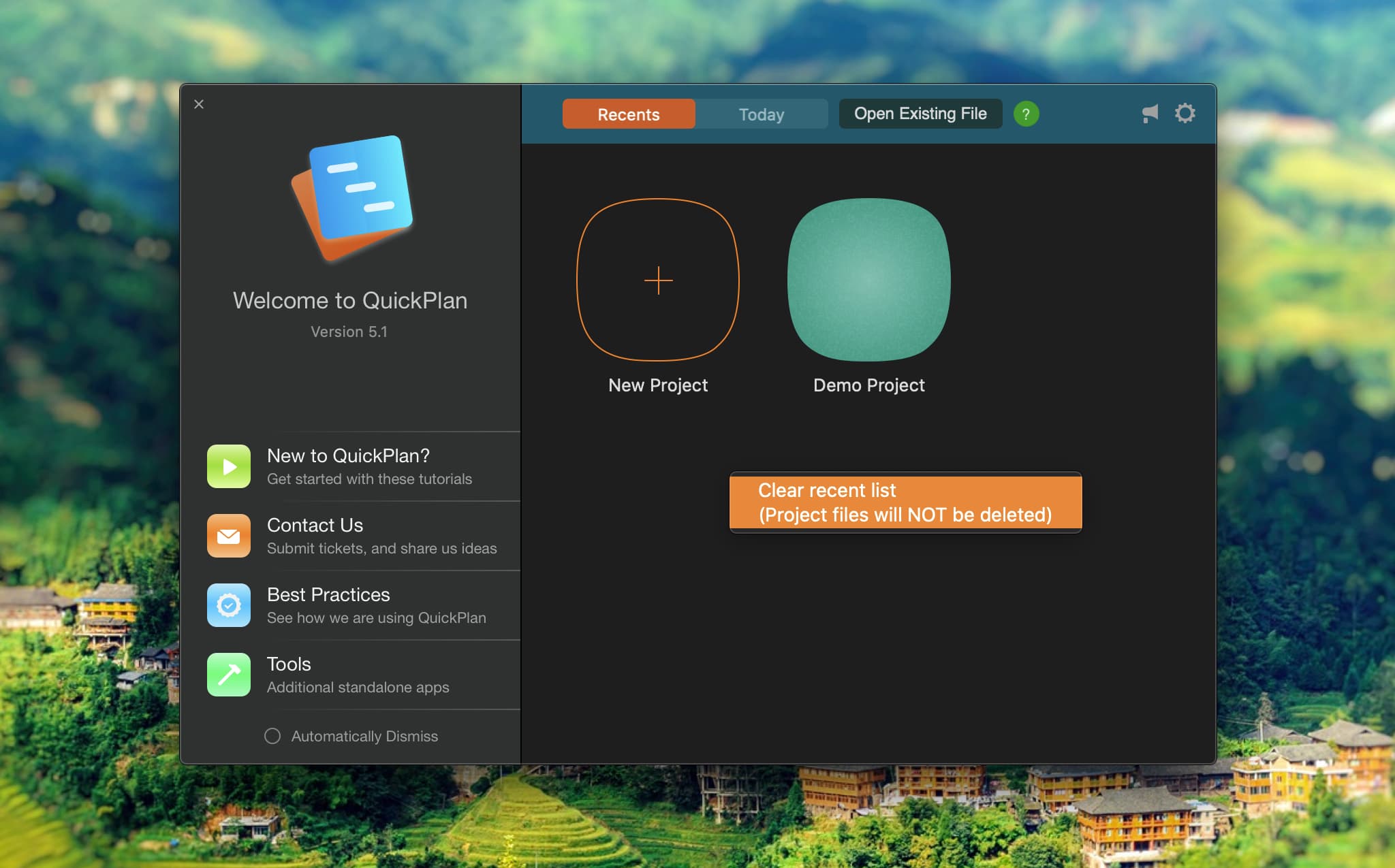
- Context Menu to Clear Recent List in the Welcome Window.
Split Task
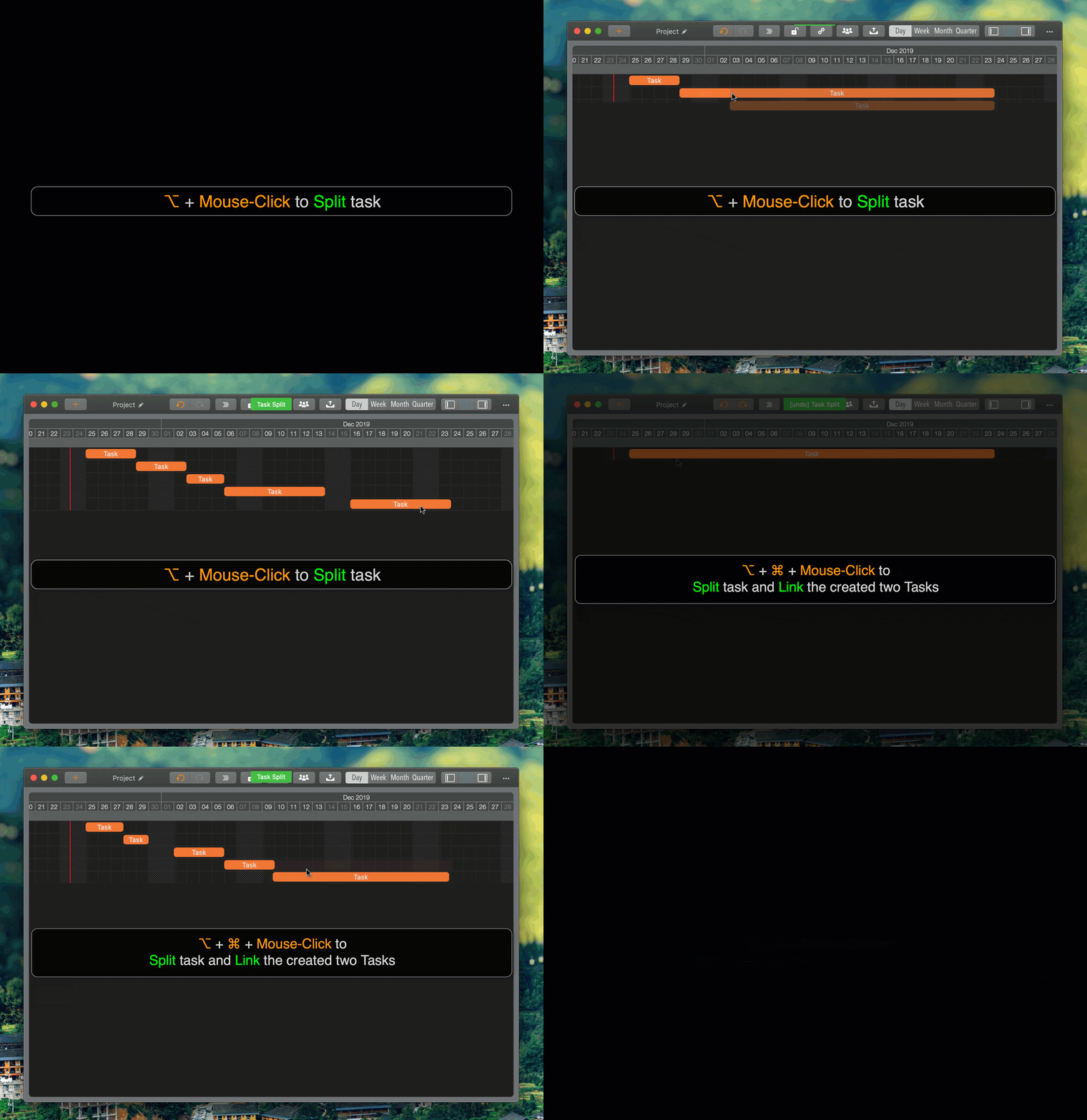
QuickPlan for macOS 5.1 introduces gesture support for splitting tasks.
- ⌘ + Mouse Click ("Command" + "Left-Click") to split the task into two at the clicked date.
- ⌘ + ⌥ + Mouse Click ("Command" + "Option" + "Left-Click") to split the task into two at the clicked date and link them.
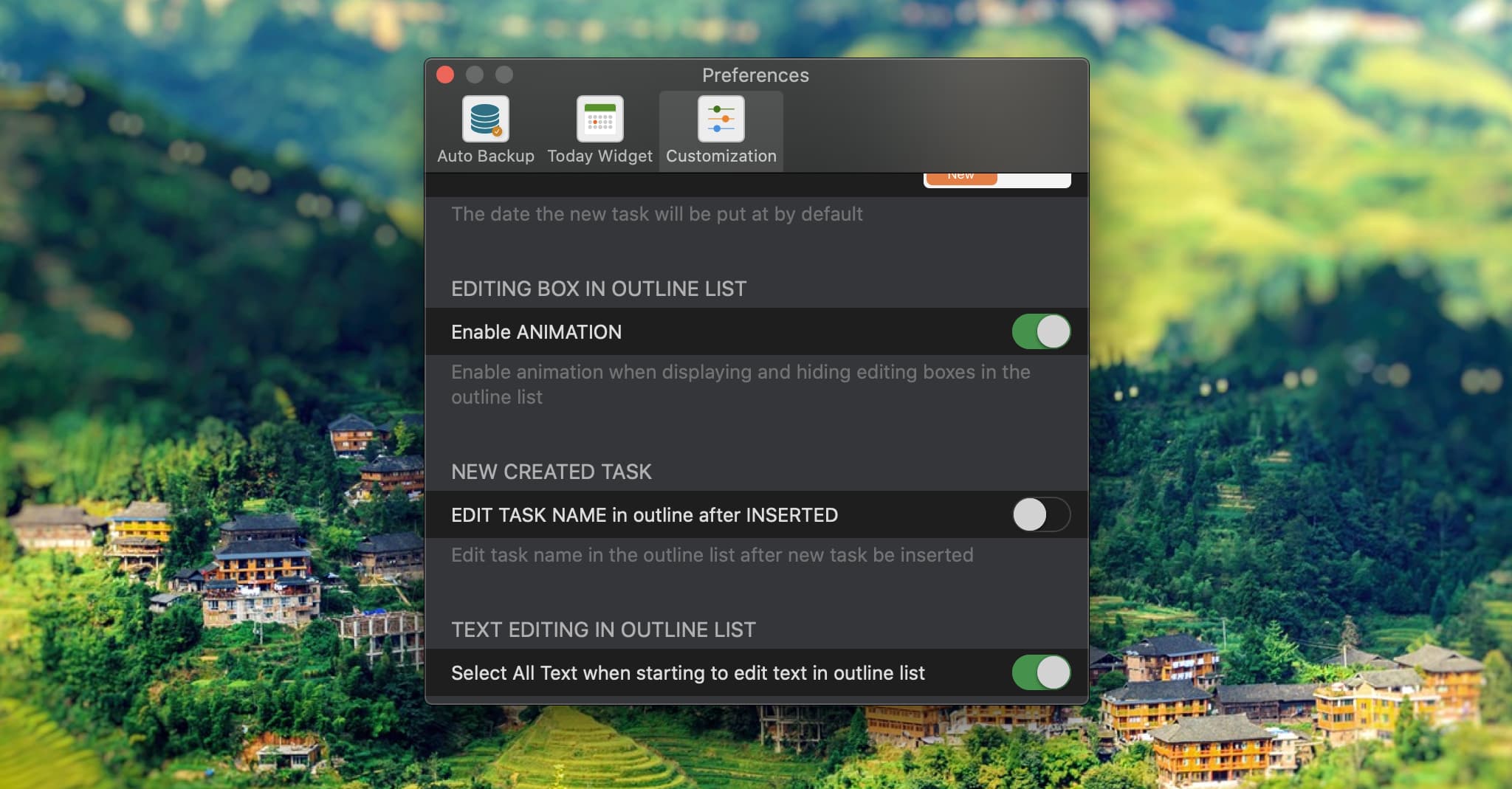
Editing boxes animation in the outline list.
An option now controls the animation of editing boxes in the outline list.
Clear recent project list
Right-click to clear the recent list. QuickPlan runs in a sandboxed environment and cannot delete .qpp files from your Mac. Clearing the recent list removes file references but does NOT delete the actual .qpp files.