
What's New
- Importing from iOS Files app
- Manual project backup
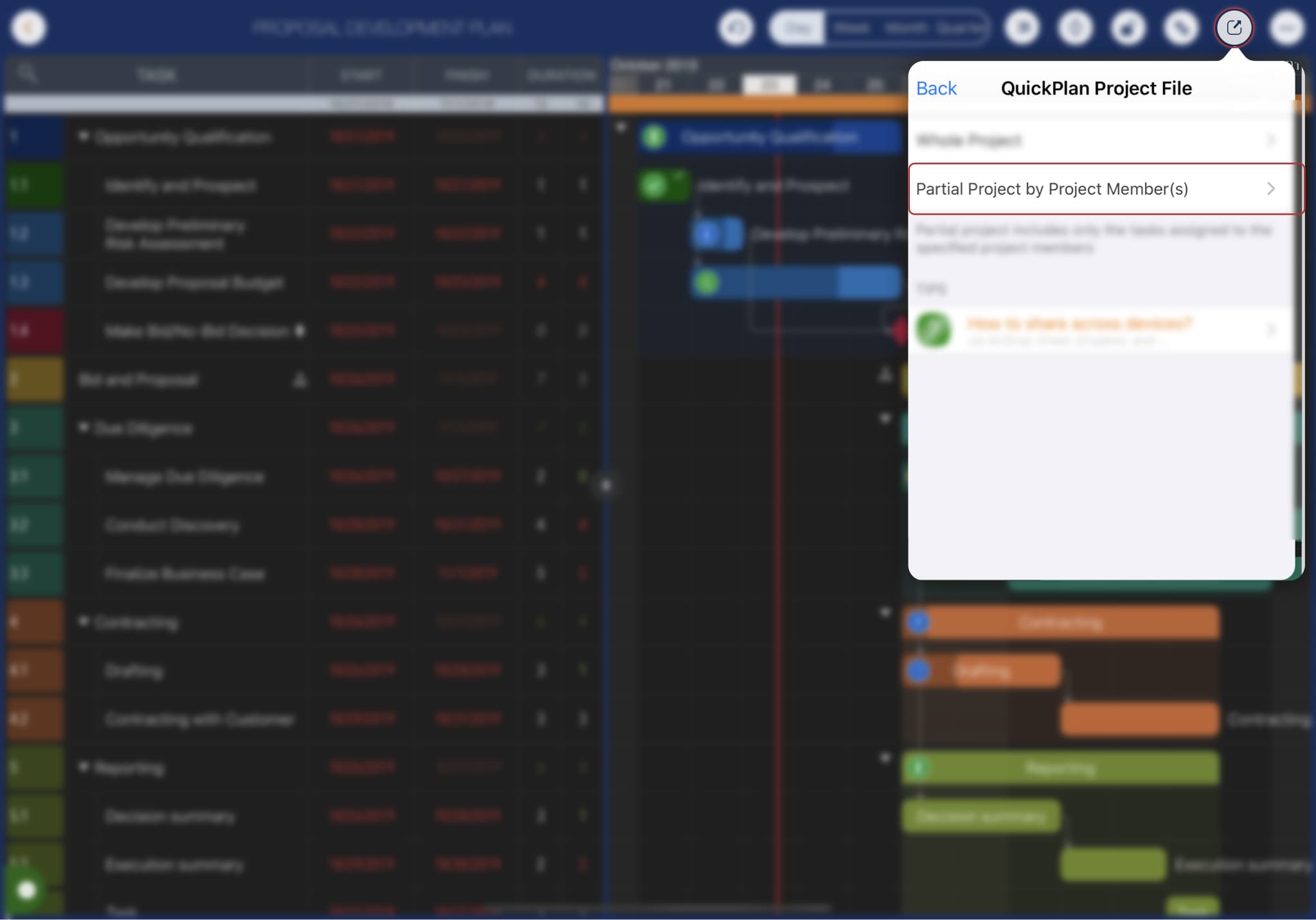
- Exporting partial projects by members
- User Interface enhancements
Import from iOS Files app
As the iOS Files app has evolved into a robust file manager, QuickPlan for iPad 10.1 now supports direct importing from the Files app. (Consequently, legacy in-app support for Dropbox and Box has been deprecated).
Please see the following articles for details:
Manual Project Backup
QuickPlan for iPad 10.1 now supports manual project backups (stored locally on the device).
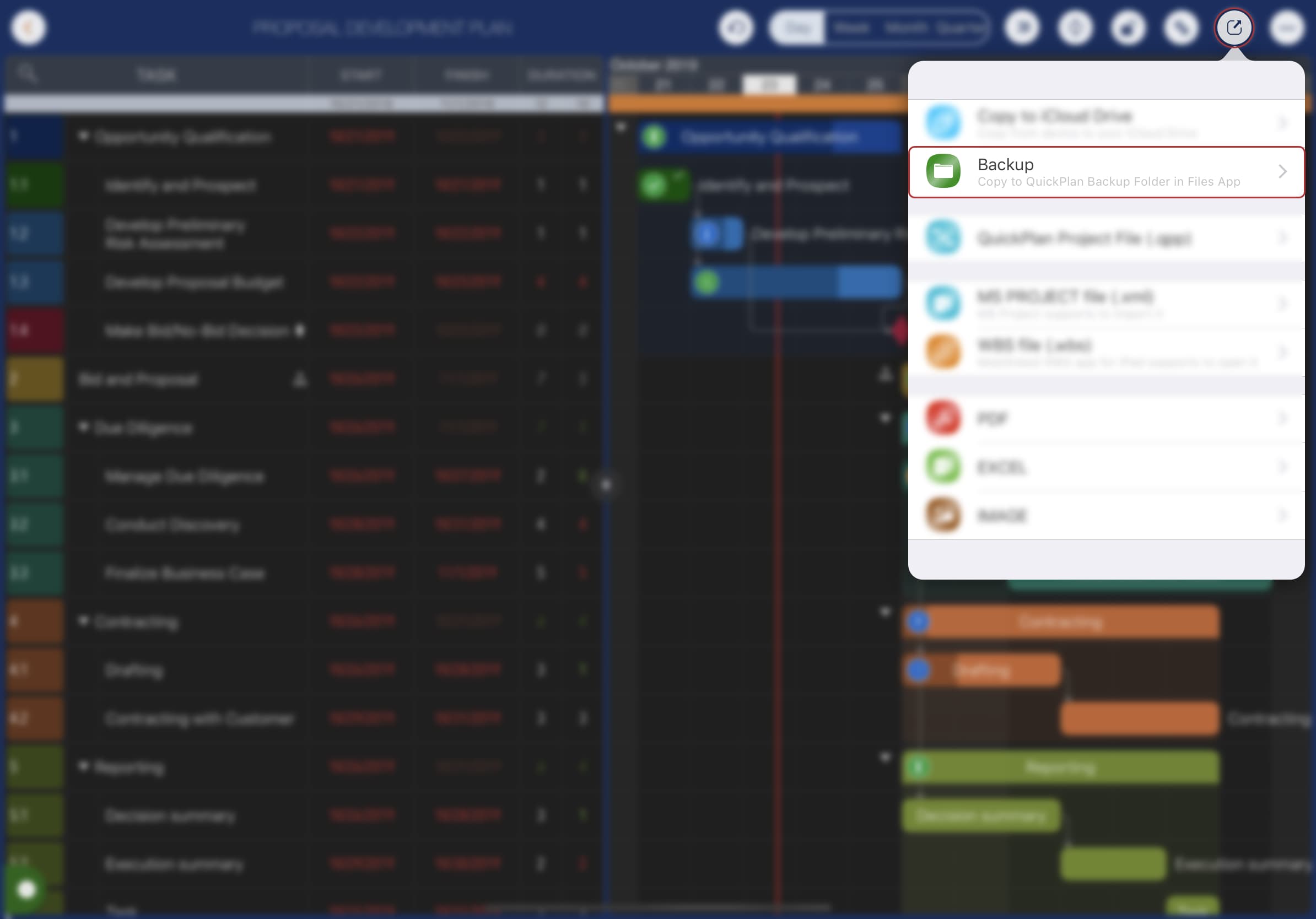
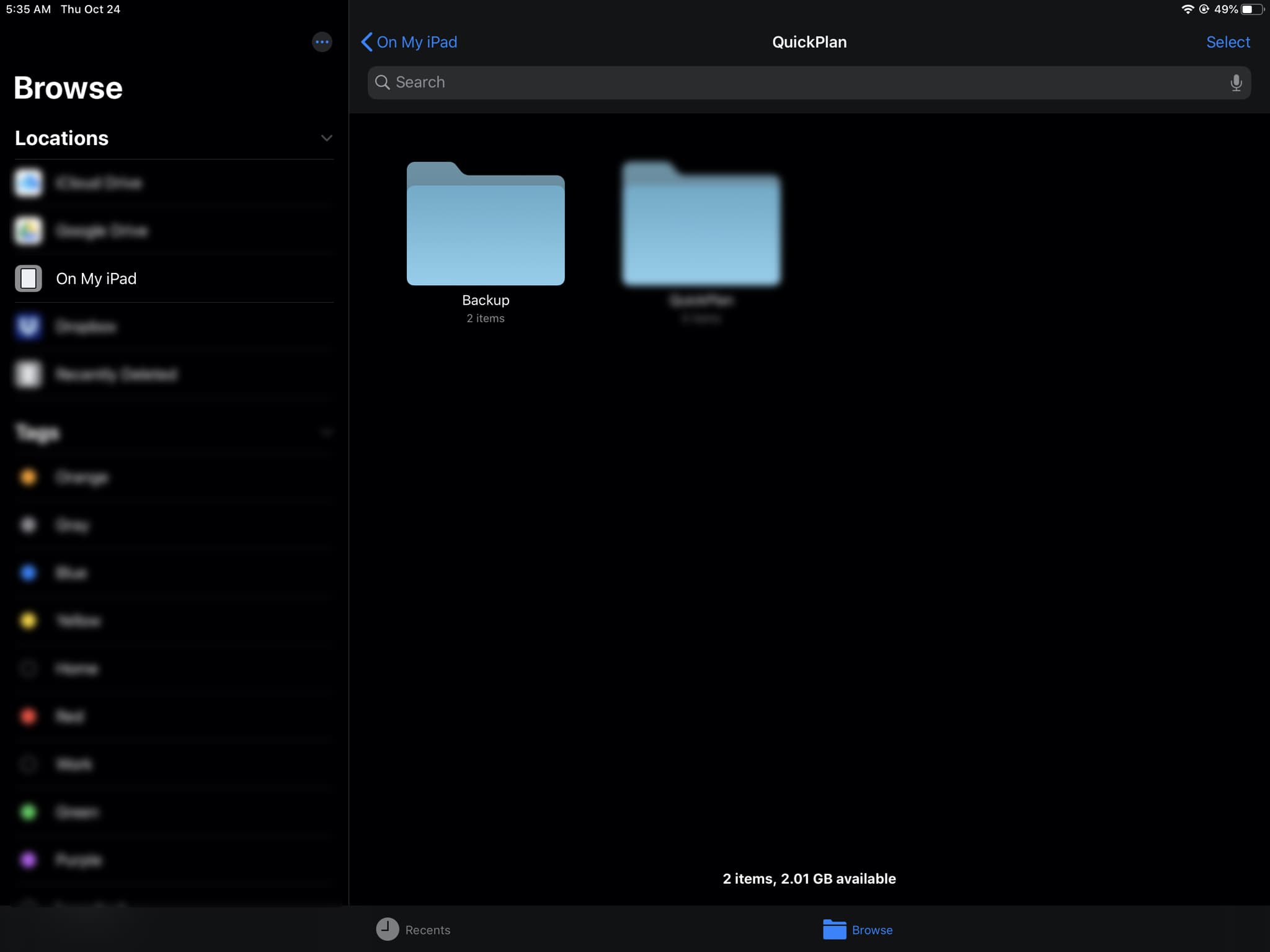
Backup files can be accessed via the iOS Files app (iOS Files App -> My iPad -> QuickPlan -> Backup).
Partial Project Exporting
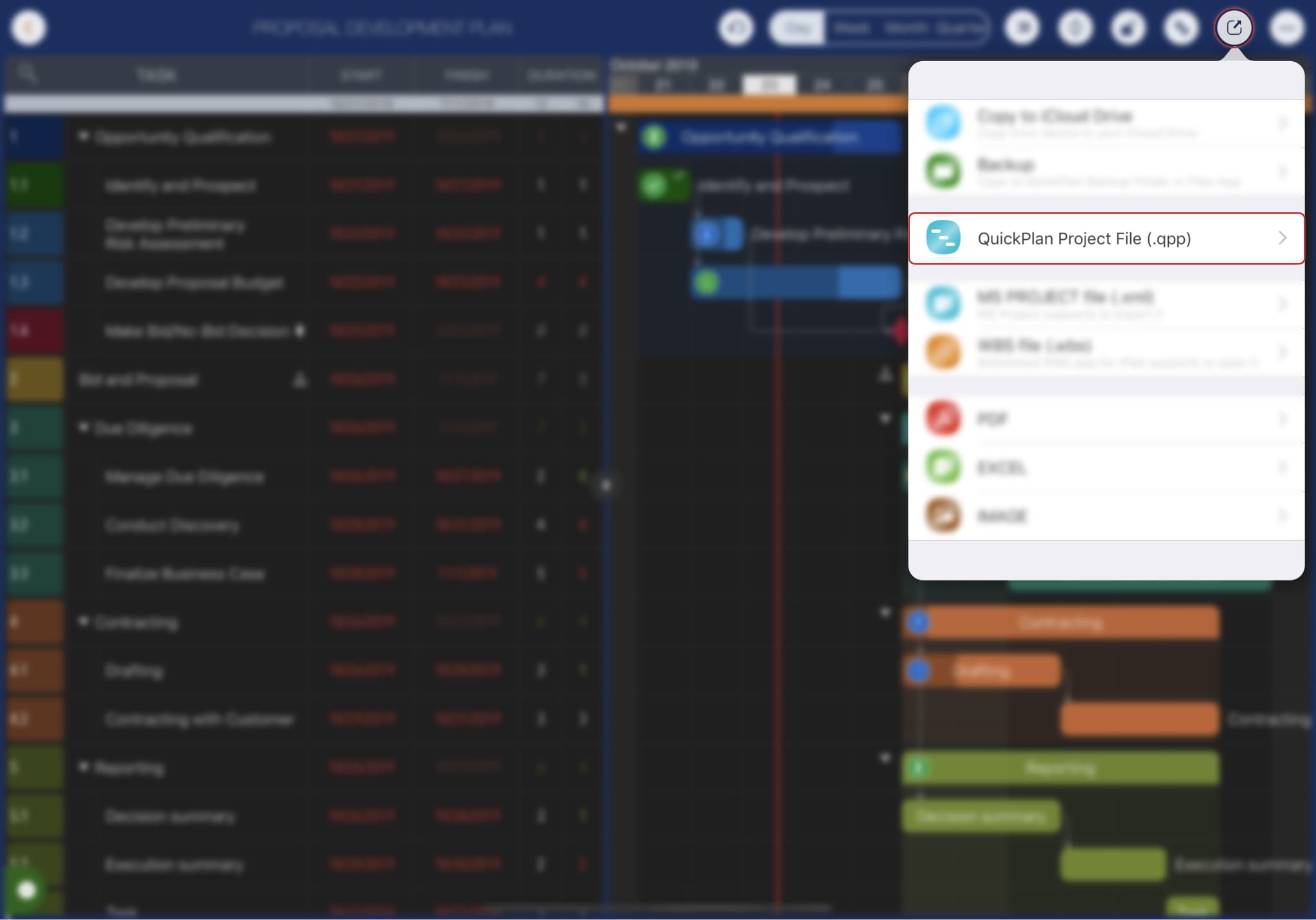
QuickPlan for iPad 10.1 supports direct partial project exporting.
UI Enhancements
-
Project Tile display on the Home View
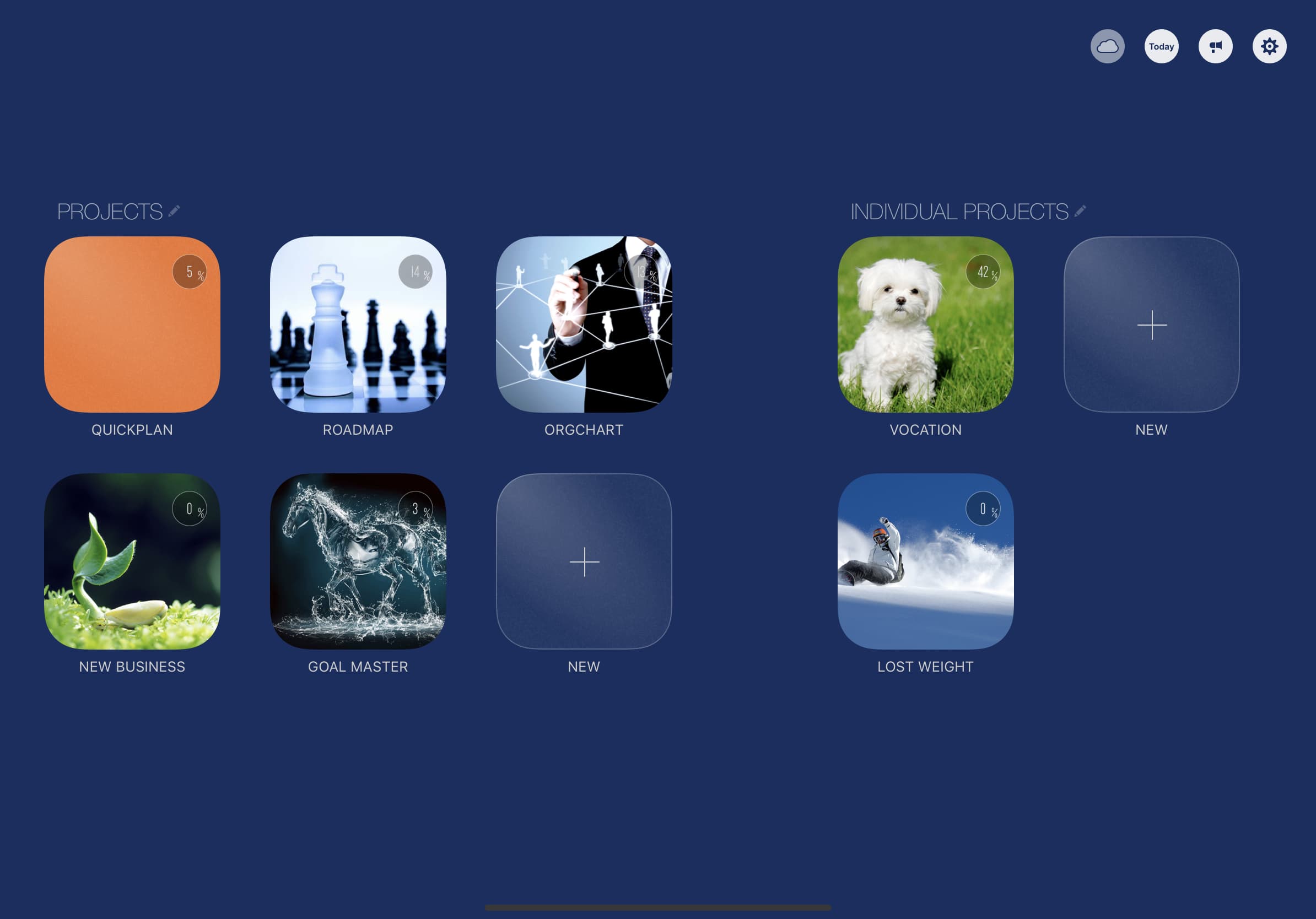
- New background color
- Project exporting menu updated
-
In-app tips for the user interface
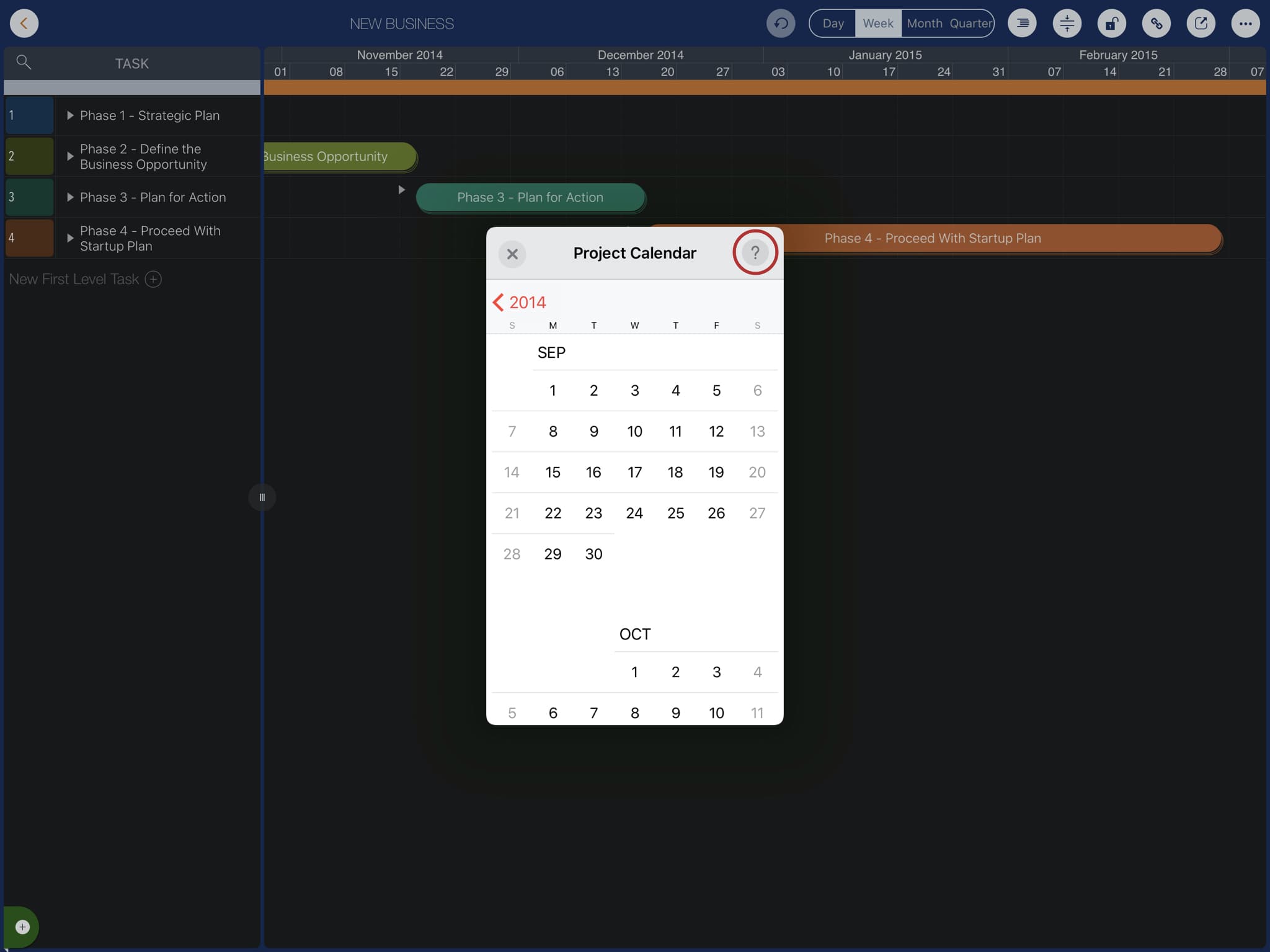
- Menu icons updated