
Quick Start - Team Sharing
"QuickPlan for macOS" is a native document-based app. A project is a project file stored on the Mac with a .qpp file extension. QuickPlan follows the latest best practices and has the highest privacy standards because it is not server-based. QuickPlan is highly privacy-conscious. We (Swift Apps) do not store user-created project files on any server. Projects are stored directly on your device or in your personal cloud storage, at your discretion.
By default, project files are stored locally on your Mac, with the option to save them to your personal cloud storage. You own the files generated by the app and are responsible for transferring them to share with your team.

Sharing files is easy on macOS:
This is usually a suitable solution. For instance, Dropbox offers apps for various platforms that support convenient file access.
For enterprises, security is a key consideration. Public cloud storage may not be suitable. An MS SharePoint server can provide a secure solution for sharing files within the organization, offering easy access and permission controls. Your company may also have other preferred file-sharing solutions.
In addition to sharing an entire project file, you can share a portion of the project with other members. A partial project includes only tasks based on one of the following criteria:
This feature is highly useful for project managers to provide relevant content and track the project plan with team members and sub-project teams.

You can share the entire project file with another member, or simply share a PDF copy. Alternatively, QuickPlan supports exporting a new project containing only the tasks assigned to a specific member.

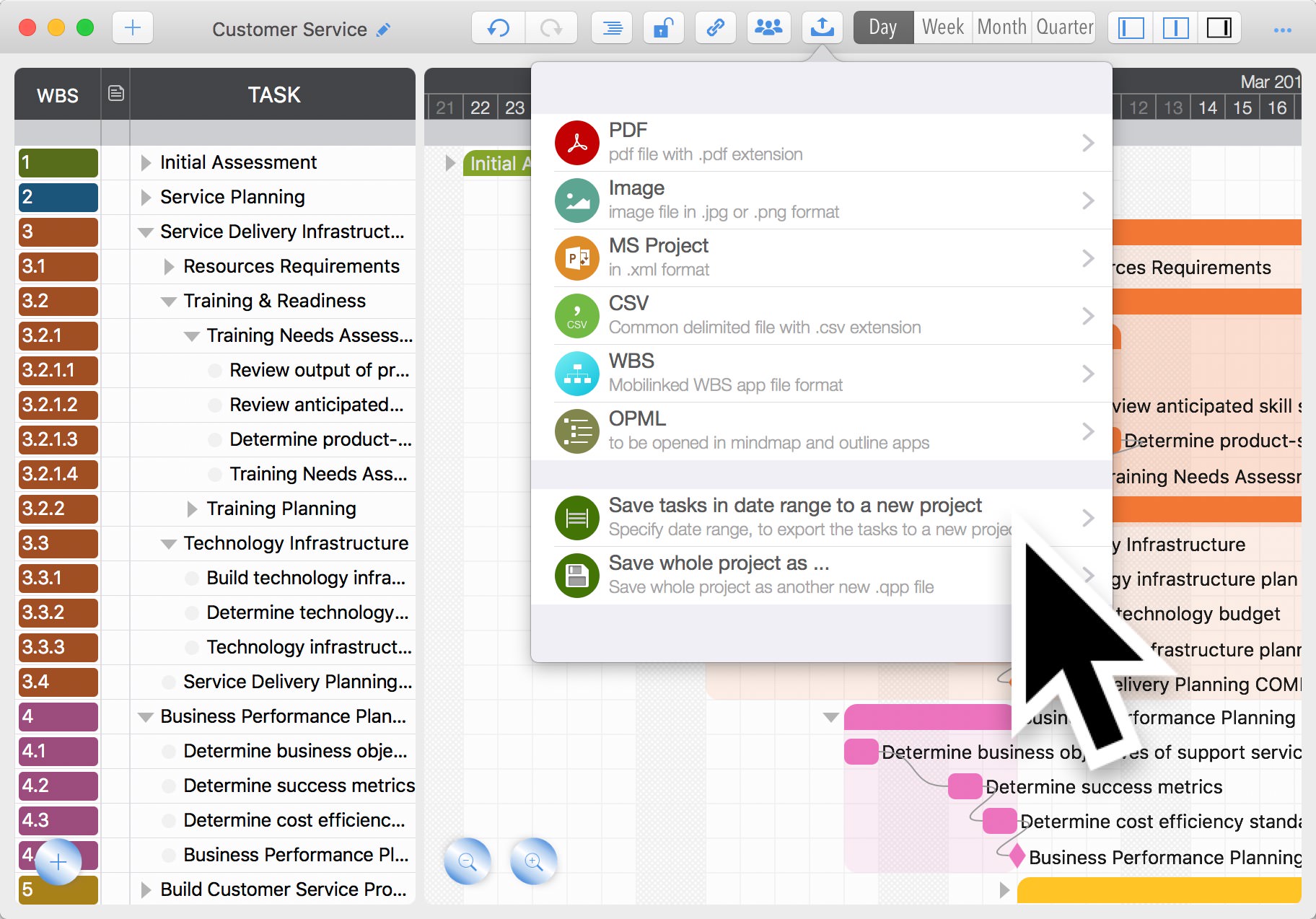

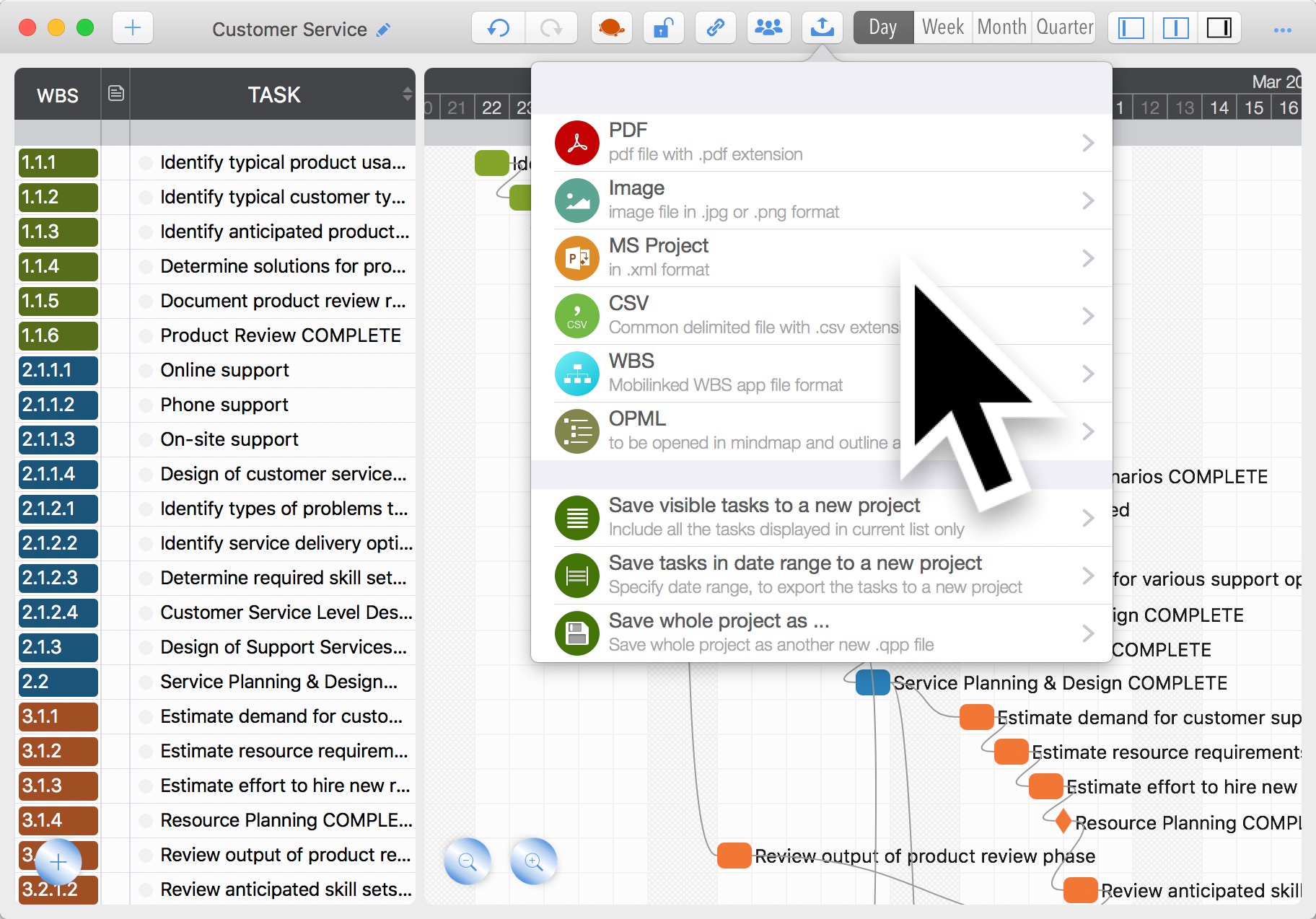
QuickPlan supports displaying tasks in both tree and list structures. When in List view, QuickPlan can export only the currently visible tasks to a new project.
© 2013 ~ 2026 COPYRIGHT QUICKPLAN | All Rights Reserved
Swift Apps