
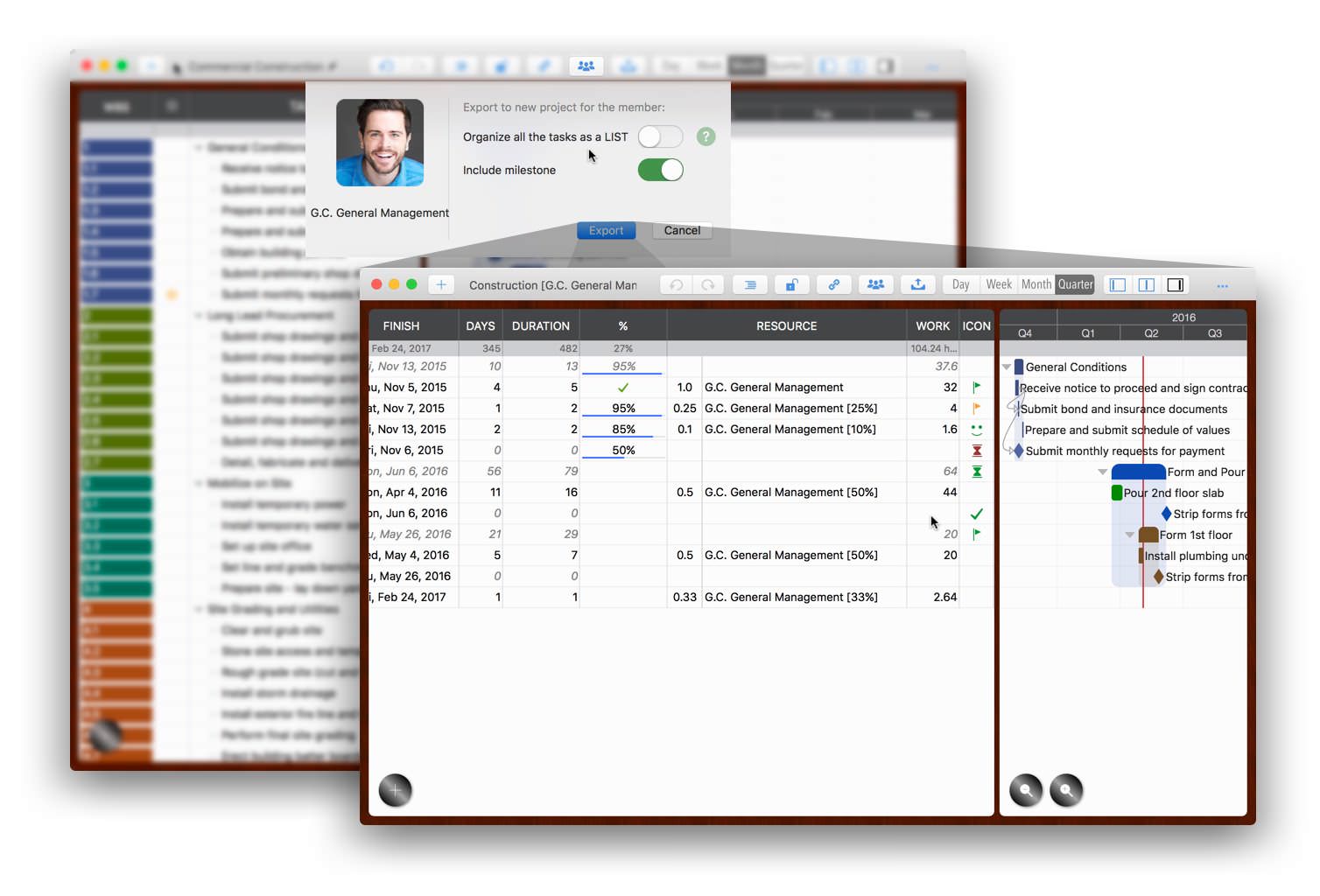
Export Tasks Assigned to Specific Members to a New Project
The new project will contain only tasks assigned to specific members. Click the Team Sharing button on the toolbar.
Export Visible Tasks to a New Project (List View)
The new project will include only the currently visible tasks.

Export Tasks in a Group to a New Project
Right-click a task group and select "Save as New Project".
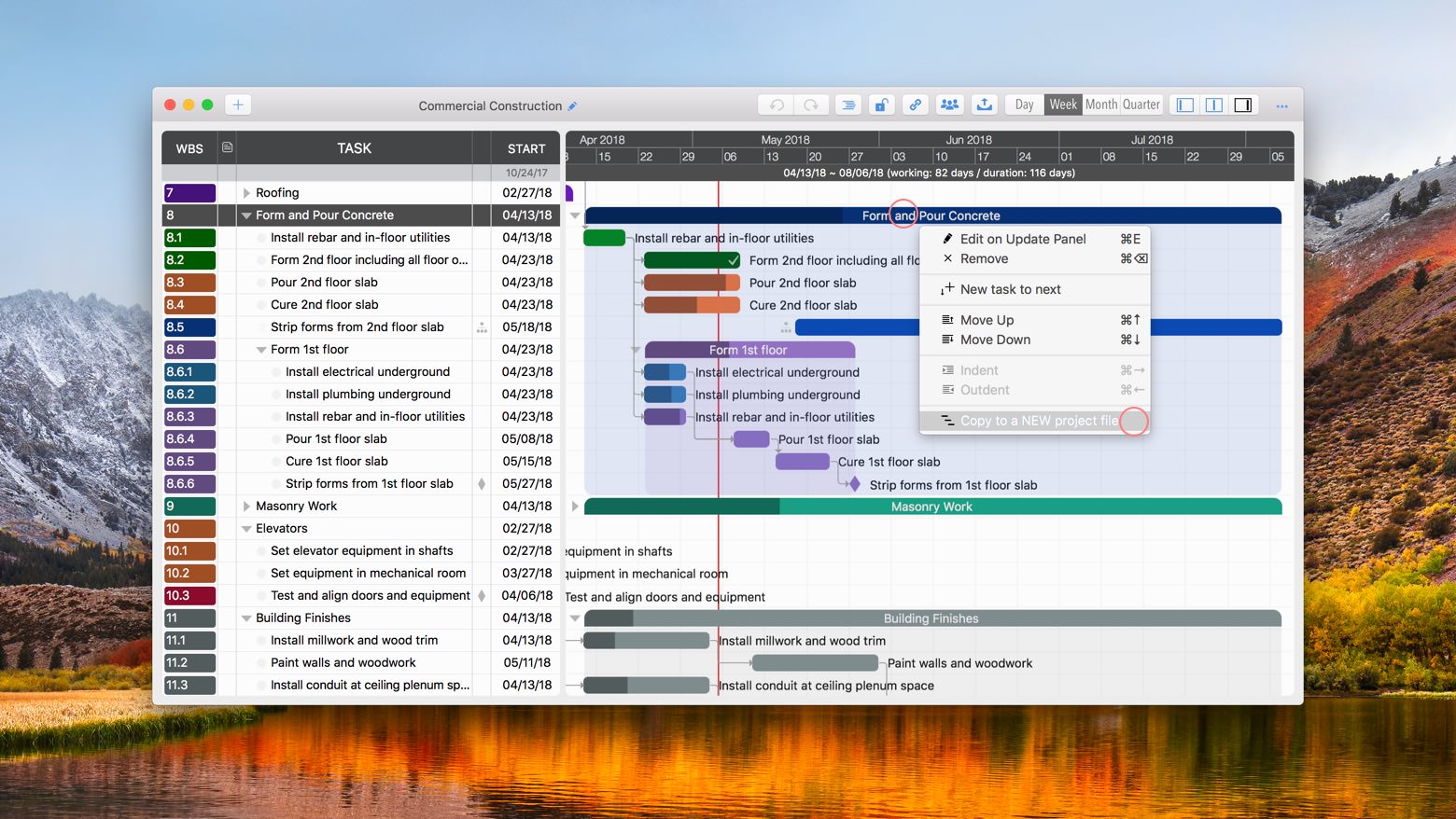
A new project will be created containing only the tasks from the selected group.
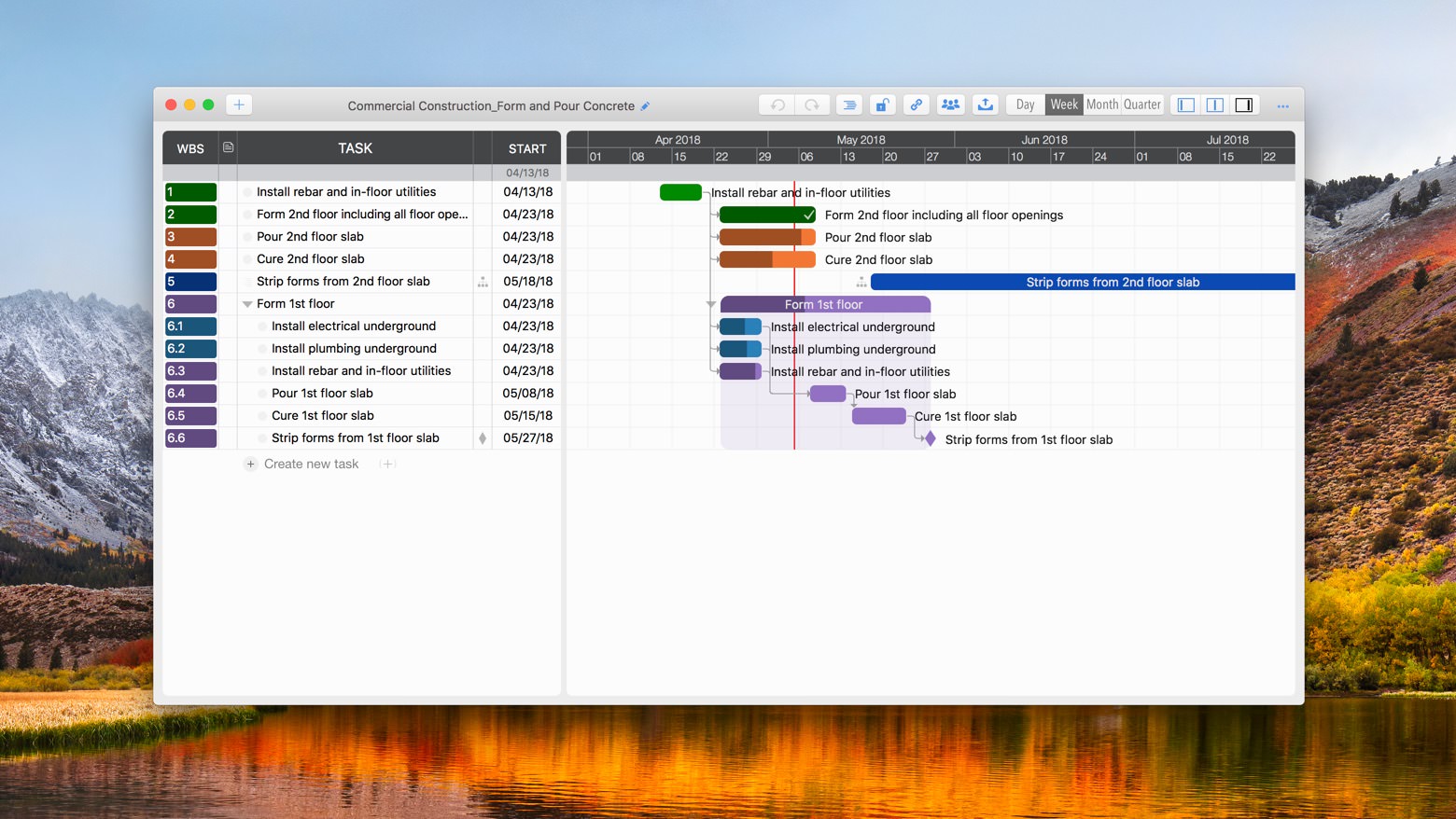
Export Tasks in a Specific Date Range to a New Project

Tip: This feature complements PDF exporting. To print a project by date range, first export the relevant date range to a new project, then export that new project to PDF.
Project Operations
Project Properties
Task Maintenance
- Task Structure
- Task Fields
- Create Task
- Insert Task
- Remove Task
- Indent and Outdent
- Copy / Paste Task
- Repeat Task
- Split Task
- Maintain Properties on Gantt
- Maintain Properties on Outline
- Property Updating Panel
- Task Link Maintenance
- Task URL Maintenance
- Date, Work and Costs Baseline
- Critical Path
- Seach & Replace
Efficent Maintenance
Task Display
Customizations
Alarm
Synchronization
Team Collaboration
Partical Exporting
- Export tasks for members
- Export visible tasks in LIST
- Export tasks in a task group
- Export tasks by date range