

Subtask Inputs
Version 10.6 improves task entry for greater convenience and efficiency. You can quickly create subtasks via the App Menu, context menu, or keyboard shortcuts, with the option to select the new subtask or maintain the current selection.
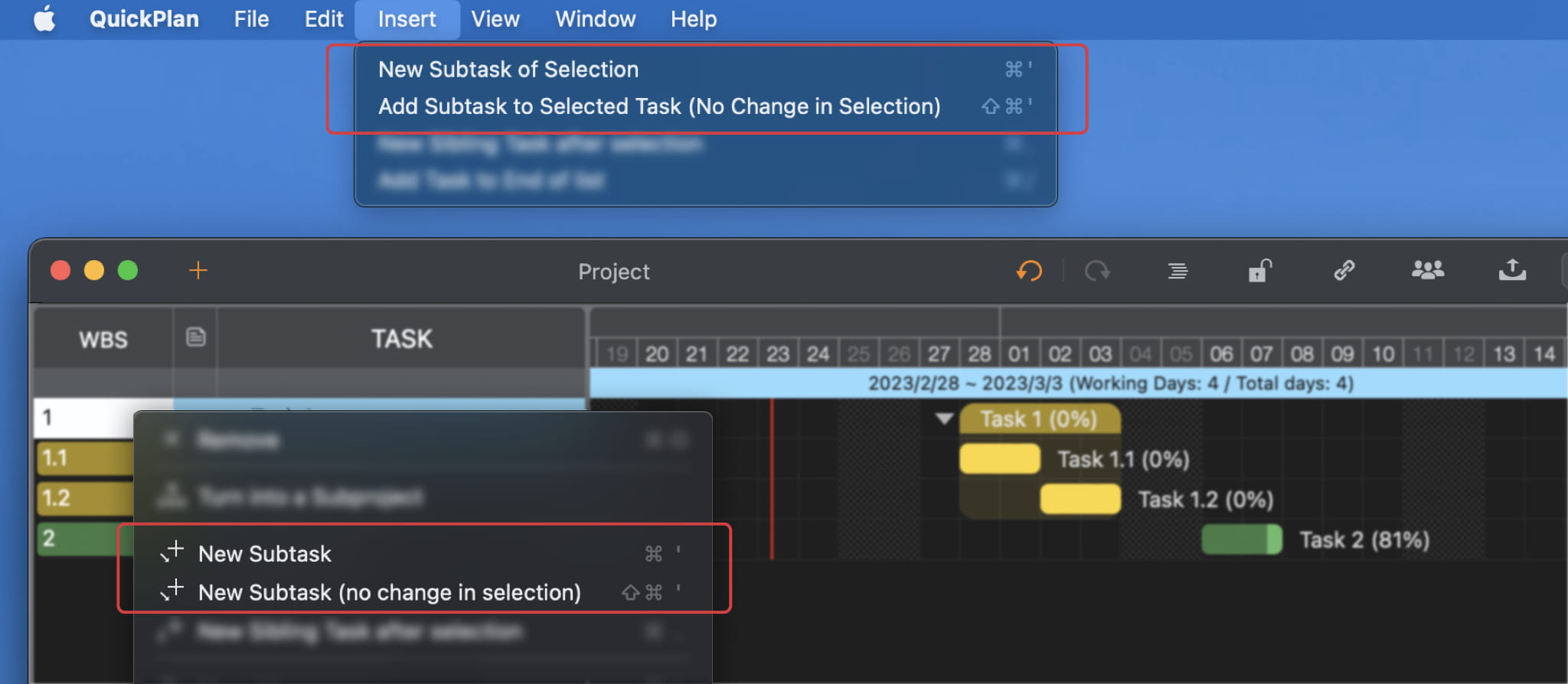
Keyboard Shortcuts
- To create and select a subtask, press ⌘'.
- To create a subtask without changing selection, press ⇧⌘'.
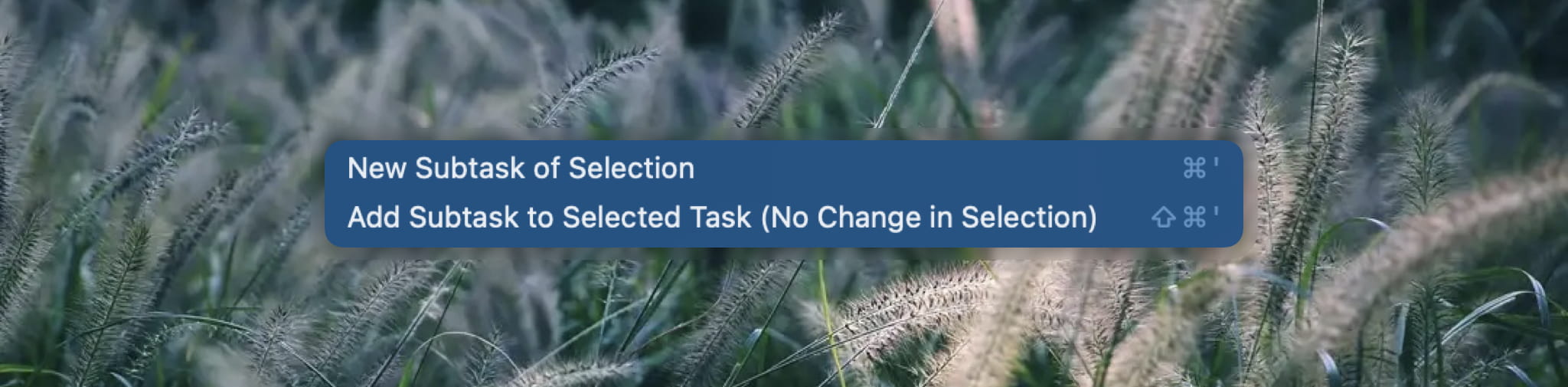
Add Subtask to a Single Task
Adding a subtask to a childless task copies the parent's basic properties to the new subtask. This simplifies breaking down tasks and allows you to easily convert a single task into a task group.
Project Operations
Project Properties
Task Maintenance
- Task Structure
- Task Fields
- Create Task
- Insert Task
- Remove Task
- Indent and Outdent
- Copy / Paste Task
- Repeat Task
- Split Task
- Maintain Properties on Gantt
- Maintain Properties on Outline
- Property Updating Panel
- Task Link Maintenance
- Task URL Maintenance
- Date, Work and Costs Baseline
- Critical Path
- Seach & Replace
Efficent Maintenance
Task Display
Customizations
Alarm
Synchronization
Team Collaboration
Partical Exporting