
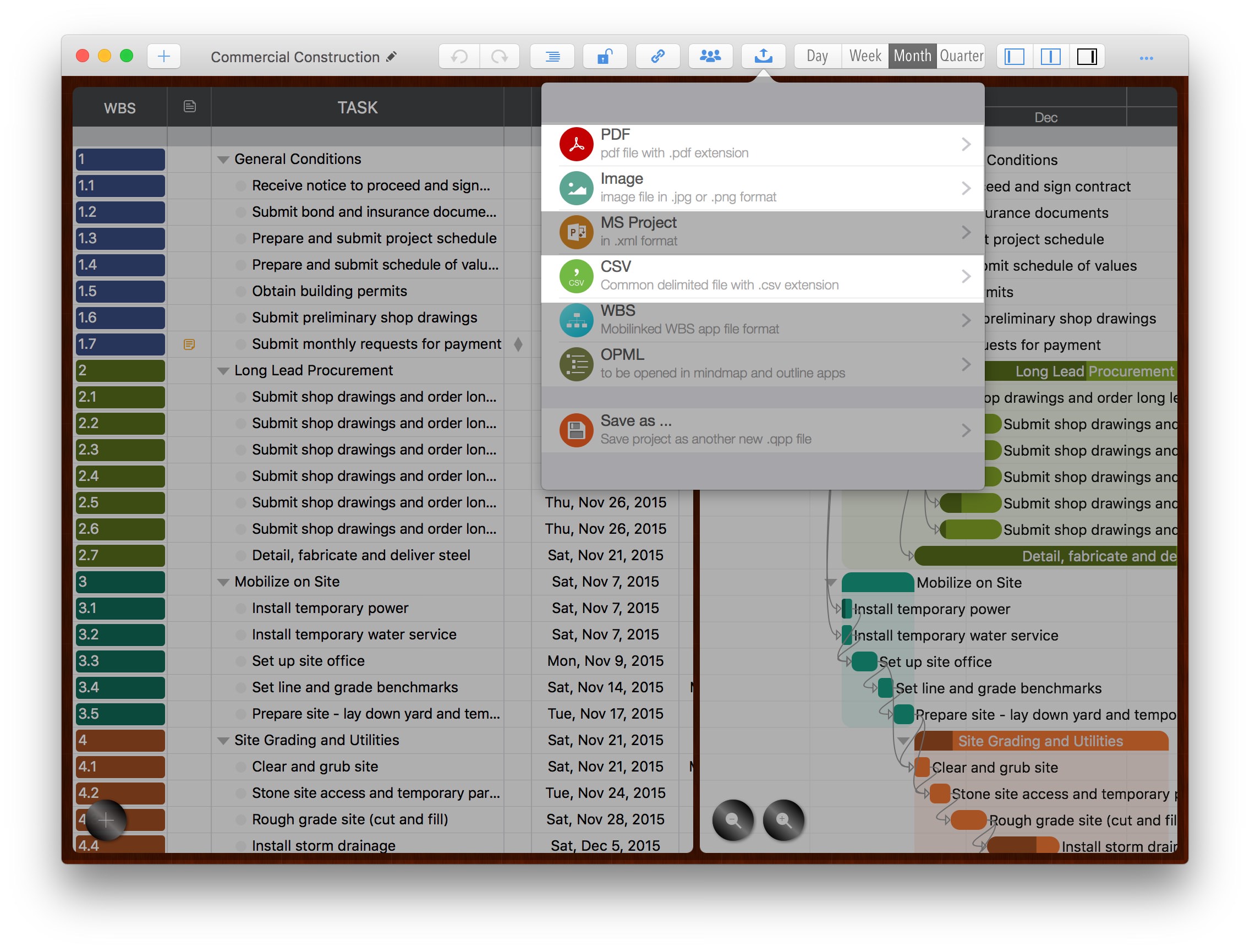
Projects can be exported as PDF, CSV, and Image files for reporting and communication. Tap to learn more about this feature.
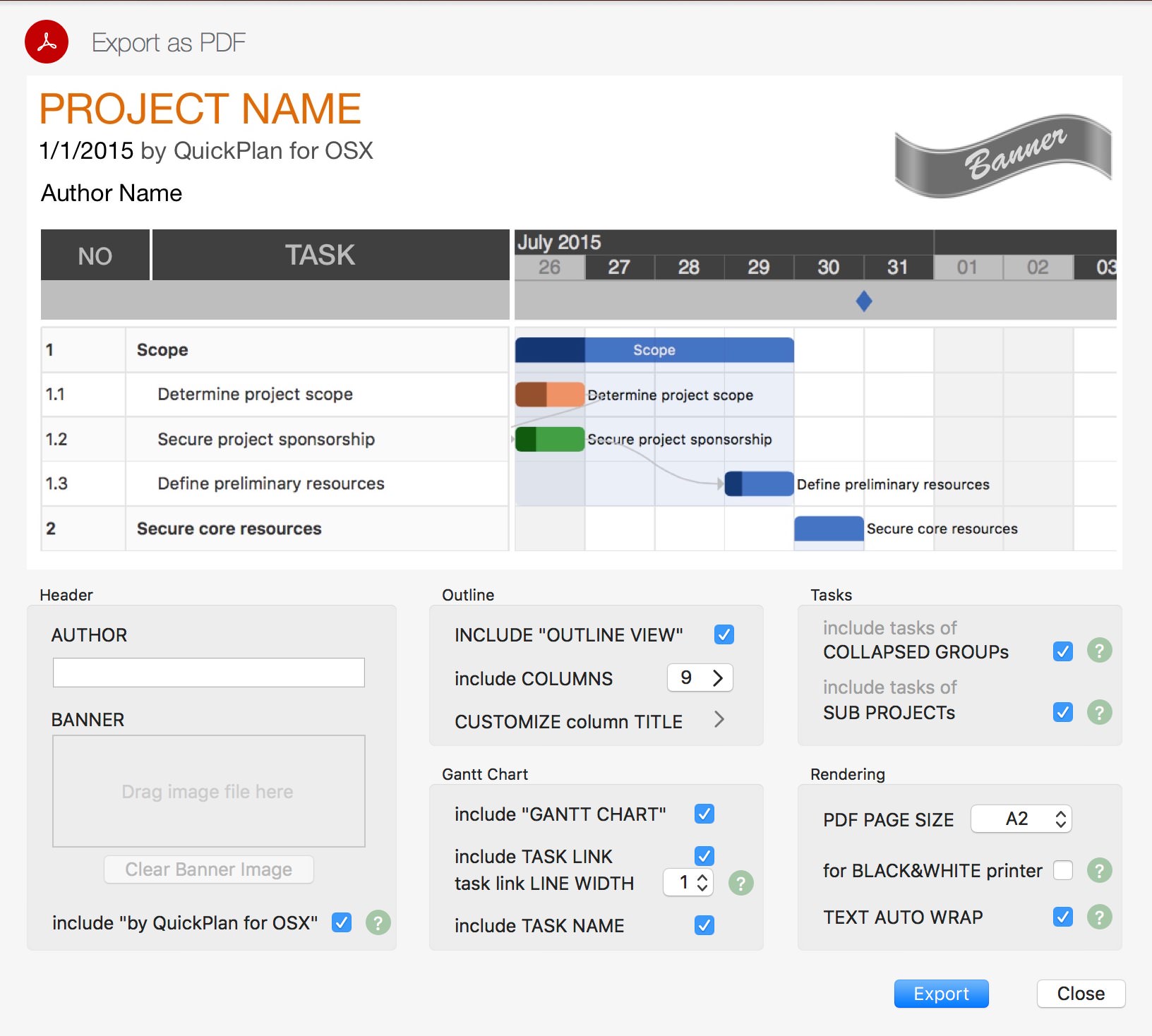
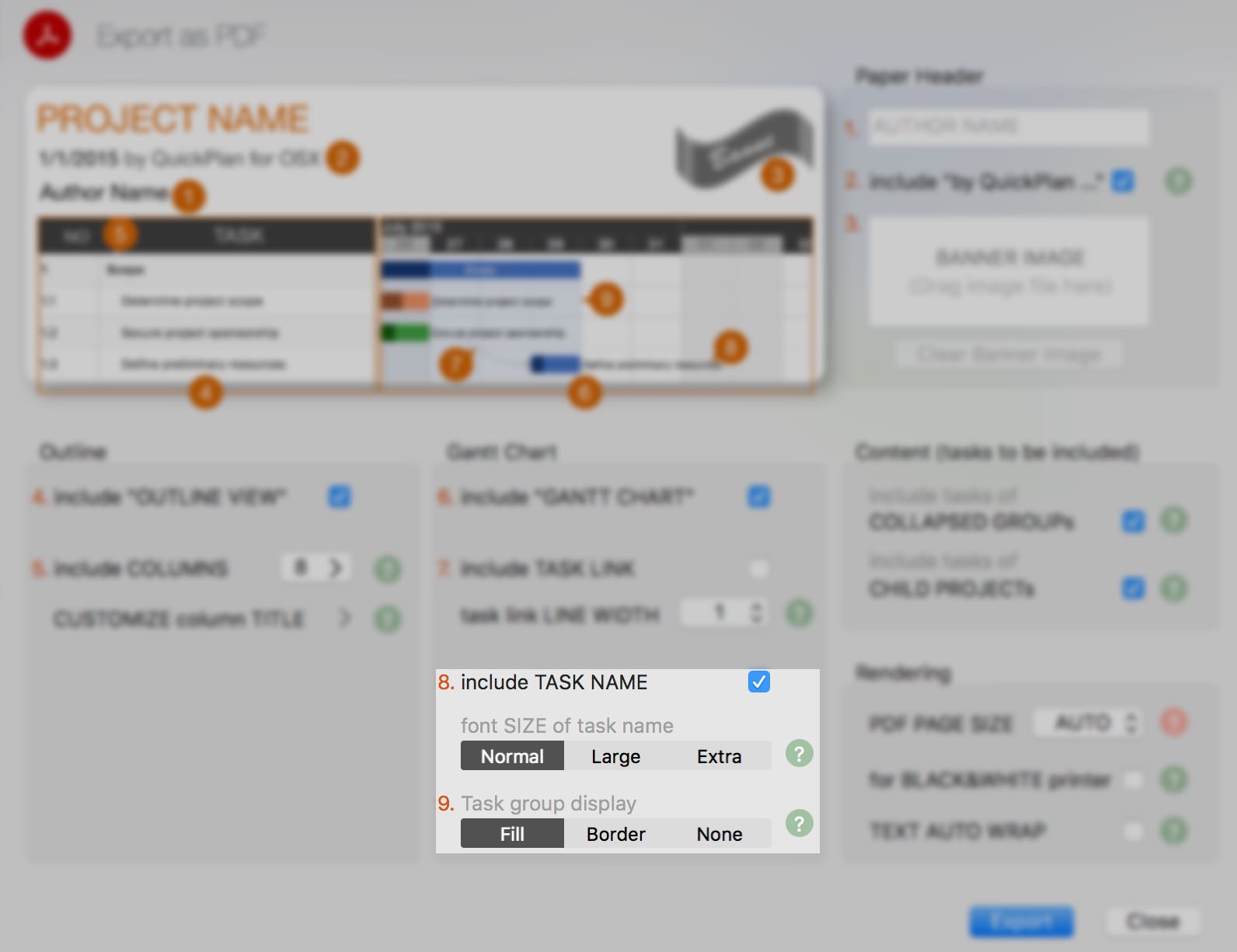
Several options allow you to customize the content exported to PDF.
- Author Name: Displays the author's name in the header of the first PDF page.
- Banner: Displays the banner image in the top-right header of the first PDF page.
- Black & White Printing: Exports PDF in black and white, suitable for low-DPI or monochrome printers.
- Include "QuickPlan" Info: By default, a footer indicating the PDF was created by QuickPlan is included. This option can be disabled.
- Include Task Links: Option to include or exclude task links in the PDF.
- Page Size: Set the PDF page size. For printing, ensure the physical paper size matches the PDF page size.
- Page Content: Option to include or exclude the Outline and Gantt Chart. At least one must be included.
- Task Link Line Width: Useful when exporting large PDFs (e.g., A1) for printing on smaller paper (e.g., A4). Increasing line width prevents links from disappearing due to scaling.
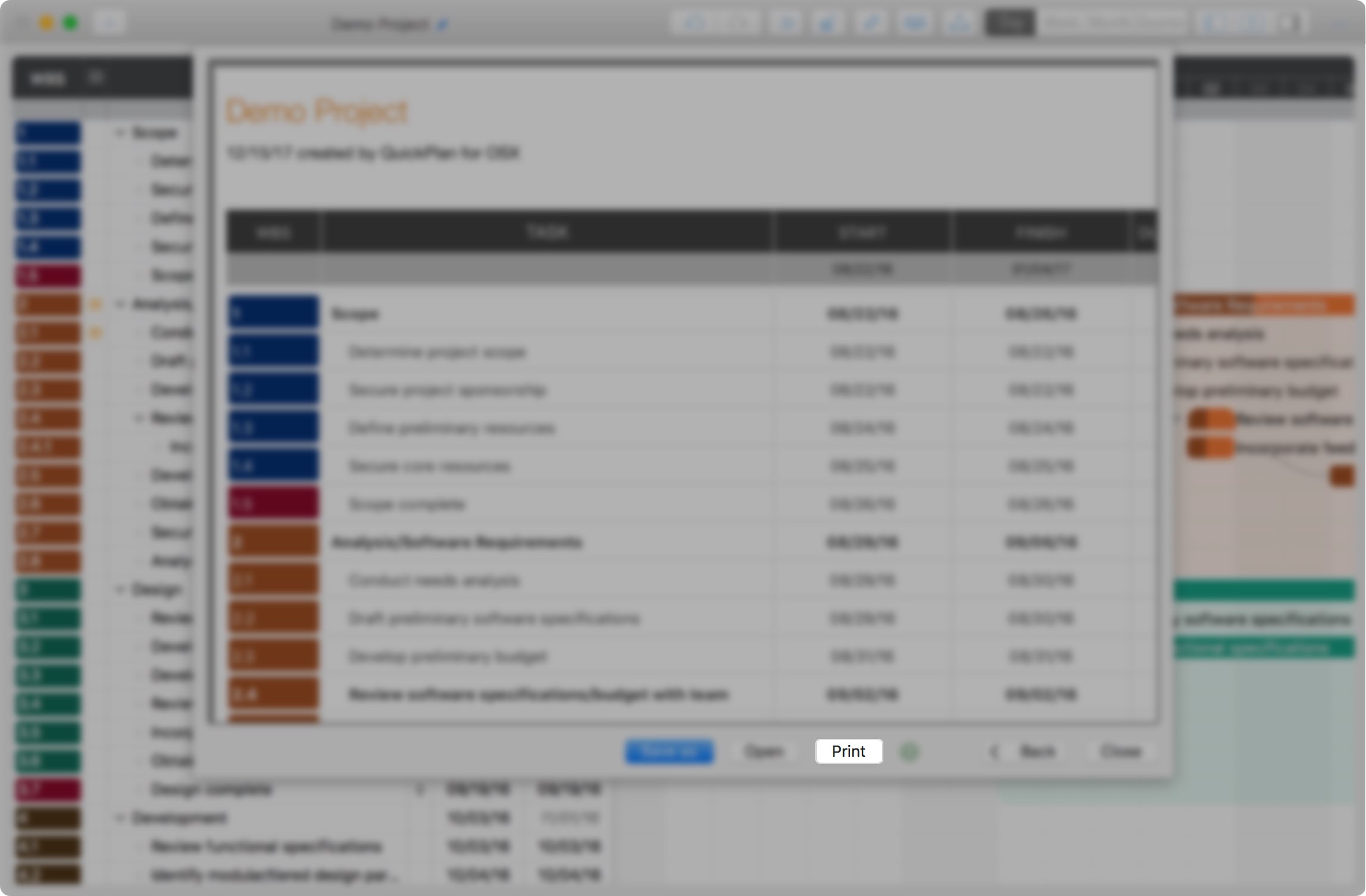
[version 2.6 Update] Support for direct printing from the PDF preview page.
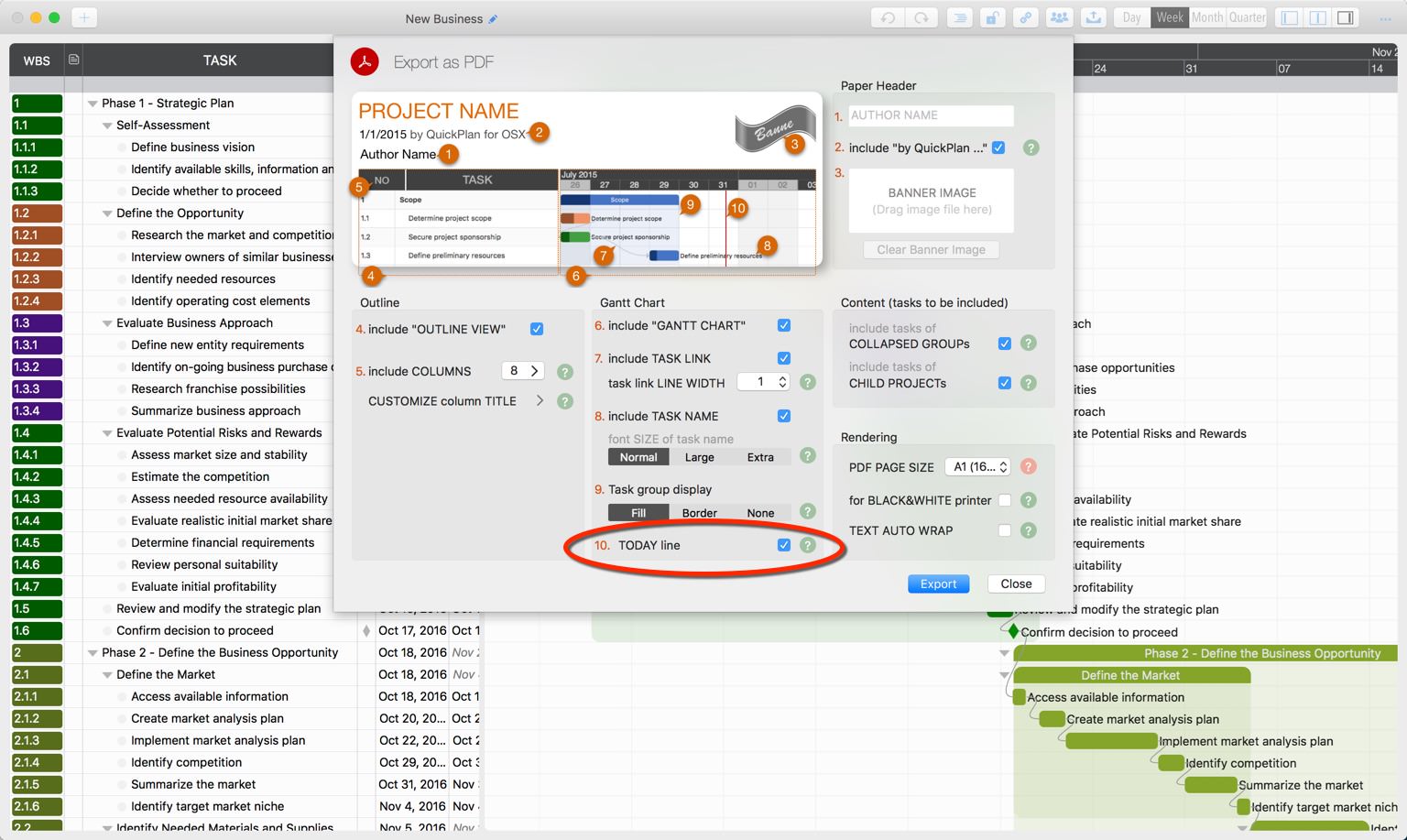
[version 2.2 Update] "Red today line" option
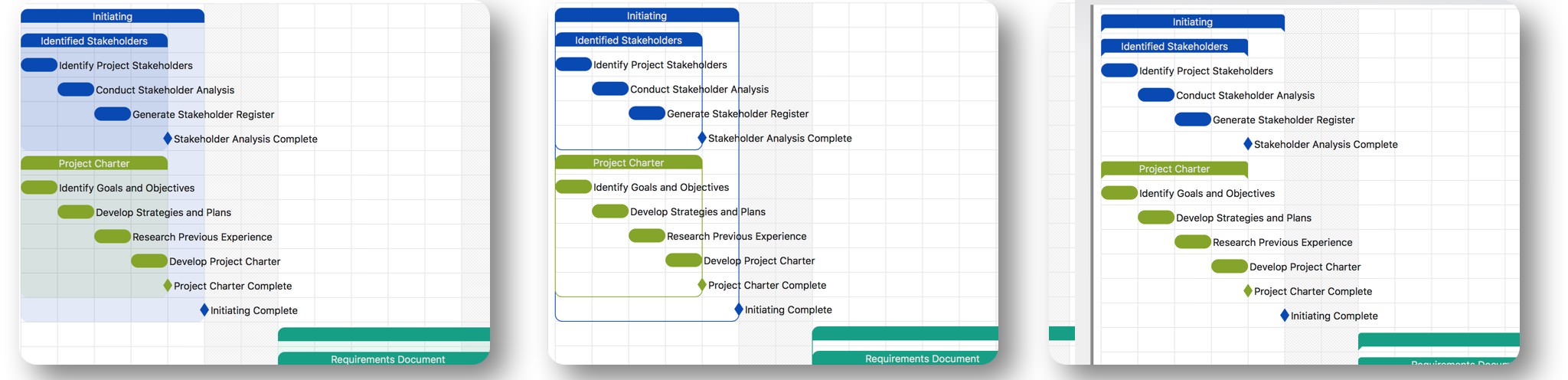
[version 2.0 Update] One option adjusts the output font size, while another controls the task group background style.
The output for these two options
Best practices for the printing challenge
Project plans generated in QuickPlan may contain many tasks or span long durations, resulting in output larger than standard paper sizes. Please check out our practices for this challenge
CSV
Several options allow you to customize the content exported to CSV.
- Excel Sheets: Option to include "Task Dispatch" and "Member Assignment" sheets. The "Task List" sheet is always included.
- Columns: Select the columns to include in the exported CSV.
- Include Task Group: Include or exclude task groups. Group properties are calculated from their constituent tasks.
- Include Sub-project Tasks: Determines whether tasks within sub-projects are included.

Image
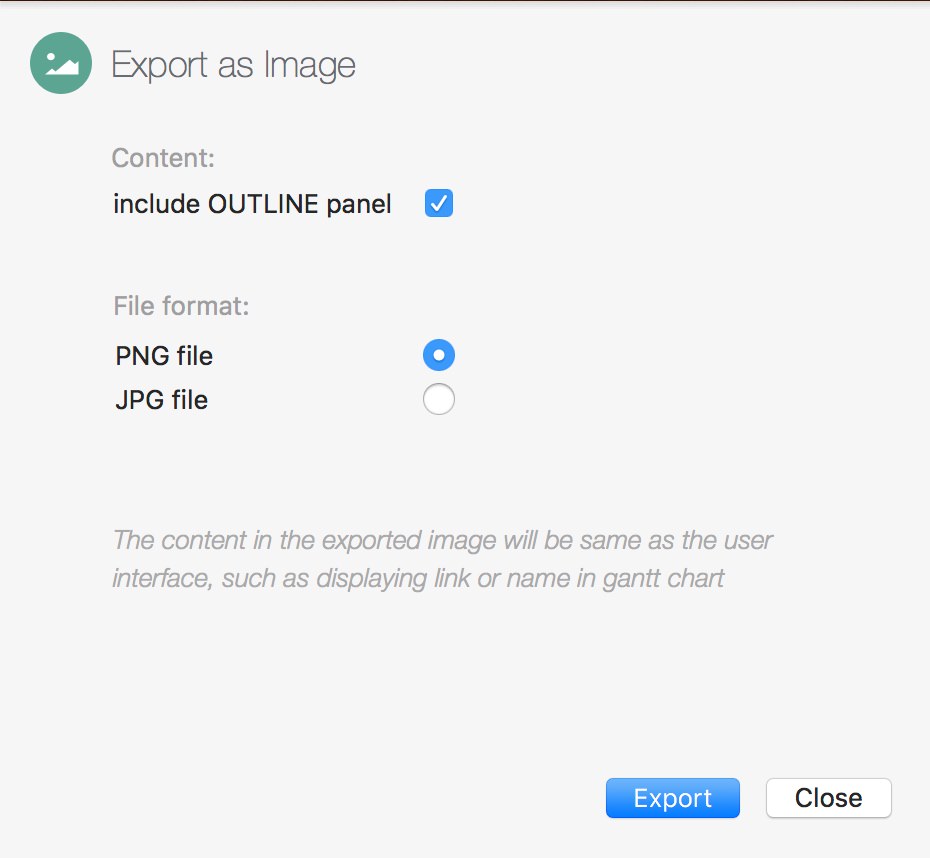
Options allow you to customize the content exported to image files.
- Include Task Outline: Option to include or exclude the task outline.
Notes
Exported images are limited to 100 tasks. To include all tasks, please export the project as a PDF.
Project Operations
Project Properties
Task Maintenance
- Task Structure
- Task Fields
- Create Task
- Insert Task
- Remove Task
- Indent and Outdent
- Copy / Paste Task
- Repeat Task
- Split Task
- Maintain Properties on Gantt
- Maintain Properties on Outline
- Property Updating Panel
- Task Link Maintenance
- Task URL Maintenance
- Date, Work and Costs Baseline
- Critical Path
- Seach & Replace
Efficent Maintenance
Task Display
Customizations
Alarm
Reports
- CSV
- Image
- Charts
Synchronization
Team Collaboration
Partical Exporting