
QuickPlan allows you to archive fields like task start, finish, workdays, duration, work, labor cost, materials cost, and total cost. Use these archived fields as a baseline to compare against active fields, visualized with different colors.
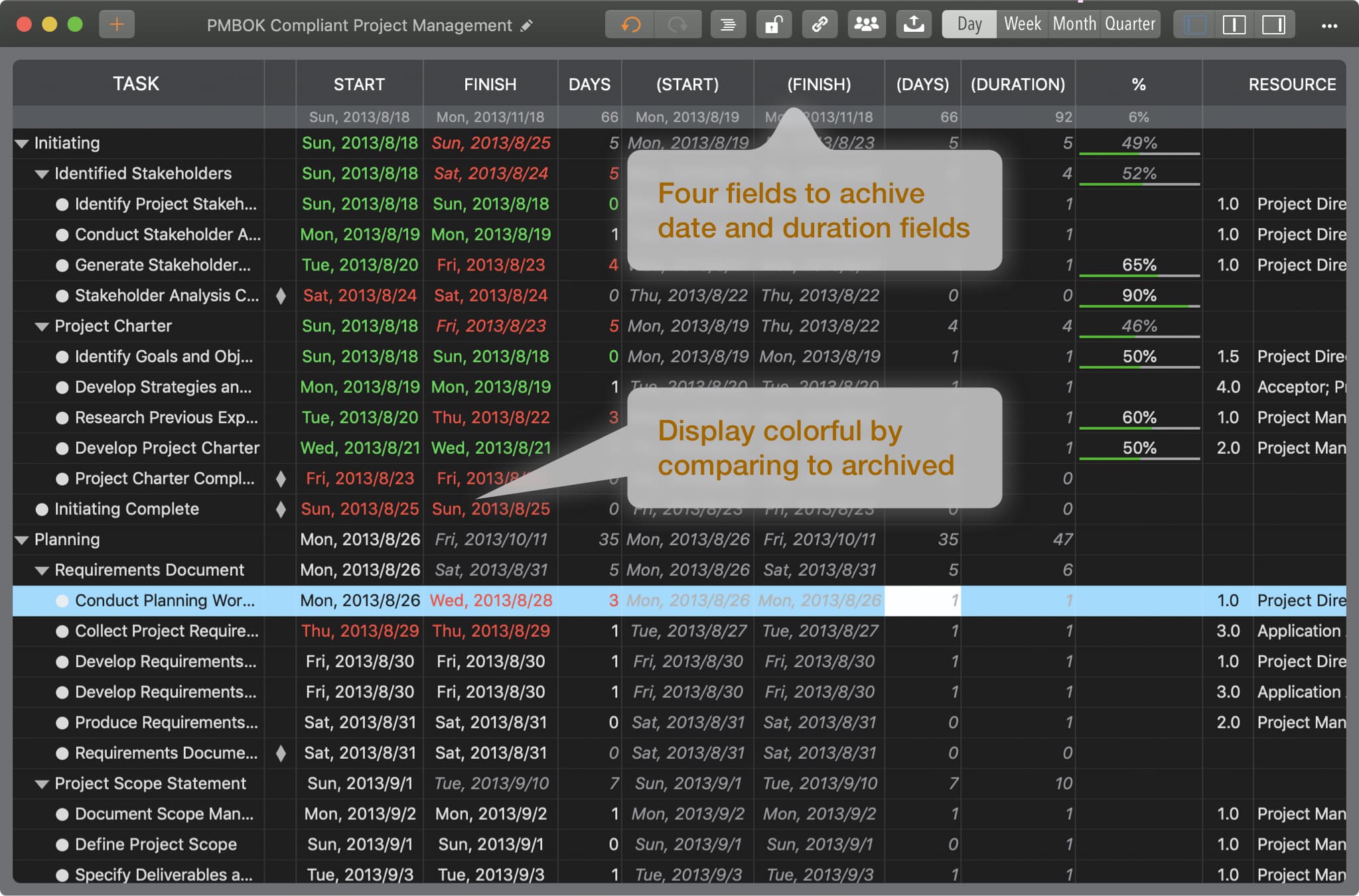
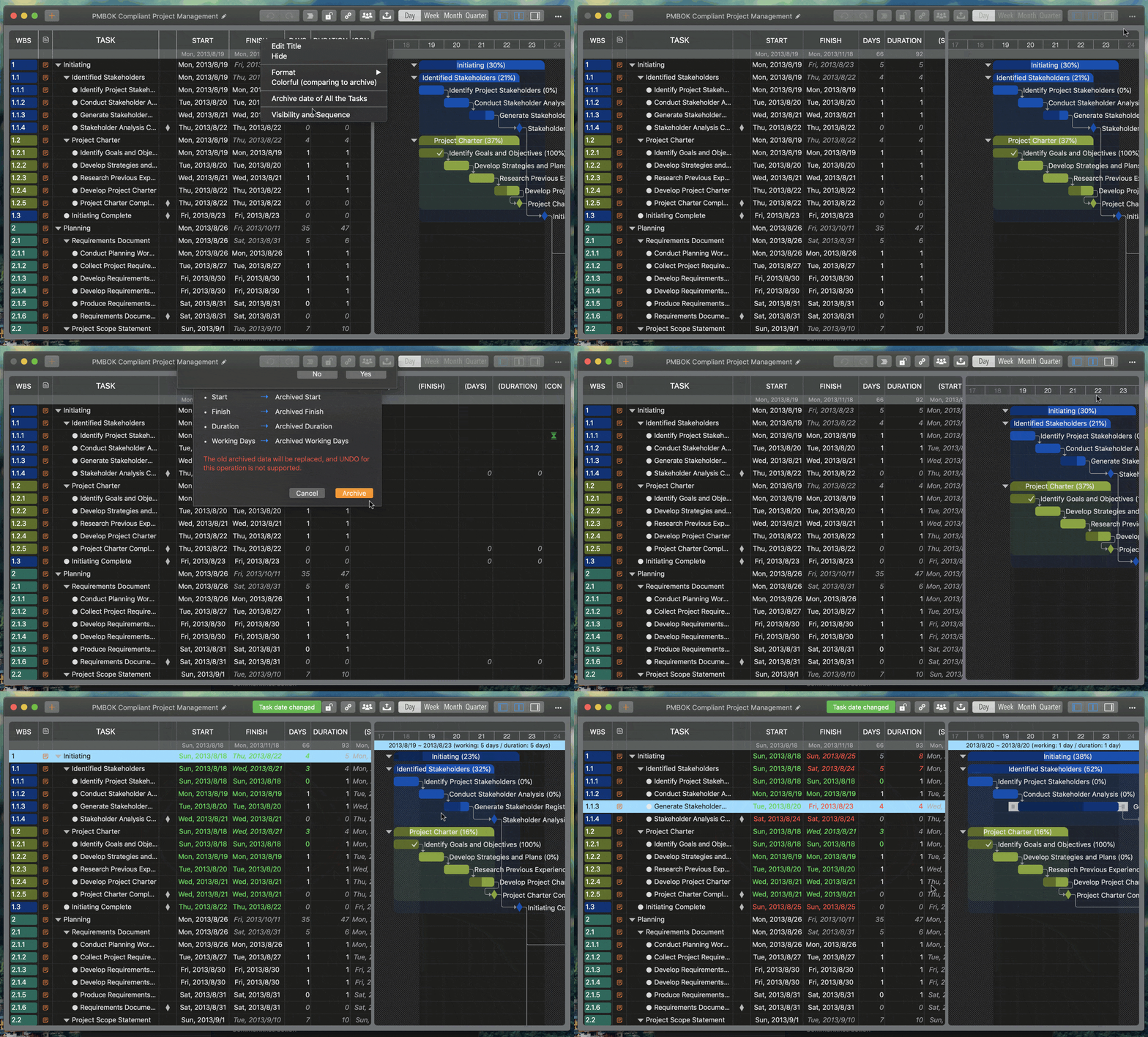
The animation below demonstrates how to:
- Display archive fields (hidden by default).
- Archive active date and duration fields (copy active to archive). QuickPlan supports bulk archiving, but archive fields are read-only.
- Adjust display options to color-code active date and duration fields based on comparisons with archived data.
Project Operations
Project Properties
Task Maintenance
- Task Structure
- Task Fields
- Create Task
- Insert Task
- Remove Task
- Indent and Outdent
- Copy / Paste Task
- Repeat Task
- Split Task
- Maintain Properties on Gantt
- Maintain Properties on Outline
- Property Updating Panel
- Task Link Maintenance
- Task URL Maintenance
- Date, Work and Costs Baseline
- Critical Path
- Seach & Replace
Efficent Maintenance
Task Display
Customizations
Alarm
Synchronization
Team Collaboration
Partical Exporting