
Open a Mindmap (OPML) File to Create a New Project
- Save an iThoughts Mindmap as an OPML file
-
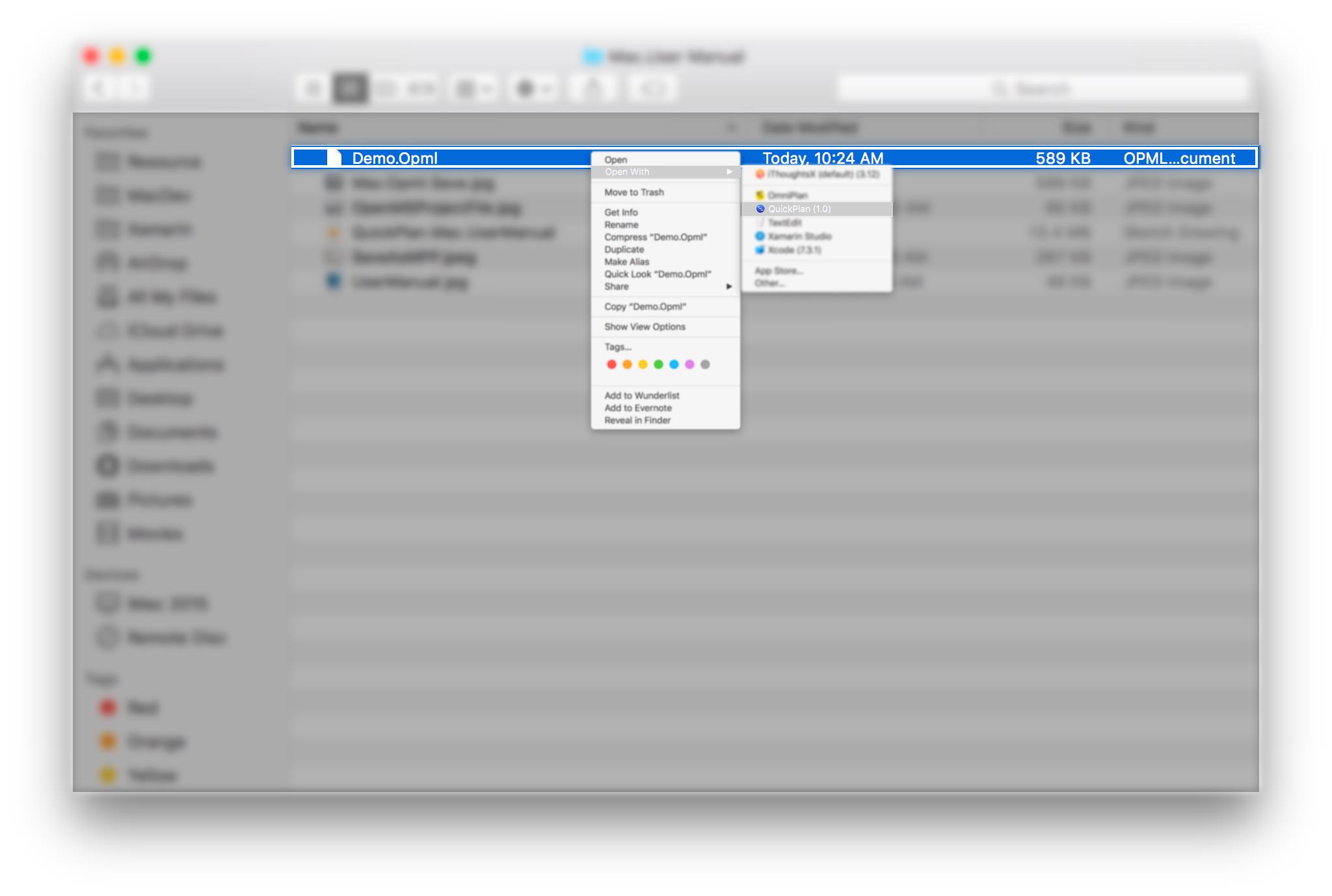
Open the OPML file in QuickPlan to create a new project.
Export QuickPlan Project to an OPML File
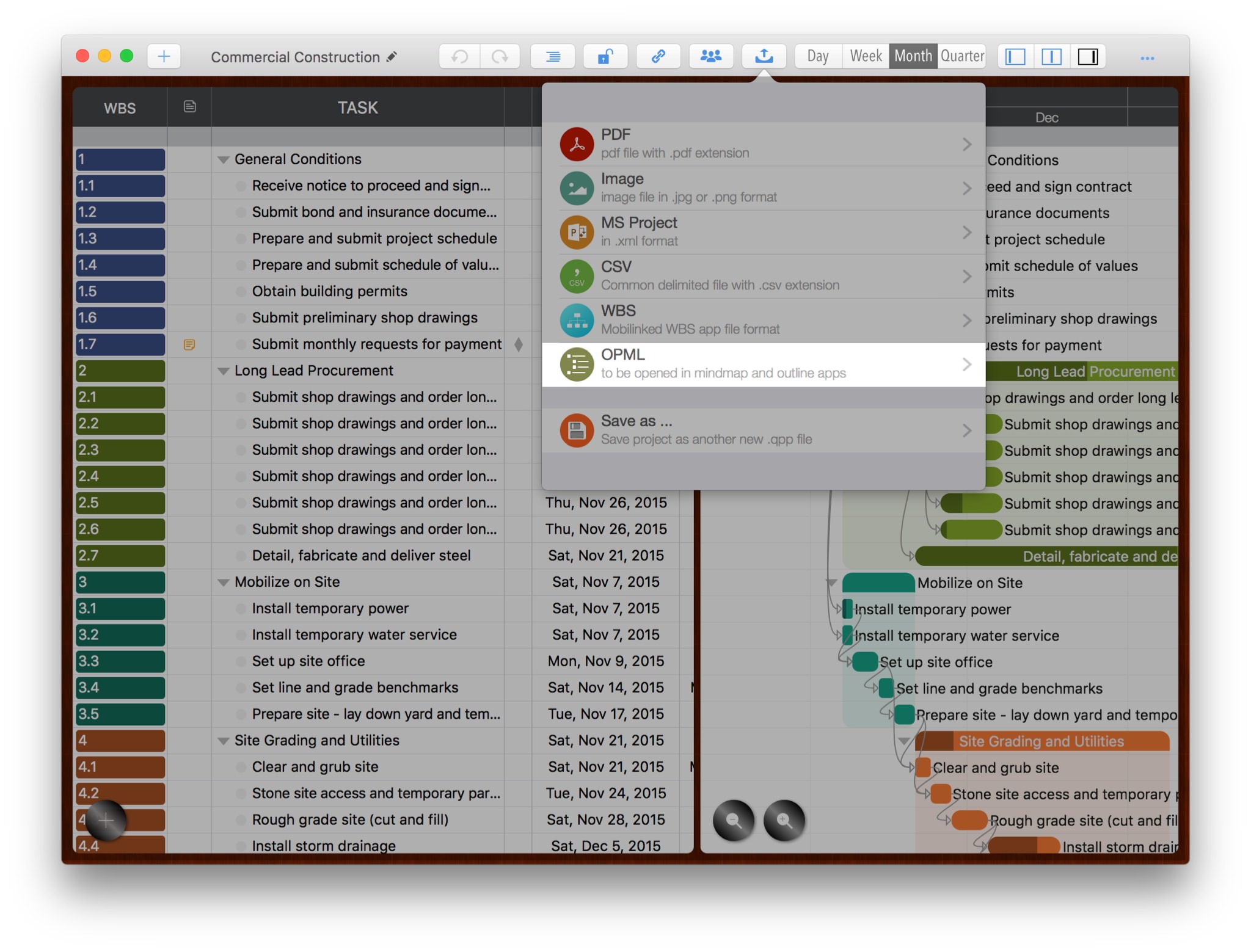
QuickPlan can also export projects to OPML files, compatible with other Mindmap or outlining apps.
Notes
OPML is a simple protocol that includes limited information. The content of OPML files created by other apps is beyond QuickPlan's control. If your mindmap input isn't in the OPML file, it won't appear in the QuickPlan project.
Avoid inputting task date and resource information in mindmap apps. QuickPlan handles these inputs more efficiently and professionally.
Project Operations
Project Properties
Task Maintenance
- Task Structure
- Task Fields
- Create Task
- Insert Task
- Remove Task
- Indent and Outdent
- Copy / Paste Task
- Repeat Task
- Split Task
- Maintain Properties on Gantt
- Maintain Properties on Outline
- Property Updating Panel
- Task Link Maintenance
- Task URL Maintenance
- Date, Work and Costs Baseline
- Critical Path
- Seach & Replace
Efficent Maintenance
Task Display
Customizations
Alarm
Synchronization
Team Collaboration
Partical Exporting
Integrations
- MS Project Integration
- Mindmap (OPML) Integration
- Swift Apps WBS Integration