
The Outline List Acts Like a Grid
-
← → ↑ ↓ (Arrow Keys) to navigate active rows and cells.
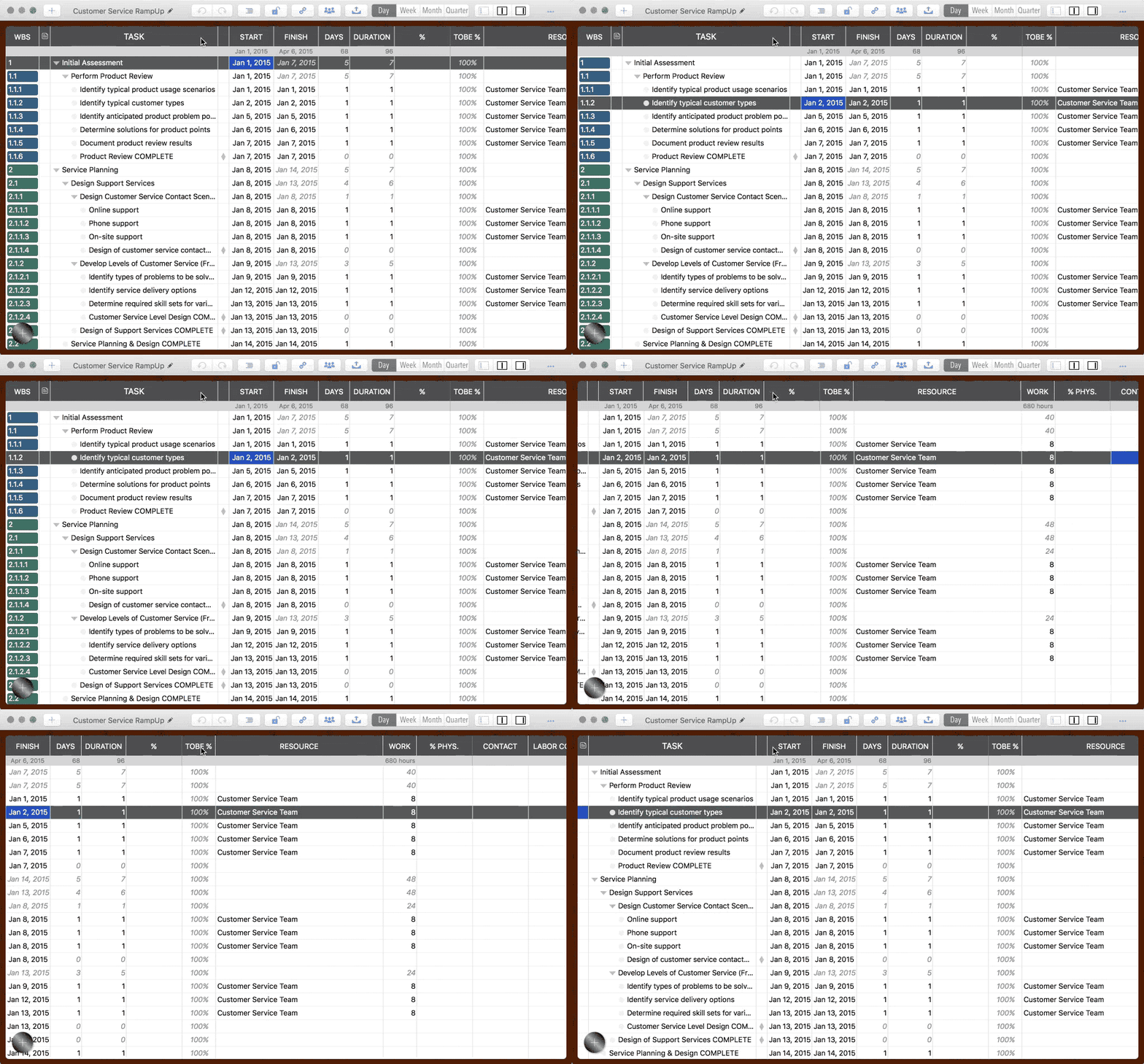
-
↩ ("Return") to edit the active cell;
Click a cell in the active row to edit;
Double-click any cell to edit directly (Double-clicking WBS or Sequence No columns opens the Updating Panel to edit all properties).
Esc to stop editing.
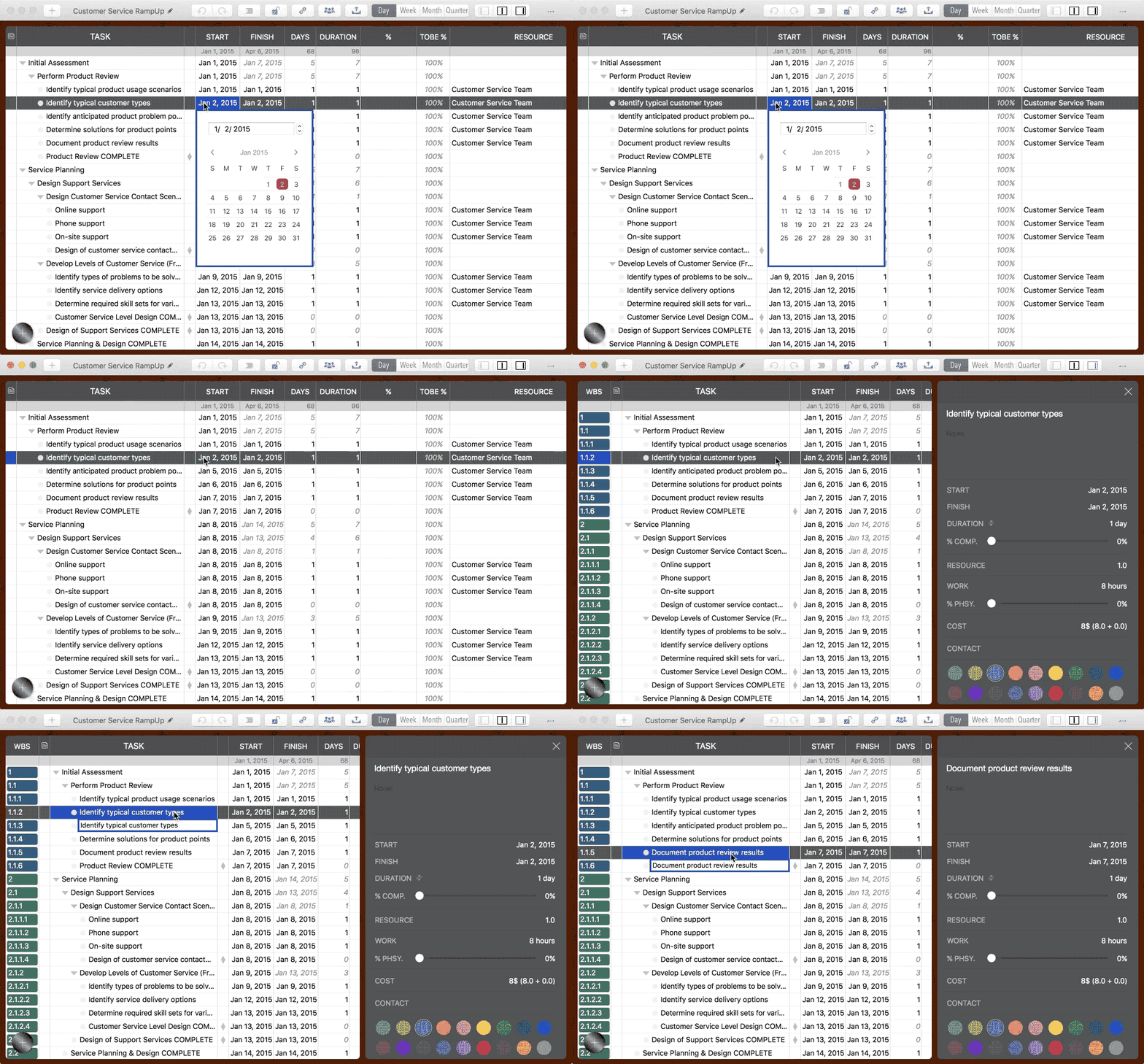
-
⌘⌥ ("Command" + "Option") + Arrow Keys to move to an adjacent cell while remaining in edit mode.
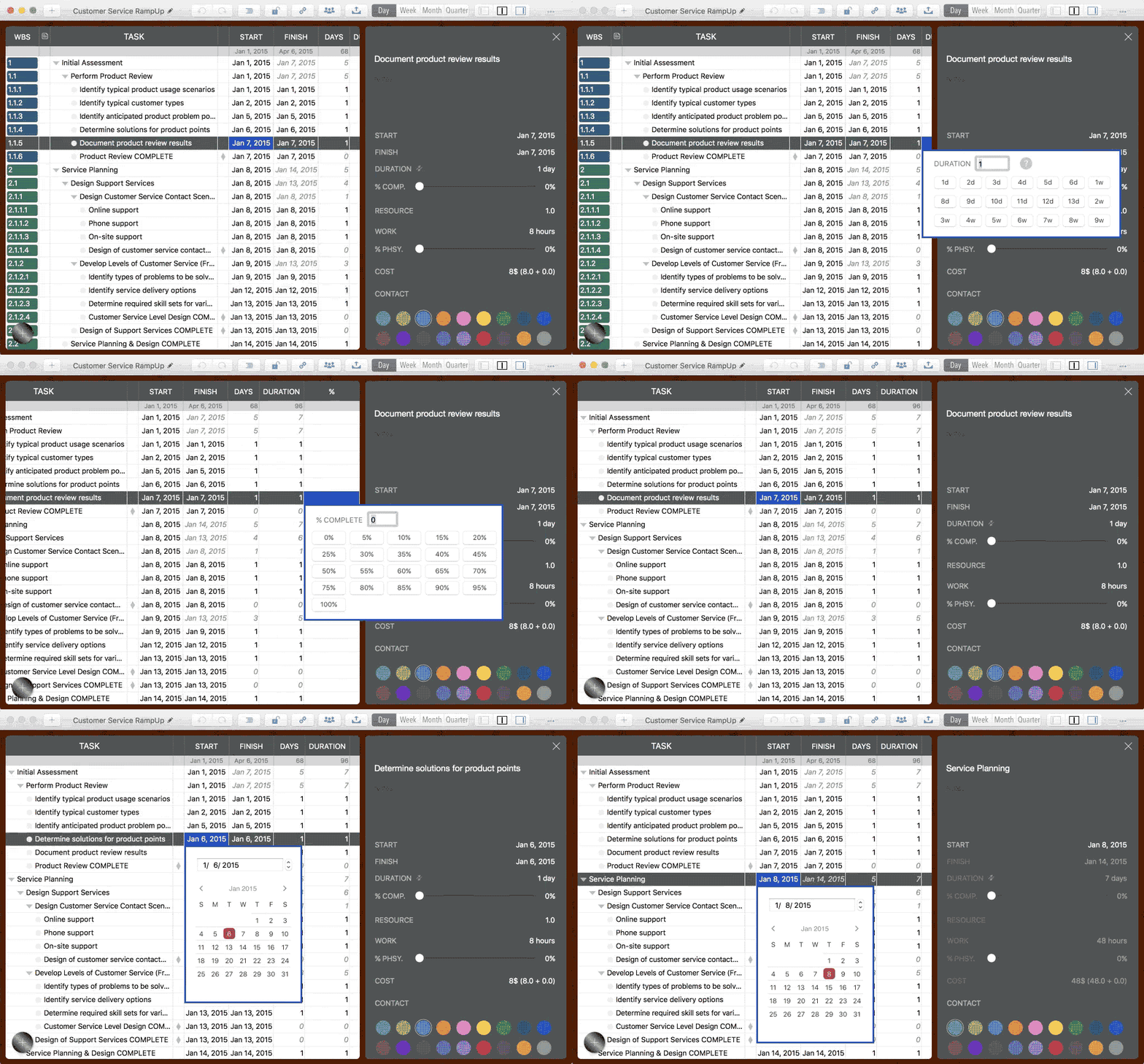
- Task column titles and visibility are customizable—Double-click or right-click a column header.
-
Copy/Paste task cell: ⌘C to Copy; ⌘V to Paste.
( Note: These shortcuts apply to CELL operations. To Copy/Paste WHOLE TASKS, use ⇧⌘C and ⇧⌘V.)
Project Operations
Project Properties
Task Maintenance
- Task Structure
- Task Fields
- Create Task
- Insert Task
- Remove Task
- Indent and Outdent
- Copy / Paste Task
- Repeat Task
- Split Task
- Maintain Properties on Gantt
- Maintain Properties on Outline
- Property Updating Panel
- Task Link Maintenance
- Task URL Maintenance
- Date, Work and Costs Baseline
- Critical Path
- Seach & Replace
Efficent Maintenance
Task Display
Customizations
Alarm
Synchronization
Team Collaboration
Partical Exporting