
QuickPlan provides robust customization options to tailor the user interface to your business needs, covering the outline, chart, timeline display, and functions.
We strongly recommend exploring all options to understand how customizations can benefit your project.

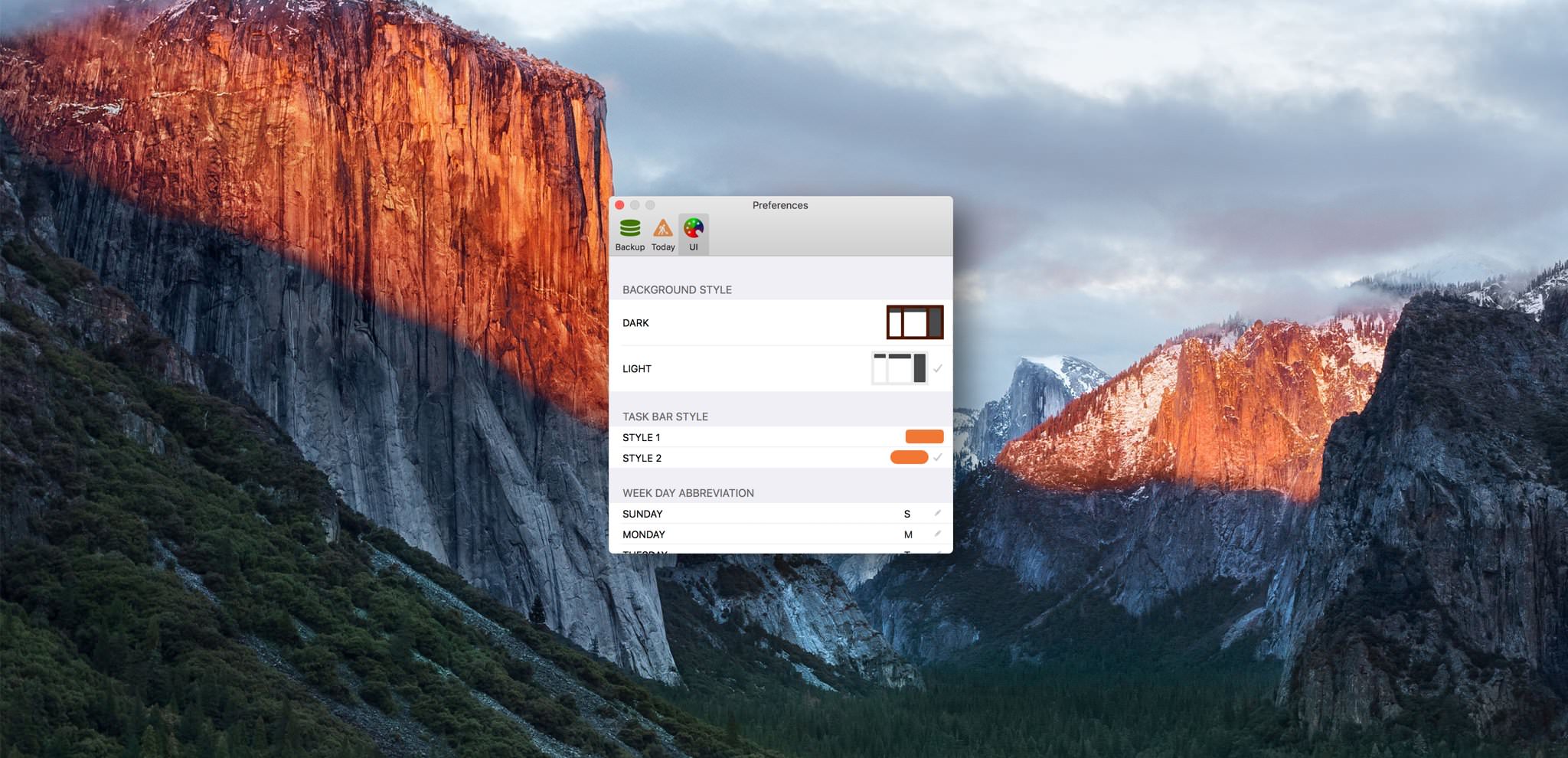
[version 1.3 update] Project Window Background Option - Dark and Light Styles
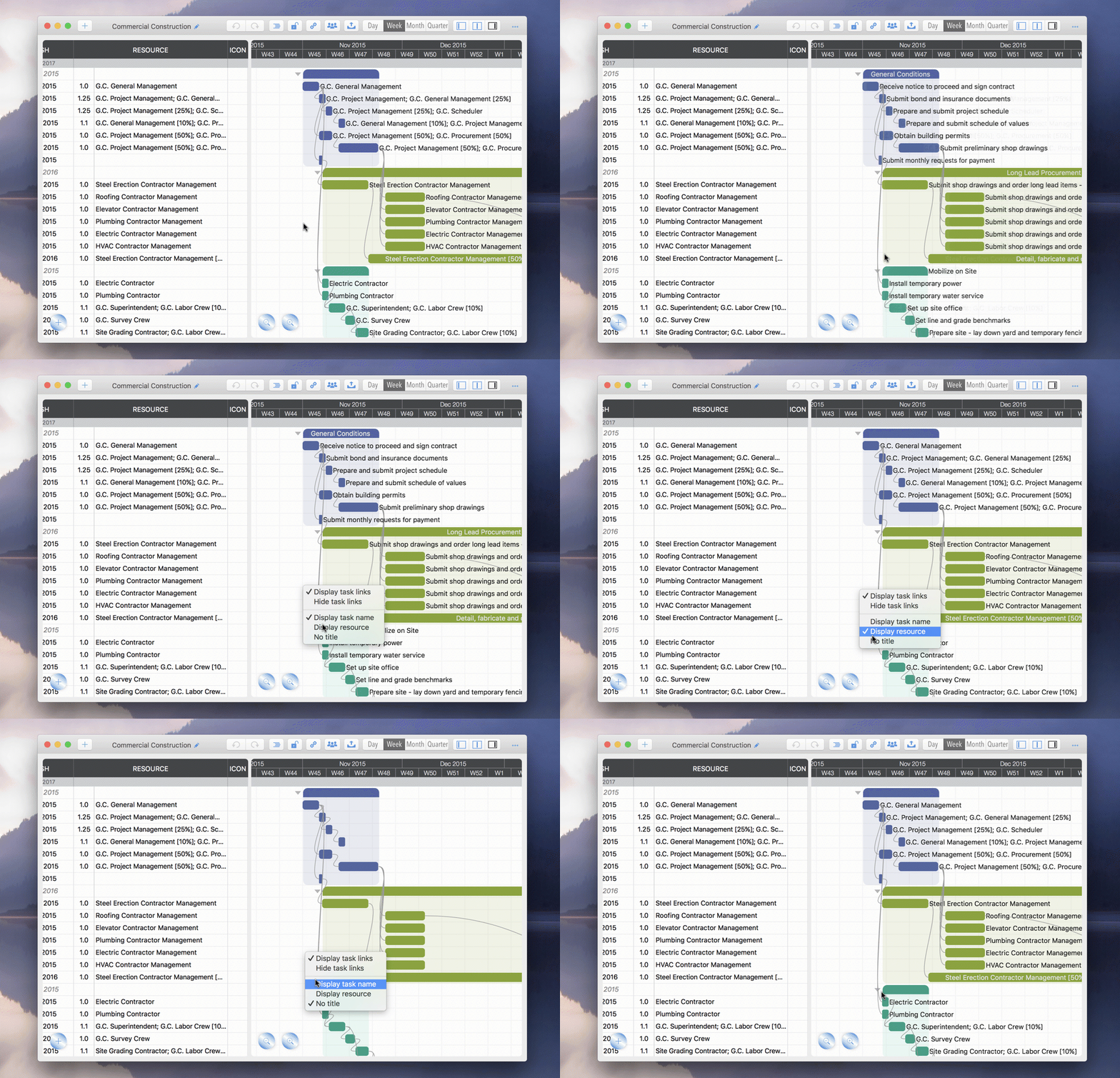
[version 2.0 update] Taskbar title option to specify content, including "Task Name", "Resource", and "None".
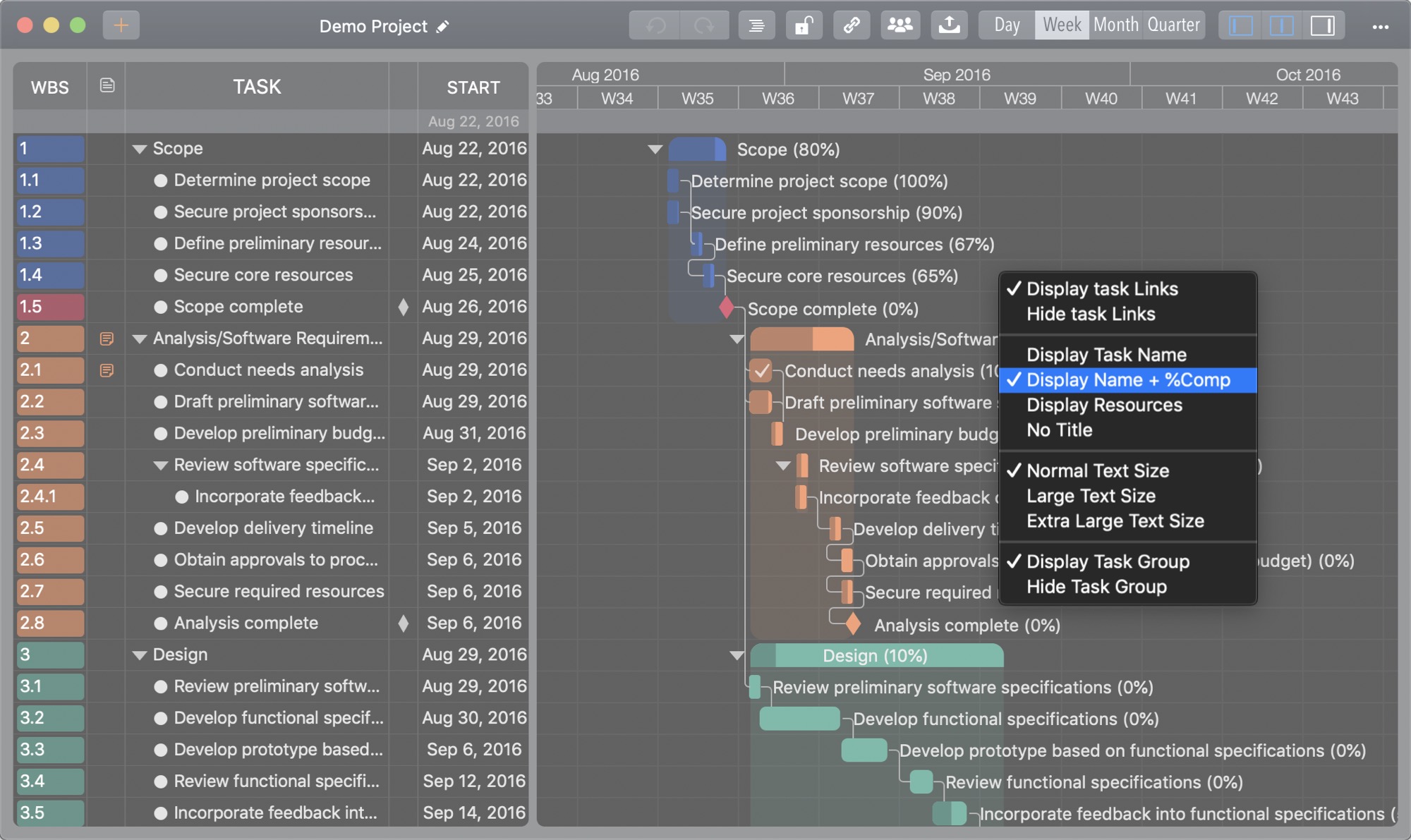
[version 3.1 update] A new taskbar title option displays the name and completion rate together.
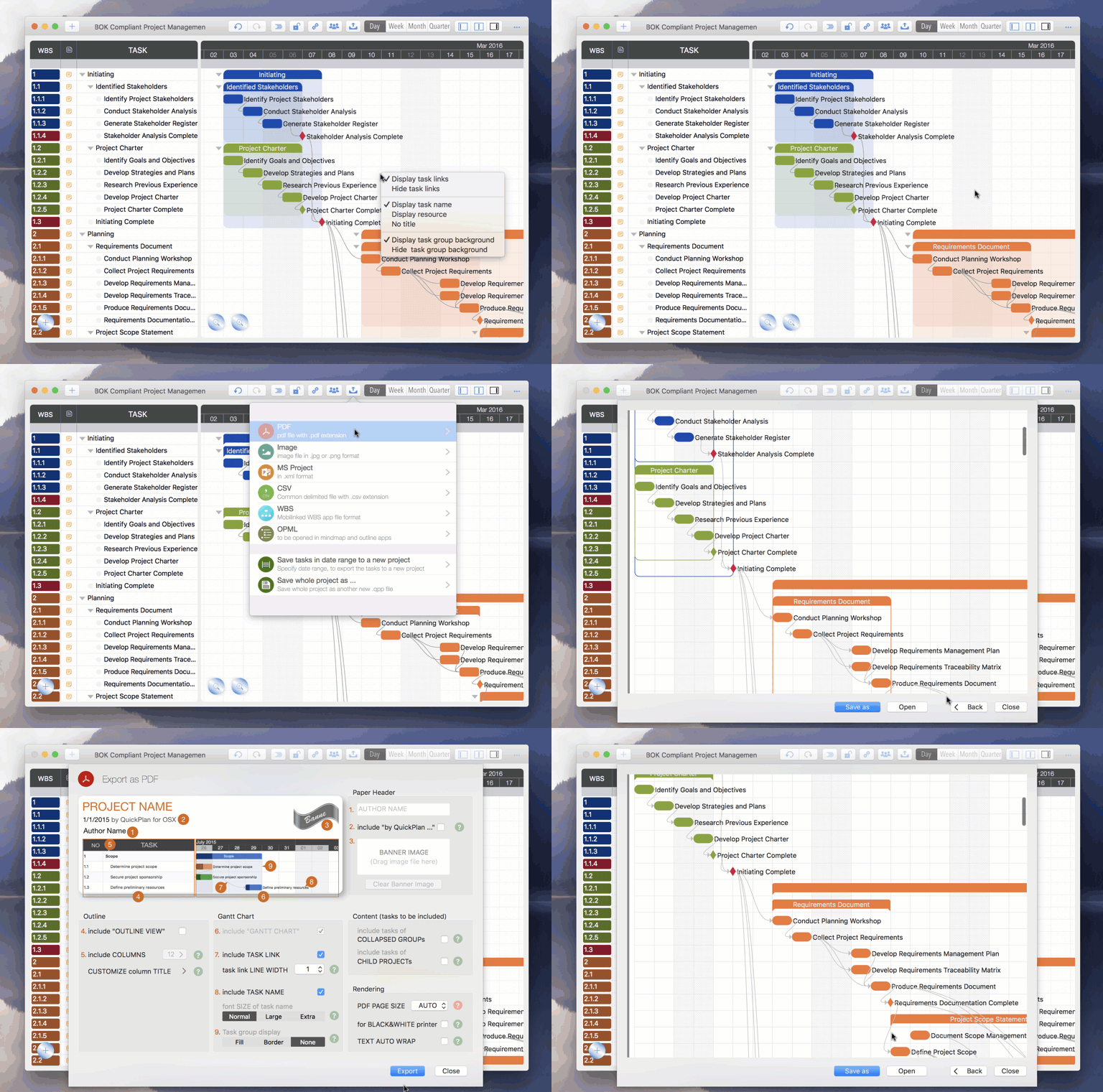
[version 2.0 update] Task group display styles: choose between showing the task group's background color (unique to QuickPlan) or the traditional style found in other Gantt apps.
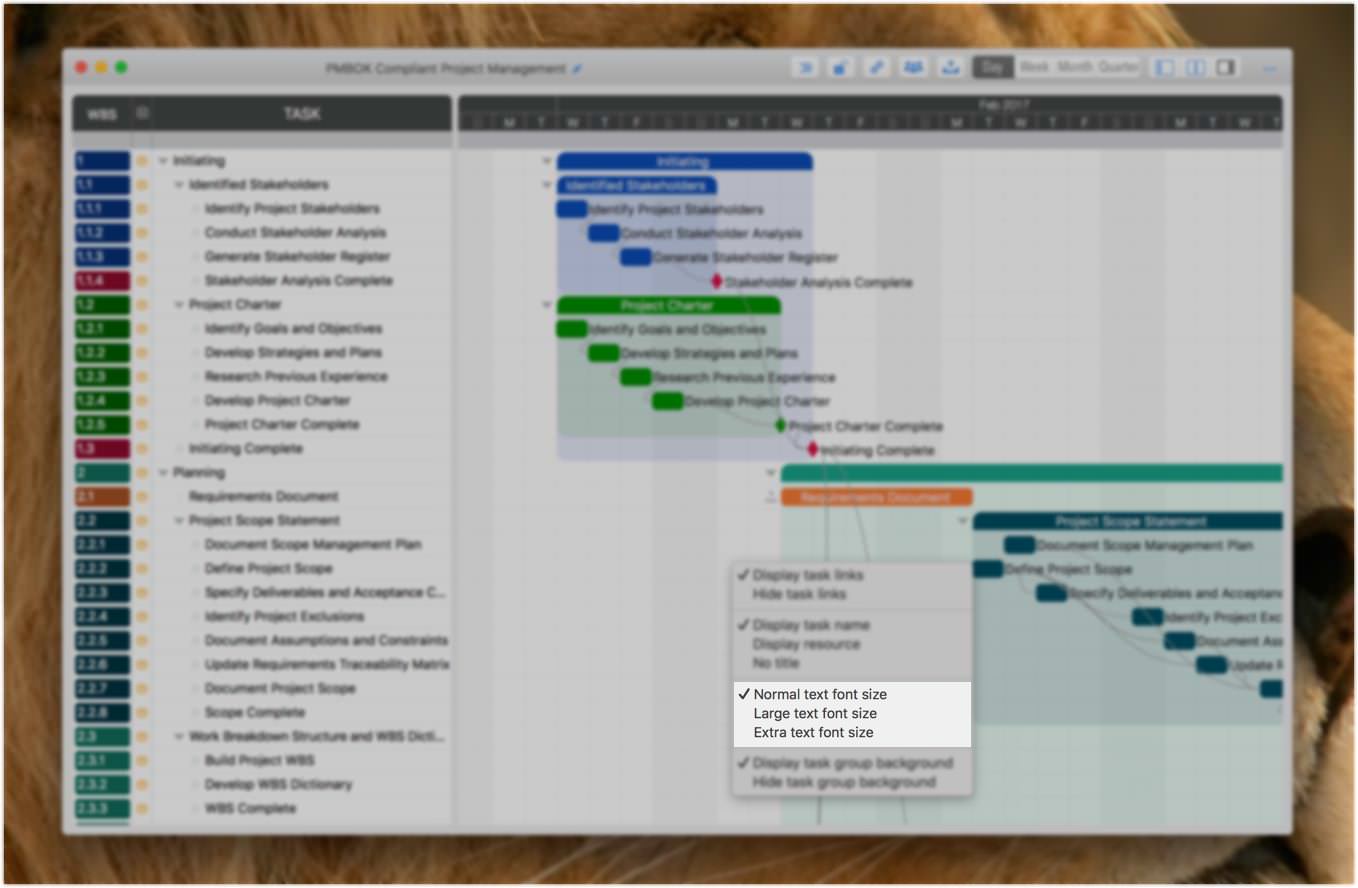
[version 2.1 update] Option to change the Gantt Chart font size. This affects only the user interface (PDF export font size is configured separately).
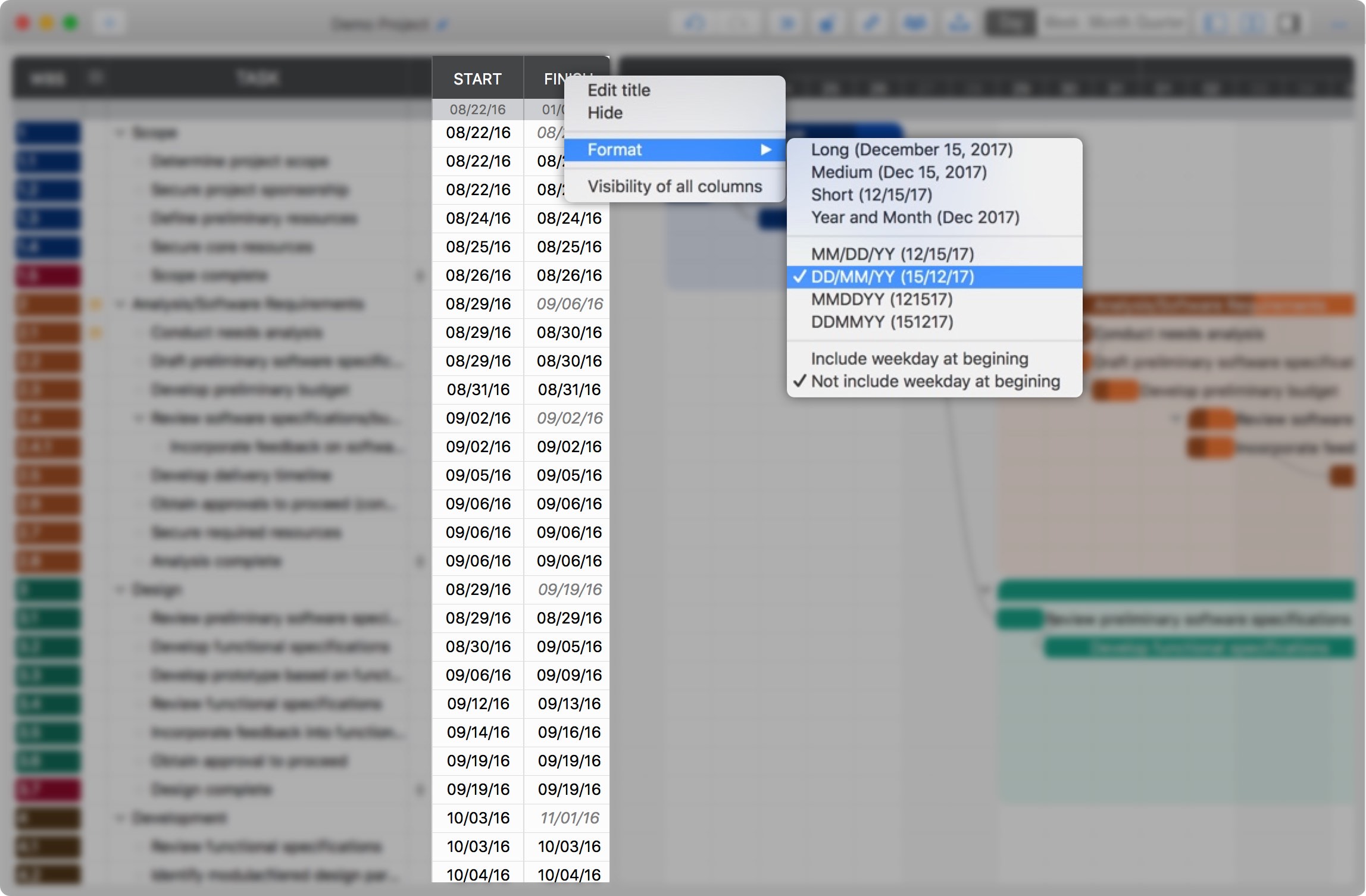
[version 2.6 update] Additional date display formats.
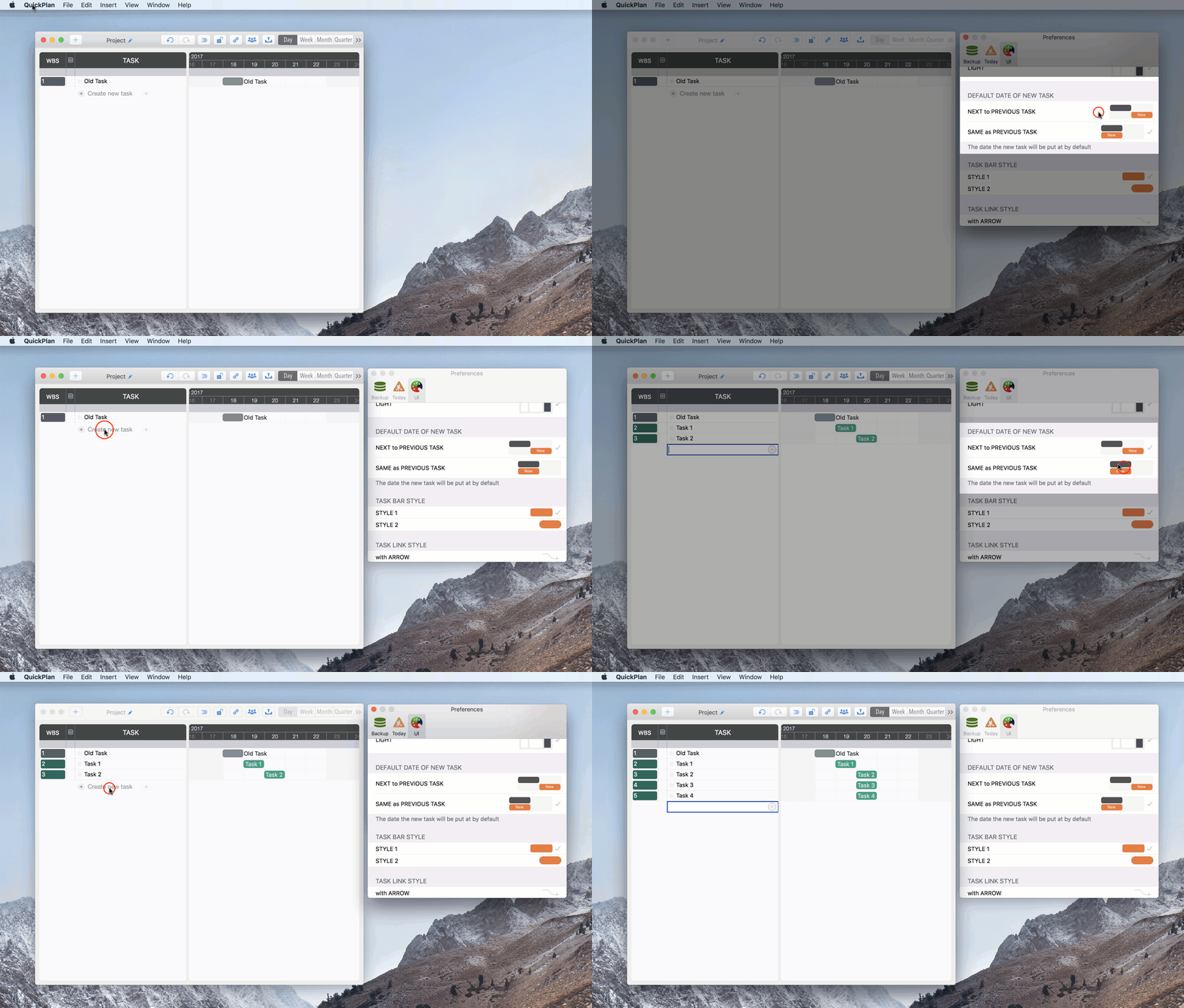
[version 2.6] Default date for new tasks: By default, new tasks are positioned after the previous task. A new App Preference option allows you to keep the new task's date the same as the previous one.
Project Operations
Project Properties
Task Maintenance
- Task Structure
- Task Fields
- Create Task
- Insert Task
- Remove Task
- Indent and Outdent
- Copy / Paste Task
- Repeat Task
- Split Task
- Maintain Properties on Gantt
- Maintain Properties on Outline
- Property Updating Panel
- Task Link Maintenance
- Task URL Maintenance
- Date, Work and Costs Baseline
- Critical Path
- Seach & Replace
Efficent Maintenance
Task Display
Customizations
- General UI Customizations
- Task Fields in List
Alarm
Synchronization
Team Collaboration
Partical Exporting