Focus on Improving Project Maintenance EFFICIENCY
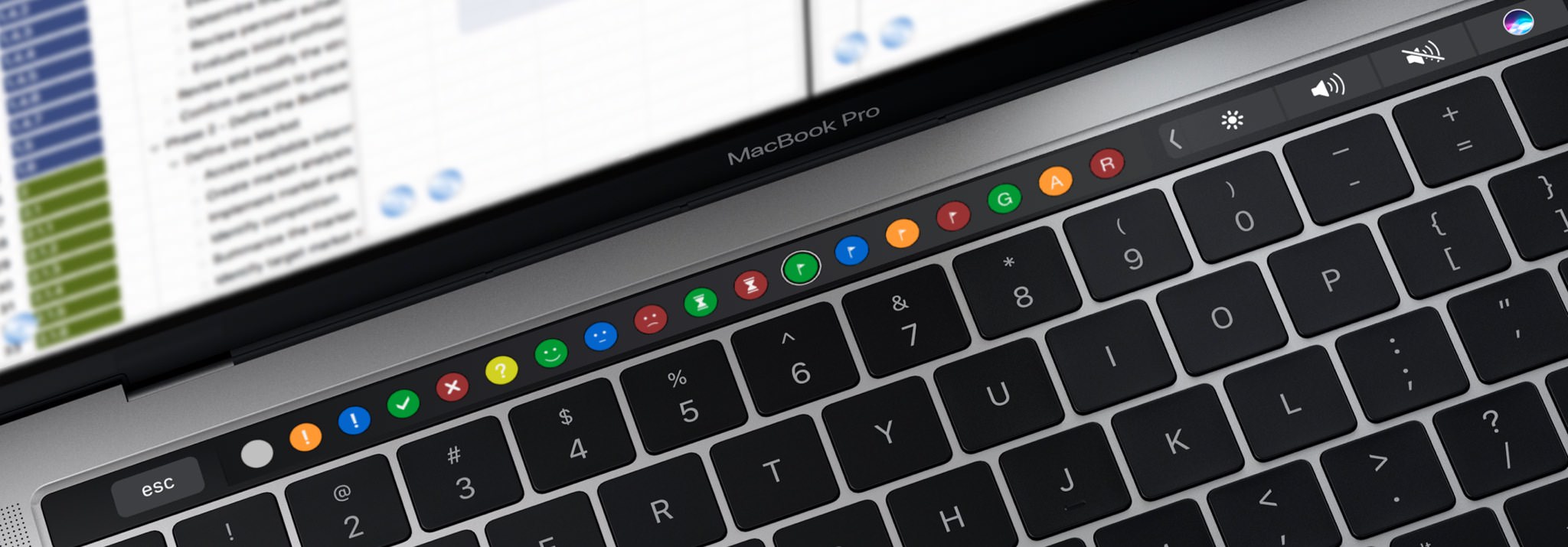
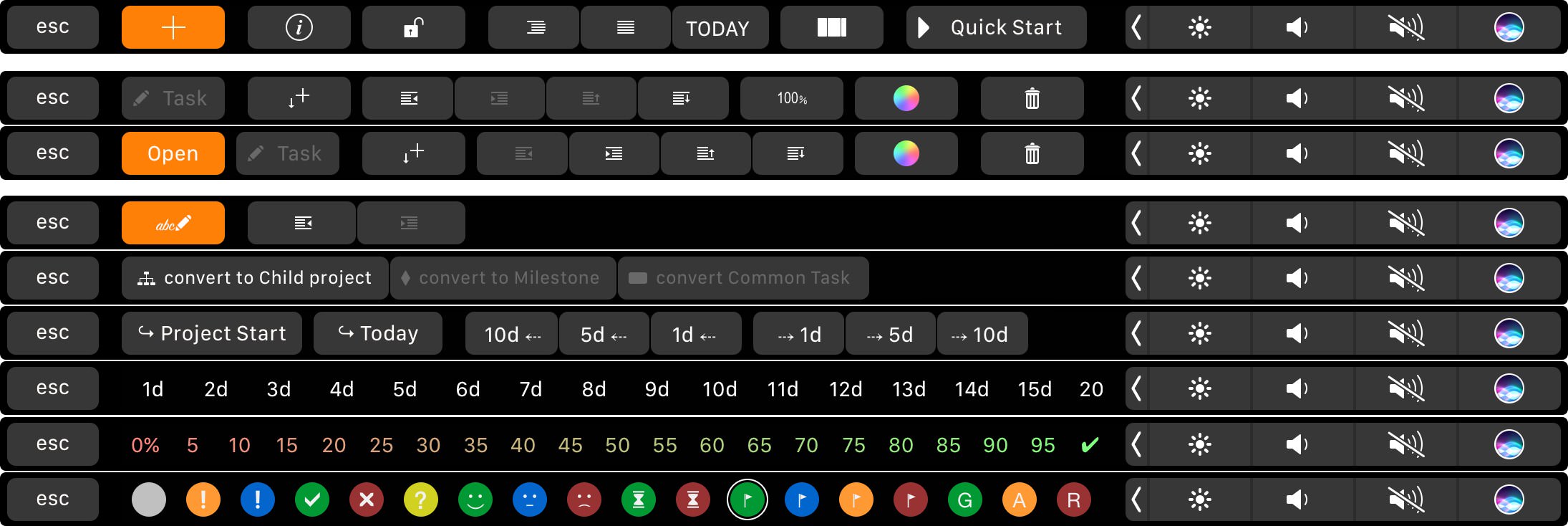
Use the MacBook Pro Touch Bar to improve maintenance efficiency. Tap context-sensitive items to replace slower typing operations.
-
QuickPlan's Touch Bar items are not simple clones of the toolbar and menus. They are a NEW design for productivity, offering buttons for frequent operations to replace typing.
(For example, selecting a task start cell in the outline panel displays buttons like "+ 1d", "+ 5d", etc., allowing for much faster date changes than manual input).
- The Touch Bar is an extension of the keyboard. QuickPlan uses it to streamline work, not just for aesthetics (though it looks great).
Project Operations
Project Properties
Task Maintenance
- Task Structure
- Task Fields
- Create Task
- Insert Task
- Remove Task
- Indent and Outdent
- Copy / Paste Task
- Repeat Task
- Split Task
- Maintain Properties on Gantt
- Maintain Properties on Outline
- Property Updating Panel
- Task Link Maintenance
- Task URL Maintenance
- Date, Work and Costs Baseline
- Critical Path
- Seach & Replace
Efficent Maintenance
- Gestures & Keyboard Shortcuts
- Touch Bar Access
- Touch Pad & Force Touch
Task Display
Customizations
Alarm
Synchronization
Team Collaboration
Partical Exporting