
A project is a file with the "QPP" extension. QuickPlan adheres to the highest privacy standards by avoiding server-based storage. We (Swift Apps) do not store user-generated project files on our servers. Projects are stored directly on your device or your personal cloud storage at your discretion.
In this document, sharing a project means copying a project file (.qpp) from QuickPlan on one device to QuickPlan on another. The files remain separate on each device. If you are looking for a different type of sharing, please review the conceptual differences in our documentation.
- Export the project to a .qpp file.
- Transfer the .qpp file to other devices via Email.
- Import into QuickPlan on other devices.
Export the project to a .qpp file
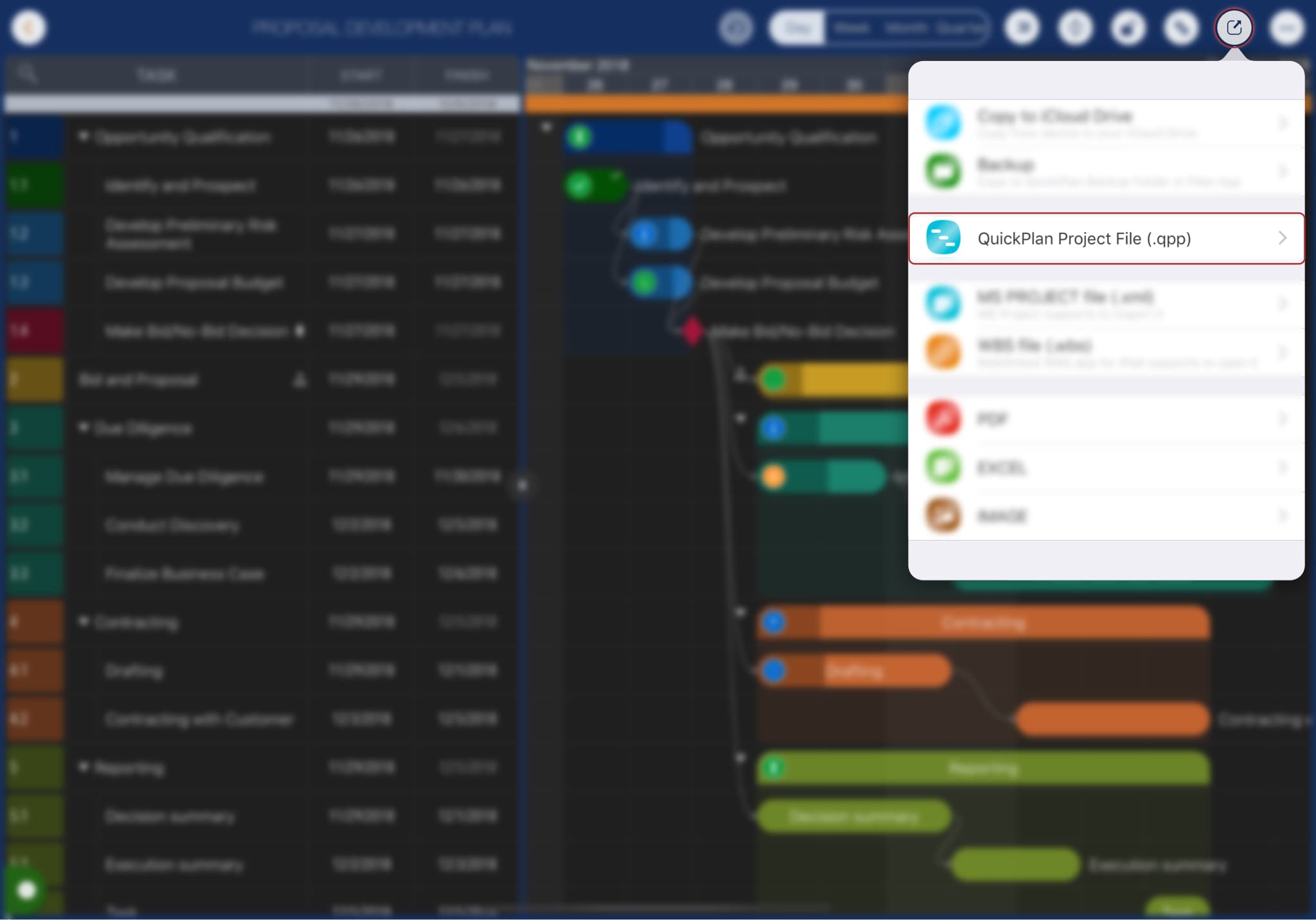
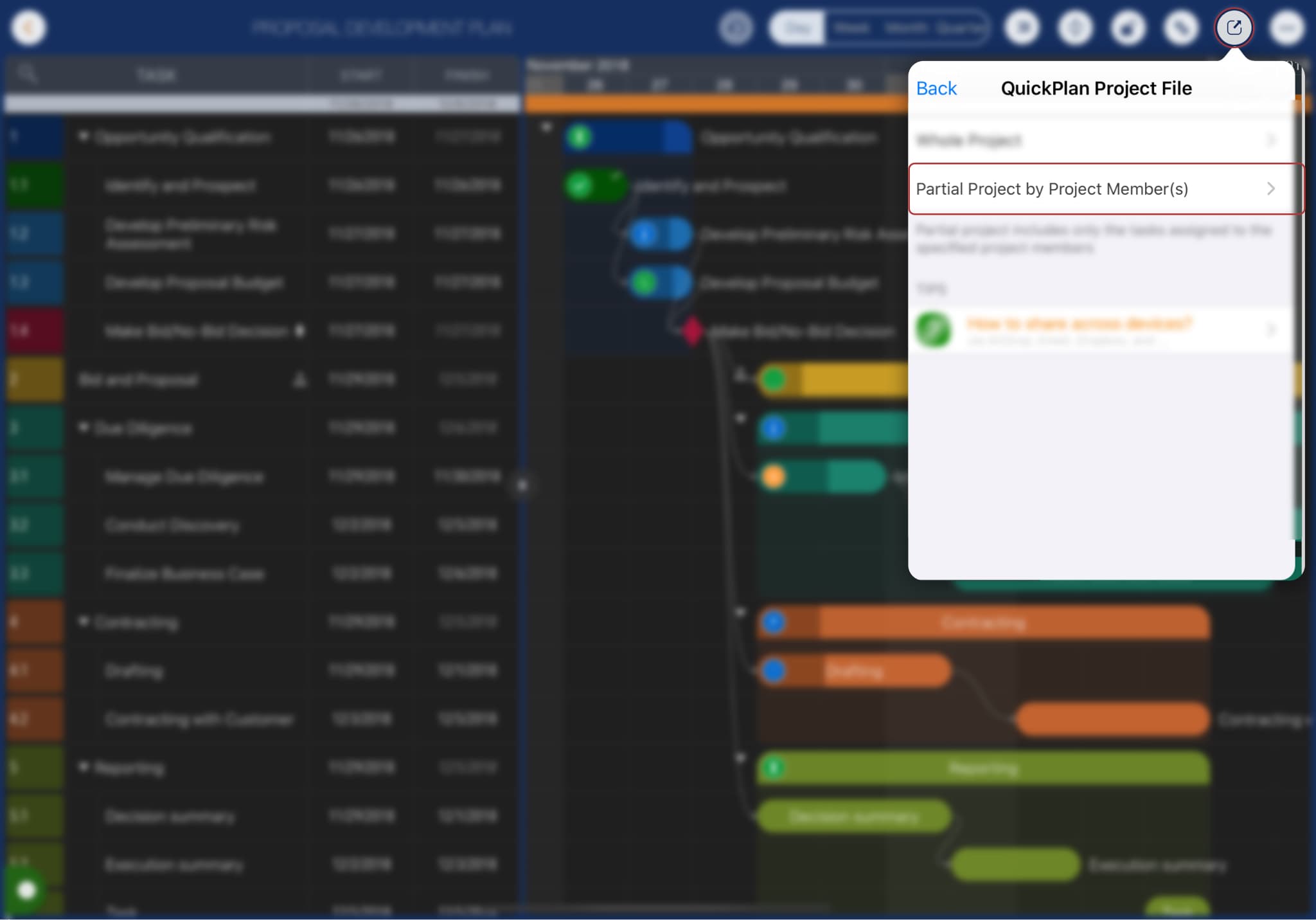
QuickPlan provides the options to export the whole project and part of the project. The partial project includes the tasks with the specific project members assigned, which is a suitable way to work with your team members.
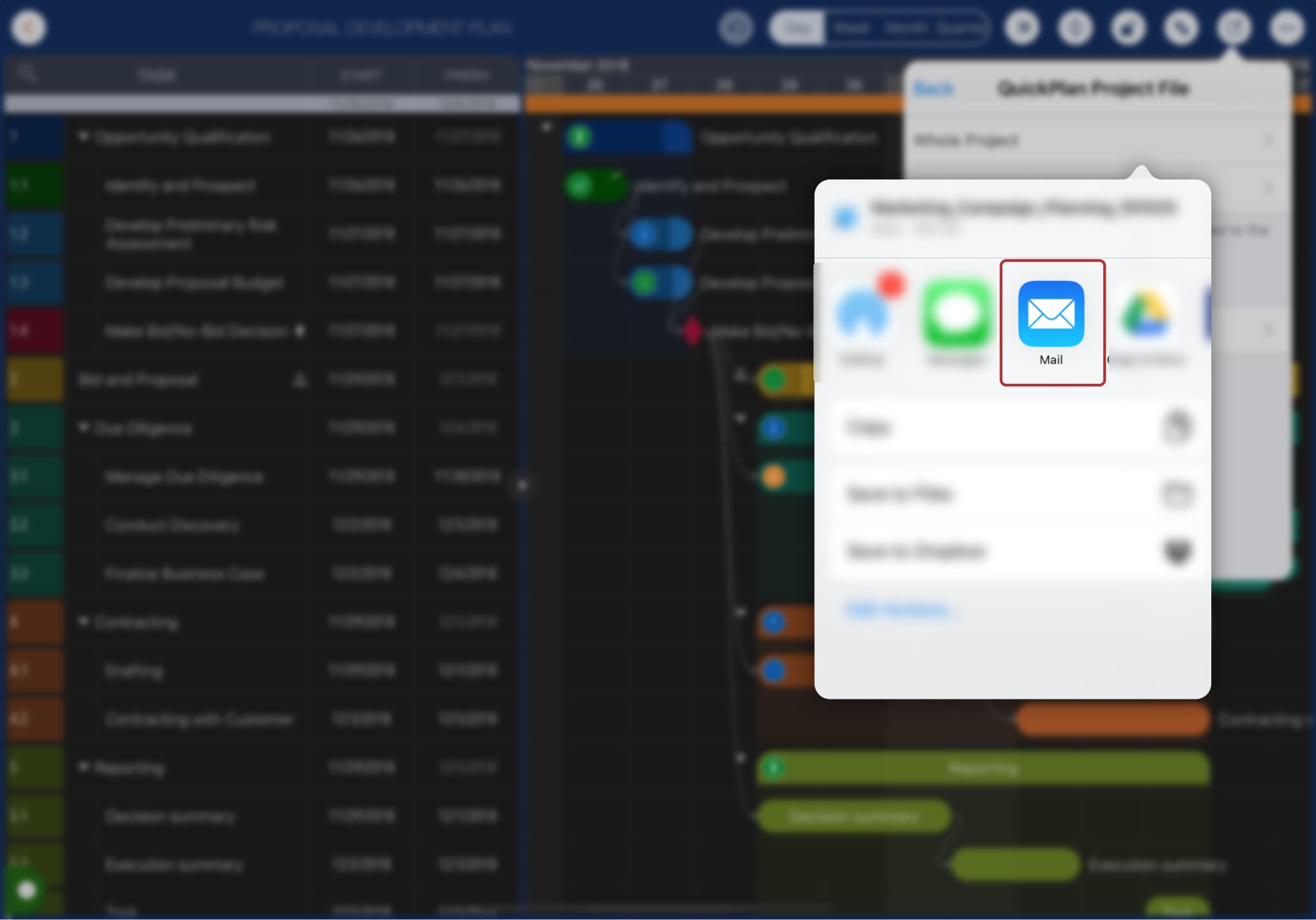
Transfer to other devices
After generating the .qpp file, the system document interaction panel appears. Tap "Email" to attach the project file to an email.
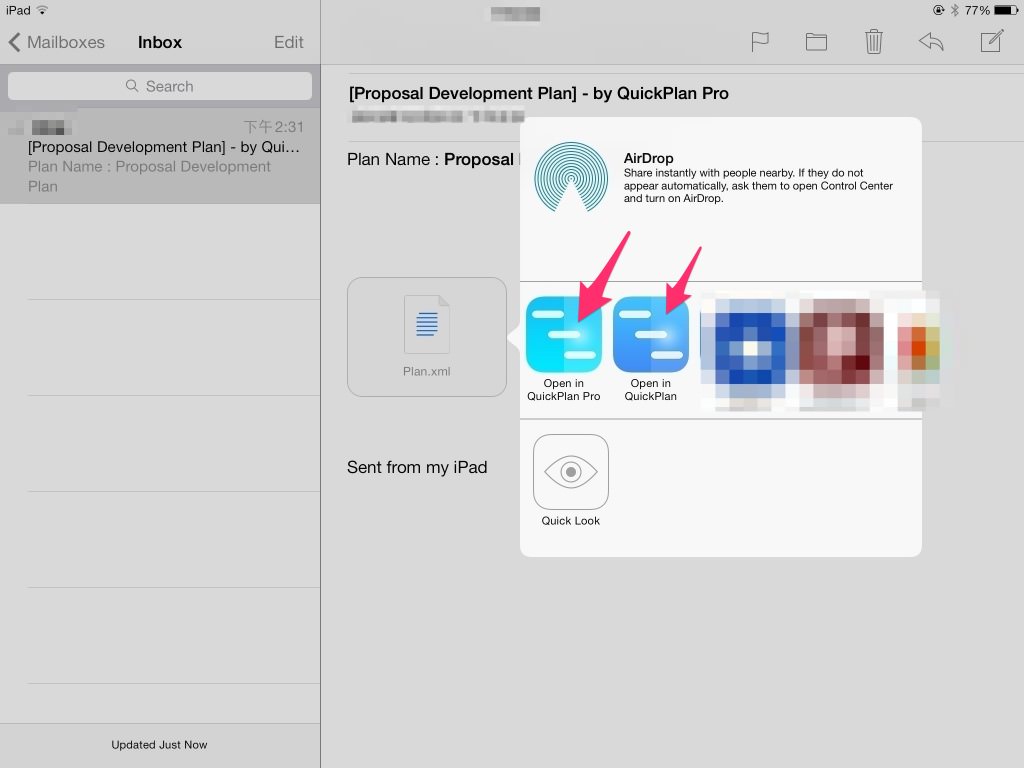
Import into QuickPlan on other devices
On the receiving device, long-press the attached QuickPlan project file to import it into the QuickPlan app.
Projects Maintenance
Project Properties
Task Maintenance
Gestures & Keyboard Shortcuts
Customization
Synchronization
Team Collaboration
Project Sharing
- Sharing Project from iPad
- Import Project on iPad
- Sharing Project from iPhone
- Import Project on iPhone
- Sharing Project via AirDrop
- Sharing Project via Email
- Sharing Project via Dropbox
- Sharing Project via Google Drive
- Sharing Project via OneDrive
- Sharing Project via Box Cloud
- Sharing Project via 3rd Apps
Integrations
Others