
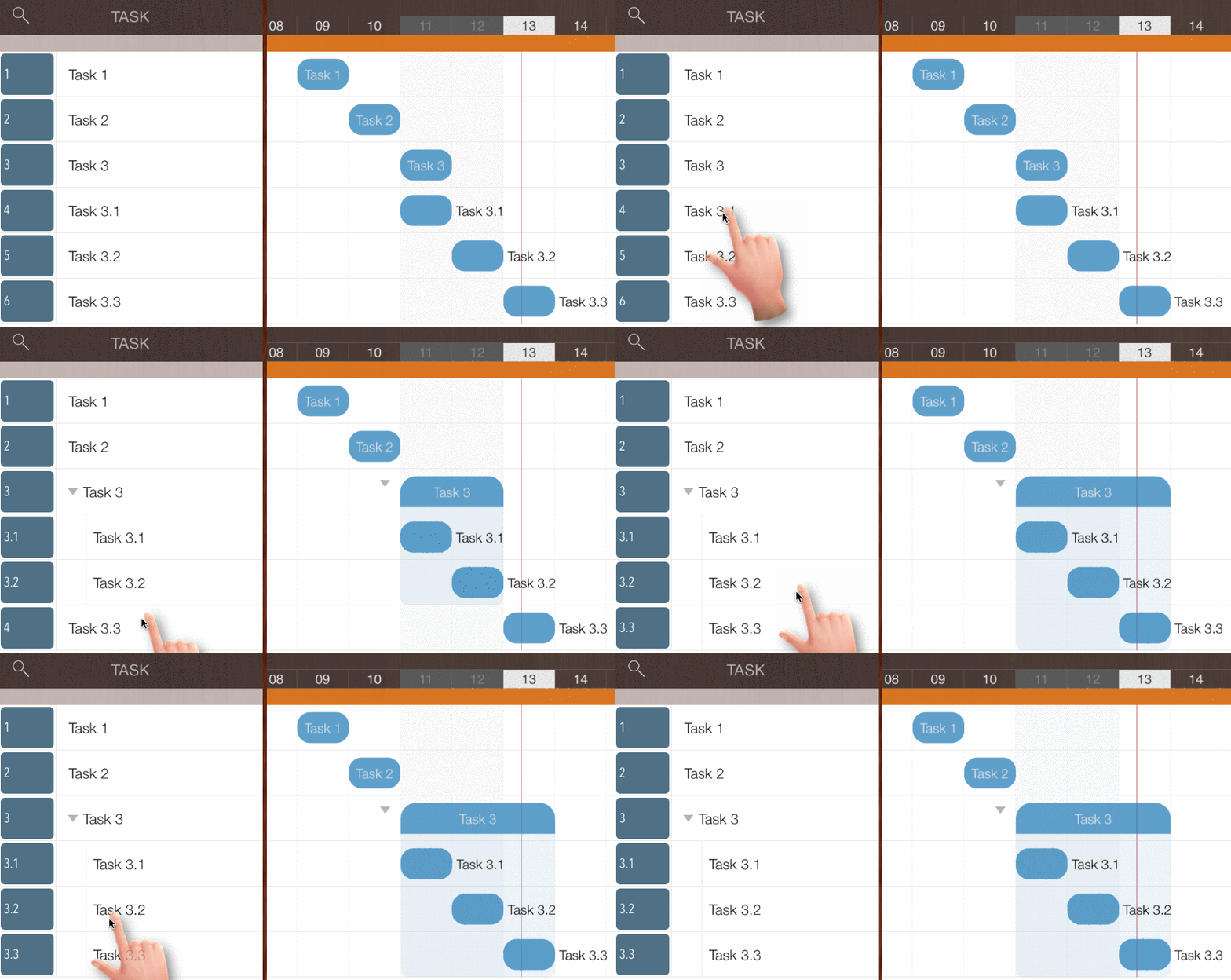
Change Task Outline Level by Gestures
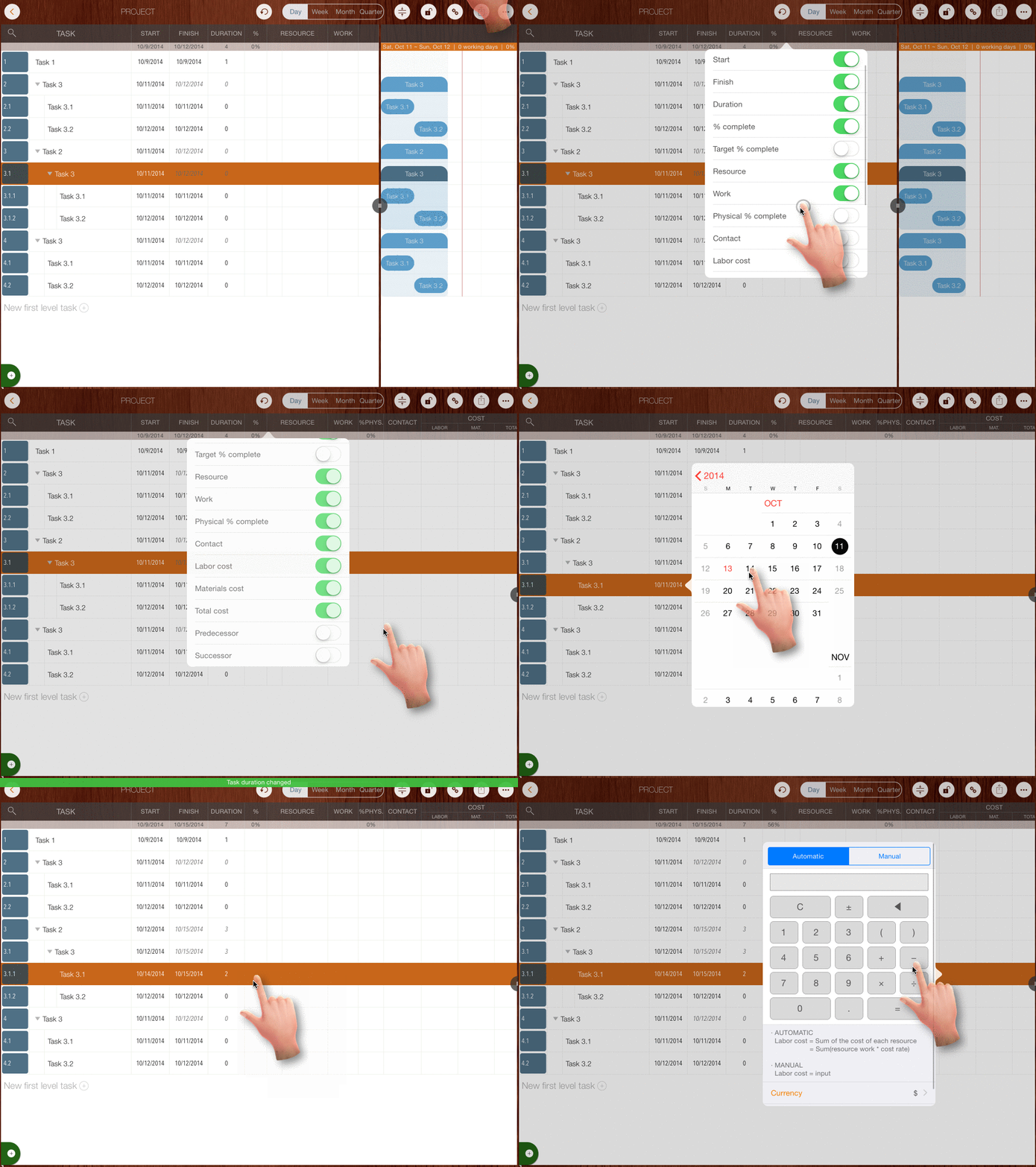
Edit Task Properties
Tap a cell of a selected task to edit the corresponding property directly. (If some columns are not visible, long-press any task column header to customize field visibility.)
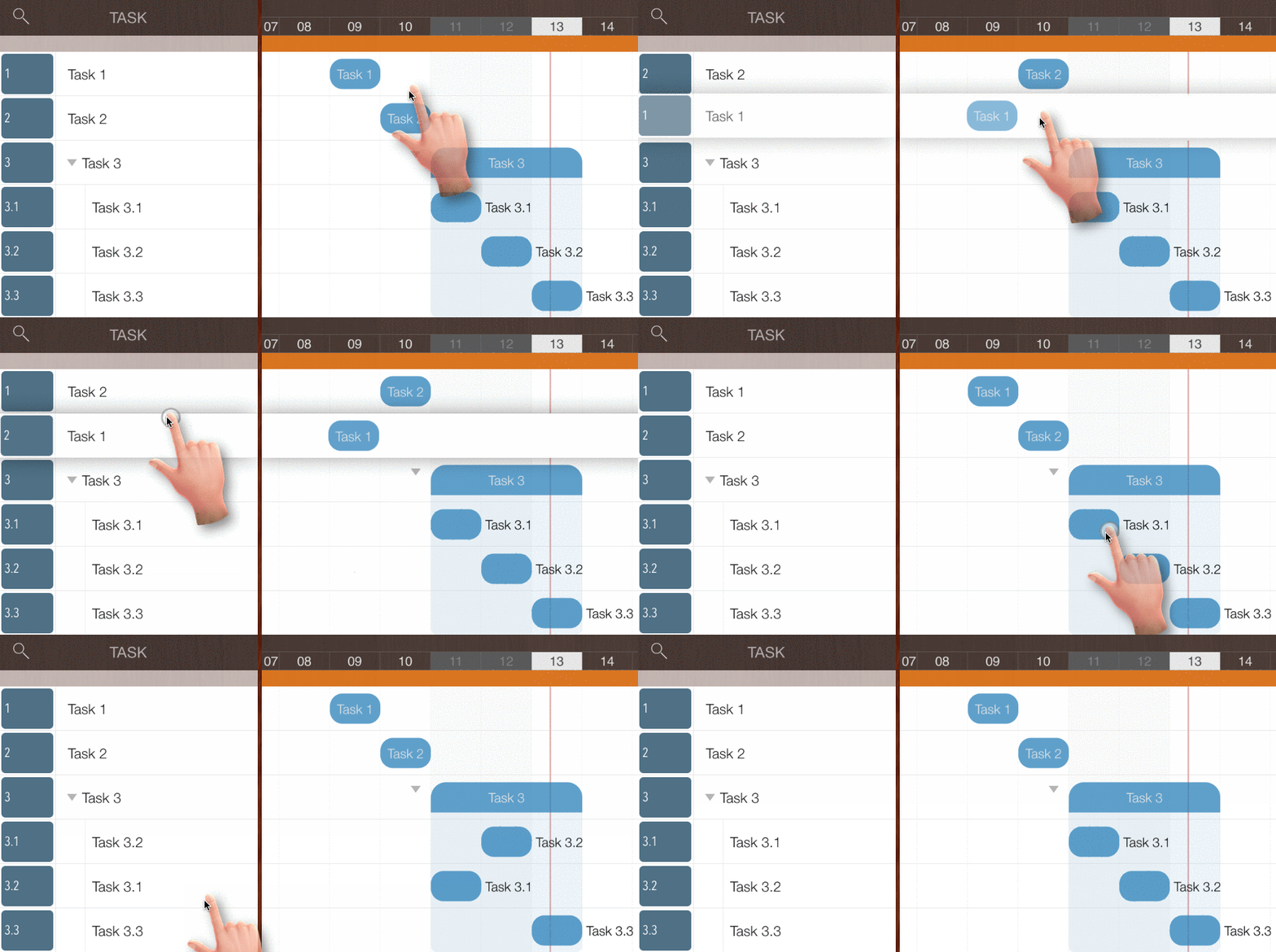
Change Task Sequence by Gestures
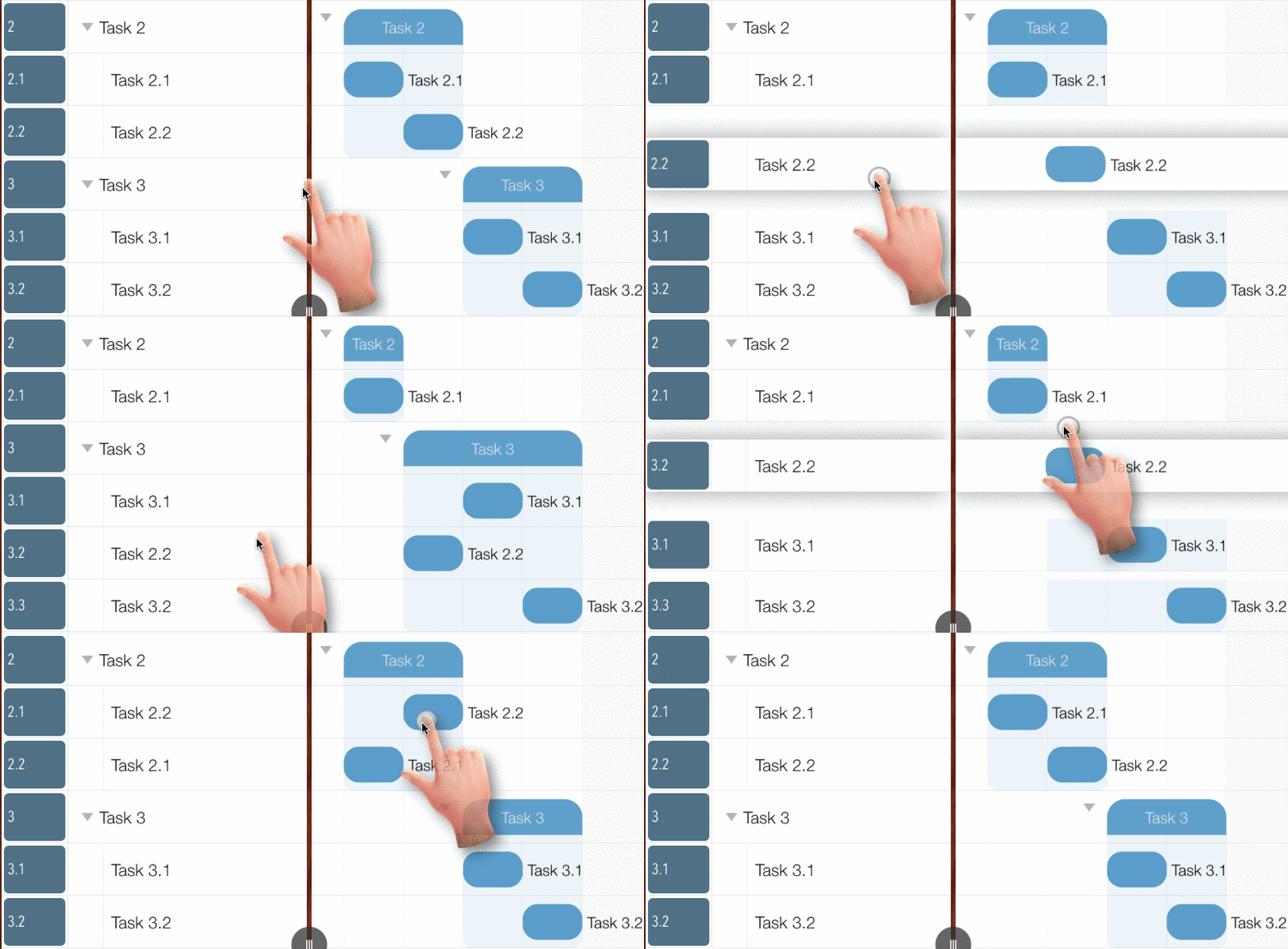
Move Task Between Groups by Gestures
The target outline level must be the same as the source outline level.
Maintain Task in Updating Panel
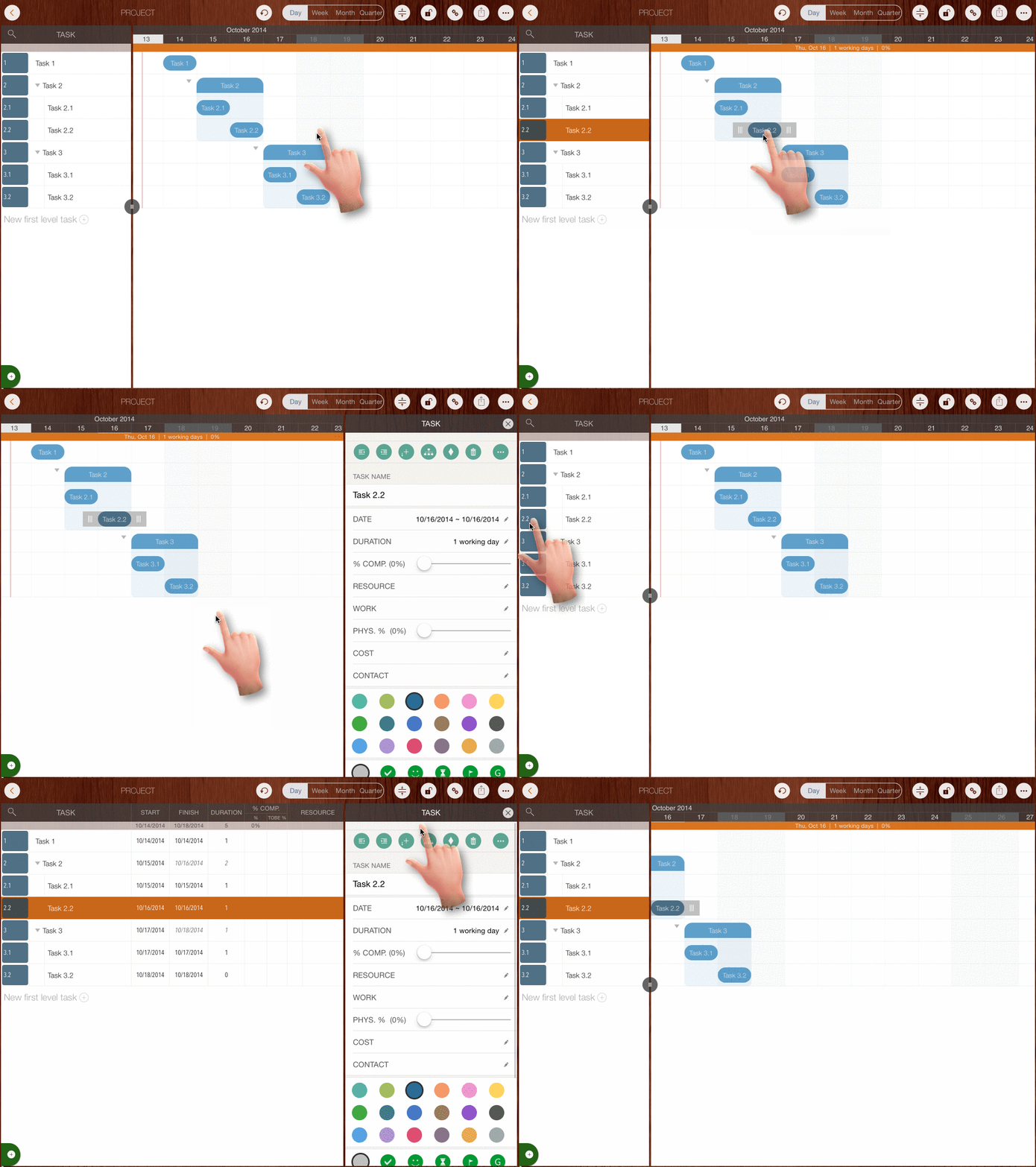
The Updating Panel is the main interface for editing task properties. To open it, double-tap a task bar in the Gantt Chart view or the Task No. column in the Outline View.
Projects Maintenance
Project Properties
Task Maintenance
Gestures & Keyboard Shortcuts
Customization
Synchronization
Team Collaboration
Project Sharing
- Sharing Project from iPad
- Import Project on iPad
- Sharing Project from iPhone
- Import Project on iPhone
- Sharing Project via AirDrop
- Sharing Project via Email
- Sharing Project via Dropbox
- Sharing Project via Google Drive
- Sharing Project via OneDrive
- Sharing Project via Box Cloud
- Sharing Project via 3rd Apps
Integrations
Others